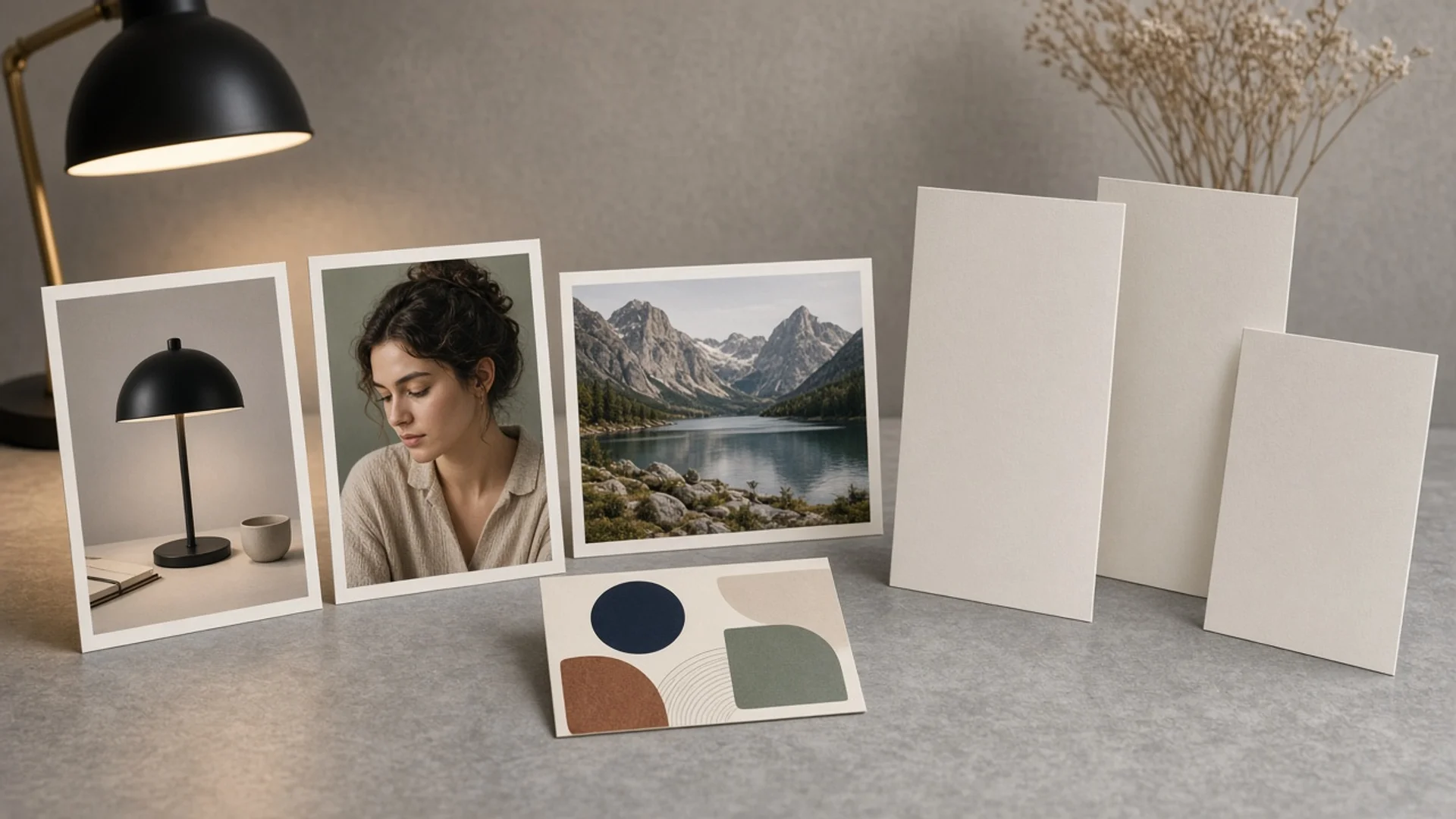
Check the inputs, then copy a prompt for your task.
Find Nano Banana prompts for generation, editing, products, posters and more. Each template explains its purpose, required images and what to adapt. Copy the text, paste it into the workbench, add references where needed and review the result.
Nano Banana prompts are natural-language instructions for an image or edit. These 24 copyable templates distinguish text-only generation, source-image editing and multiple references. They are starting points, not guaranteed outcomes: define inputs and preservation requirements, then refine the result.
Browse the Nano Banana Prompt Library
Filter by task, check inputs and customization notes, then copy the text. These are original examples, not claimed model test results.
No matching templates. Clear the search or change category.
Rainy City Bookshop
Text to Image
Explore a rainy street scene
Inputs
No image required; generate the scene from text.
What to Adapt
Change the shop type, weather and viewpoint.
Create a cinematic street scene featuring a small independent bookstore on a rainy afternoon. Show wet pavement reflecting soft shop-window light, a few pedestrians with umbrellas, and warm light inside the shop. Use realistic street photography, natural reflections, and a balanced wide composition. Show no readable shop signs or additional text.
Create a realistic interior scene of a small botanical greenhouse on a clear morning. Show rows of leafy plants, terracotta pots, a narrow stone walkway, and sunlight filtering through glass panels. Use natural green tones, gentle shadows, detailed plant textures, and a balanced eye-level composition. Do not include people, signs, or text.
Upload one image and identify the clutter to remove.
What to Adapt
Change the clutter description and retain subject-preservation instructions.
Edit the provided image by removing only the distracting clutter in the background. Preserve the main subject, its shape, position, lighting, and important details. Fill the cleared area with a natural continuation of the surrounding environment. Leave everything else unchanged.
Change the target color and retain face and background requirements.
Edit the provided portrait by changing only the subject's jacket from its current color to deep forest green. Preserve the jacket's original fabric texture, folds, stitching, and lighting. Keep the person's face, hair, pose, hands, background, and all other clothing unchanged. Do not add accessories or alter the framing.
No image required; this does not establish a real product.
What to Adapt
Change material, surface and lighting.
Create a premium product photograph of a fictional minimalist desk lamp made from brushed aluminum. Place it on a pale stone desk against a warm neutral background. Use soft side lighting, realistic metallic reflections, precise material detail, and a clean commercial composition. Do not add a logo or text.
No image required; use a product reference for a real item.
What to Adapt
Change the finish and background without inventing benefit claims.
Create a premium studio product photograph of a fictional skincare bottle with a matte ivory ceramic finish and a simple pump dispenser. Place the bottle on a pale limestone surface against a soft beige background. Use diffused side lighting, subtle shadows, realistic ceramic texture, and generous negative space. Keep the bottle as the clear focal point. Do not invent a brand name, logo, label, or product claim.
No image required; the adult subject is fictional.
What to Adapt
Change clothing, lighting and expression.
Create a natural portrait of a fictional adult sitting beside a large window in a quiet studio. Use soft daylight from one side, realistic skin texture, a relaxed expression, understated clothing, and a softly blurred background. Keep the framing at head-and-shoulders level and avoid excessive retouching.
No image required; keep the fictional adult setting.
What to Adapt
Change the architecture, framing and clothing.
Create an editorial portrait of a fictional adult standing in a quiet city courtyard during late afternoon. Use soft natural light, realistic skin texture, a relaxed standing pose, understated contemporary clothing, and a softly blurred architectural background. Frame the subject from the waist up with a balanced composition. Avoid exaggerated facial features, excessive retouching, and added text.
Create a modern lifestyle visual featuring a ceramic coffee cup, an open book, and soft morning sunlight on a wooden table. Use a top-down editorial composition, realistic textures, a calm neutral palette, and clear negative space around the main objects. Do not include text, logos, or platform interface elements.
Create a cheerful lifestyle image for a fictional weekend flower market social media post. Show colorful seasonal flowers arranged in simple paper wraps on a wooden market table. Use natural morning light, a fresh pastel palette, realistic textures, and a vertical-friendly composition with open space near the top for optional text. Do not generate dates, prices, logos, or social platform interface elements.
No image required; the example event is fictional.
What to Adapt
Replace the exact headline and supply real event details separately.
Create a contemporary poster for a fictional creative studio event. Include the exact headline "OPEN STUDIO" as the main text. Use strong editorial typography, geometric supporting elements, clear visual hierarchy, and a restrained modern palette. Do not add dates, addresses, or other event details.
No image required; no real event details are included.
What to Adapt
Change the headline, background and abstract shapes.
Create a contemporary poster concept for a fictional electronic music night. Use the exact headline "MUSIC NIGHT" as the main text. Build the composition around abstract flowing shapes, a dark navy background, vibrant cyan and violet accents, and a clear typographic hierarchy. Leave space below the headline for event details to be added later. Do not invent dates, venues, ticket prices, sponsors, or additional wording.
No image required; confirm wording and order first.
What to Adapt
Replace the four labels and define adjacent connections and direction.
Create a clean four-stage workflow infographic for a fictional product development process. Use the exact labels "DISCOVER", "PLAN", "BUILD", and "IMPROVE" in this order. Connect each stage with clear directional arrows and consistent spacing. Do not add statistics or unsupported factual claims. Review every label for accuracy. Show each label once, connect only adjacent stages and do not loop the final stage back to the start.
No image required; this example is not plant-specific care advice.
What to Adapt
Replace labels with checked wording, without unsupported schedules.
Create a clean three-step visual guide for caring for a fictional indoor plant. Use the exact labels "CHECK SOIL", "WATER", and "OBSERVE" in that order. Present each step in a separate panel with simple botanical illustrations, consistent icons, and clear spacing. Use soft green and cream colors. Do not add specific watering frequencies, quantities, or unsupported plant-care claims. Review the labels and sequence for accuracy.
Change paper layering and palette while retaining the layout.
Transform the provided interior photograph into a refined paper-cut illustration style. Preserve the room layout, furniture placement, window positions, and major color relationships. Use layered paper-like shapes, subtle depth, clean edges, and soft directional light. Do not rearrange the room.
Transform the provided garden photograph into a delicate watercolor illustration. Preserve the original arrangement of pathways, trees, flower beds, and major objects. Use translucent watercolor washes, soft pigment edges, textured paper effects, and gentle natural colors. Keep the overall composition recognizable. Do not add new structures, people, signs, or text.
Upload two images: image 1 controls subject and layout, image 2 palette and light.
What to Adapt
Change the references and mood while retaining their roles.
Use the first reference image to guide the main subject and object placement. Use the second reference image only to guide the color palette and lighting mood. Create a coherent new composition that respects these roles. Do not copy unrelated objects or text from the references.
Upload two images: product first, lighting reference second.
What to Adapt
Change surface and background without copying objects from the lighting image.
Create a clean studio image using two provided reference images for different purposes. Use the first reference to guide the main product's shape, proportions, and material appearance. Use the second reference only to guide the lighting direction, shadow softness, and background mood. Place the product on a simple neutral surface. Preserve the intended product details and do not copy unrelated objects, labels, or logos from either reference.
Change setting and framing while retaining identity requirements.
Image 1 is the subject reference and image 2 is the setting. Place the single person from image 1 into the setting from image 2, preserving facial features, hair and clothing. Match scale, perspective and lighting to the scene. Do not copy people from image 2 or add text or extra people.
Change the background material while retaining product color.
Image 1 defines the product; image 2 supplies only the palette. Preserve the product shape, color and material from image 1 and apply the soft colors from image 2 to the background and surface in a simple studio composition. Copy no objects, text or markings from image 2, and do not recolor the product with the background palette.
Upload one clear reference of an original adult character.
What to Adapt
Change setting and pose and review identity traits individually.
Use the single original adult character in the reference as the identity guide. Preserve facial features, hair, skin tone and clothing, and place the same character by a quiet library window in a waist-up view with soft side light. Change only the setting and pose, not the age. Add no other people or text.
Upload one character image showing the face and coat.
What to Adapt
Change coat style and color while retaining identity and background.
Edit the reference by replacing only the single adult character’s coat with a light gray raincoat. Preserve facial features, hair, skin tone, expression, pose and background. Match the existing light and body position. Add no hat, people or text, and do not redesign the face.
No image required; confirm the exact Chinese characters first.
What to Adapt
Change the exact name and palette and proofread the result.
Create a sign concept outside a fictional cafe. The sign must show only the exact Chinese wording “转角咖啡”, with cream lettering on dark green, clear spacing, a straight-on view and soft daylight. Add no address, price, English wording or other characters.
Change the short title and graphic and check for errors or repeated text.
Create a fictional book-cover concept with only the exact wording “QUIET PATHS”. Use a pale beige background and one simple abstract path. Place the title at the top in dark lettering with clear contrast and ample space. Add no author name, subtitle, logo or other text.
Distinguish new images, source edits and reference control, then check the template purpose.
02
Prepare Inputs and Adapt
Prepare the stated images and adapt subject, setting or exact copy while retaining key constraints.
03
Copy and Open the Workbench
Copy the text, paste it in the workbench and add required references. Copying does not fill fields or upload images automatically.
04
Review and Refine
Review the subject, wording and relationships, then change one issue at a time.
Make the Template Your Own
•Subject and goal: define what to create or which source area to edit.
•Visual direction: add necessary composition, light and style without conflicting requirements.
•Preservation: list identity traits, product details or image areas to retain.
•Reference roles: specify whether each image controls subject, setting or palette.
•Exact copy: specify image wording separately and check errors, values and omissions.
•Focused revisions: fix the most important issue before secondary decoration.
Nano Banana Prompts FAQ
How do I choose a prompt?+
First distinguish text-only generation, editing an existing image and using references. Choose the task and check its inputs and customization notes rather than copying every detail unchanged.
Which templates require images?+
Each card identifies text-only use, one source image or two role-specific references. Editing, style transfer and character consistency need suitable source images. Prepare multi-image references in the stated order.
Does copying open and fill the workbench?+
No. Copying places only the prompt text on your clipboard. Open the workbench, paste and adapt it, then provide any required images.
How can I make a prompt clearer?+
State subject and goal, then composition, light and style, followed by preservation and exclusion requirements. Assign references individual roles and put important constraints first.
Should I use Chinese or English?+
Use the language in which you can express requirements clearly. For text inside images, supply exact wording separately; the prompt language should not change the intended displayed text.
Will the same template work with every model?+
A template can be a starting point, but reference support, editing, settings and results vary. Match it to the task and available workbench options; identical results are not promised.
Are identity, products and text guaranteed to be exact?+
No. References and clear instructions guide the result, but appearance still needs comparison and wording, values and connections need review. Finish precise details in an editor when required.
What if copying fails or no template matches?+
Select and copy the prompt text manually if copying fails. Clear the search or change category if nothing matches, or adapt a nearby task by changing the subject, setting and preservation requirements.