
Product campaign visuals
Use a real product reference and one communication theme to guide the setting, lighting and focal point.
Nano Banana Marketing Images
Turn a campaign brief into a reviewable visual and controlled variations.
Define the audience, product and message before supplying a real product reference and planning copy space. Explore a website banner, seasonal setting or background variation from the same brief while preserving approved product information. Review generated assets; actual campaign performance requires later data.
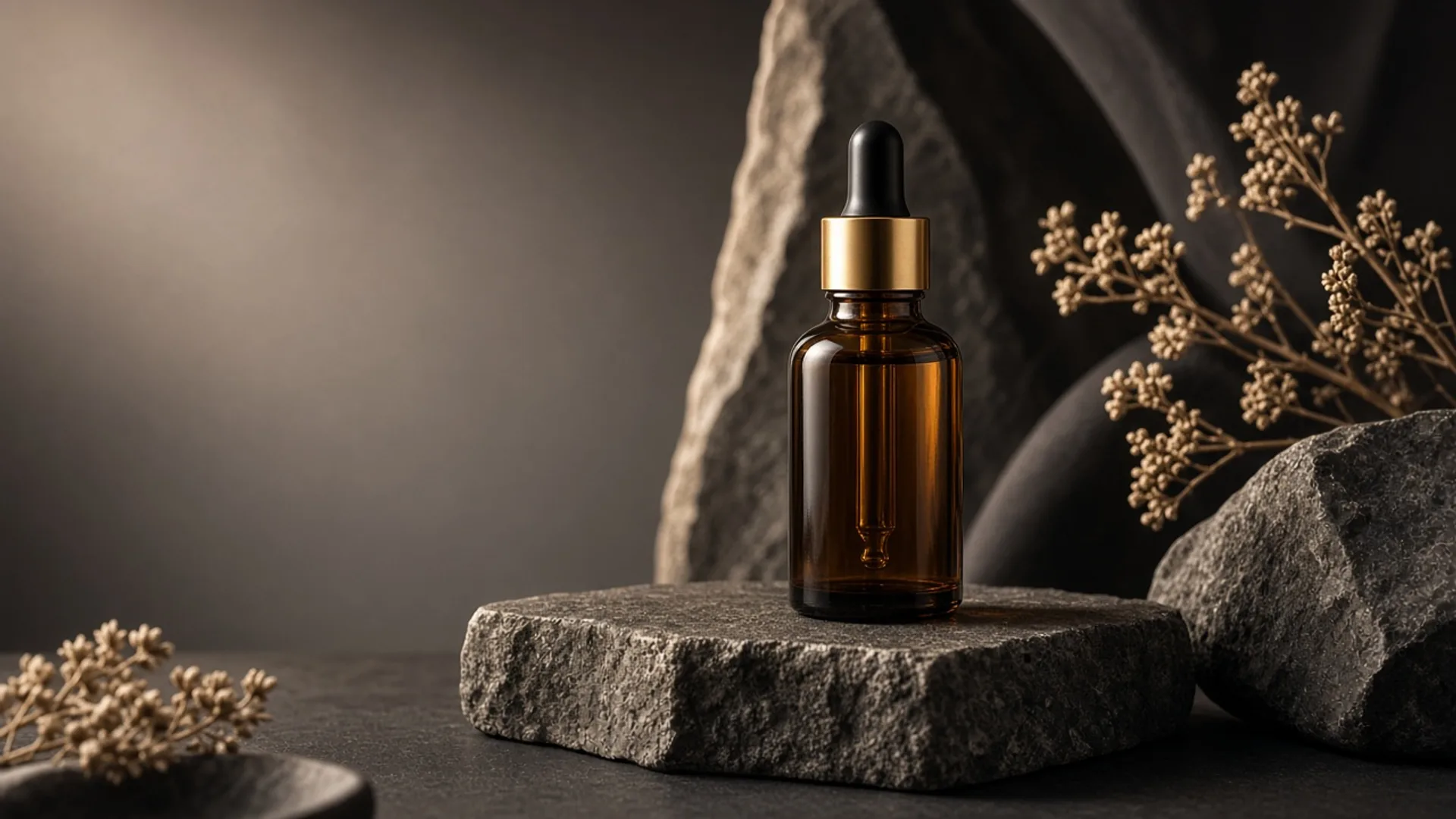
Nano Banana marketing images can help explore campaign visuals, banner backgrounds and creative concepts. Useful inputs include the audience, message, placement, product appearance and wording to preserve. References and clear constraints describe the goal, but outputs still need review. Models and settings are shown in the workbench.
Use a real product reference and one communication theme to guide the setting, lighting and focal point.
Plan the product position and copy area first. Generate a simple background, then add approved wording.
Change the surrounding palette, setting and lighting while preserving the product, without inventing offers or dates.
Keep the brief and other variables fixed. Change one background or composition factor at a time and record differences.
Turn “make an ad image” into an audience, product, central message and placement. The product photography guide covers appearance and staging; the poster guide covers information hierarchy. This page focuses on campaign inputs, copy space and comparable creative changes.
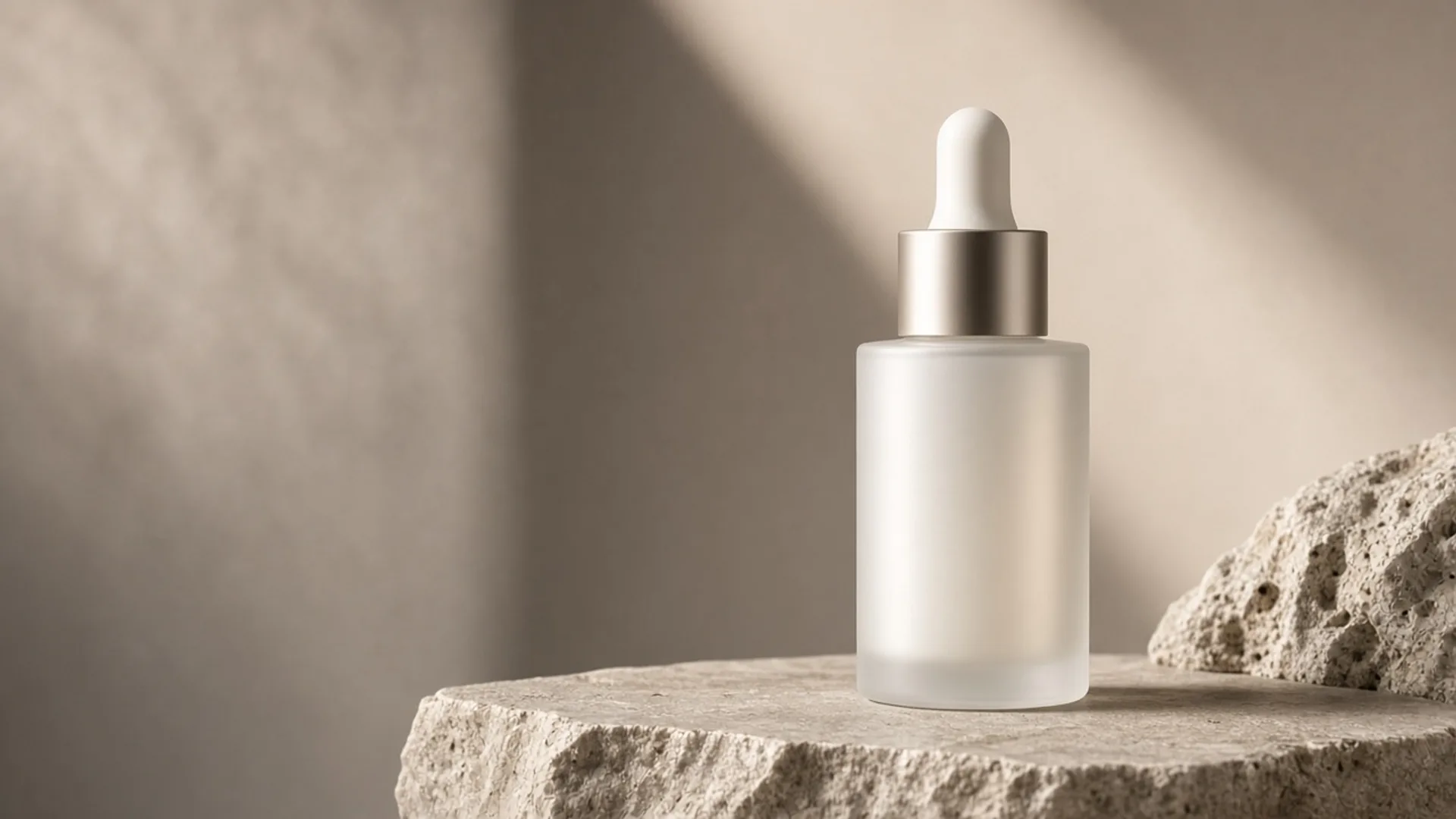
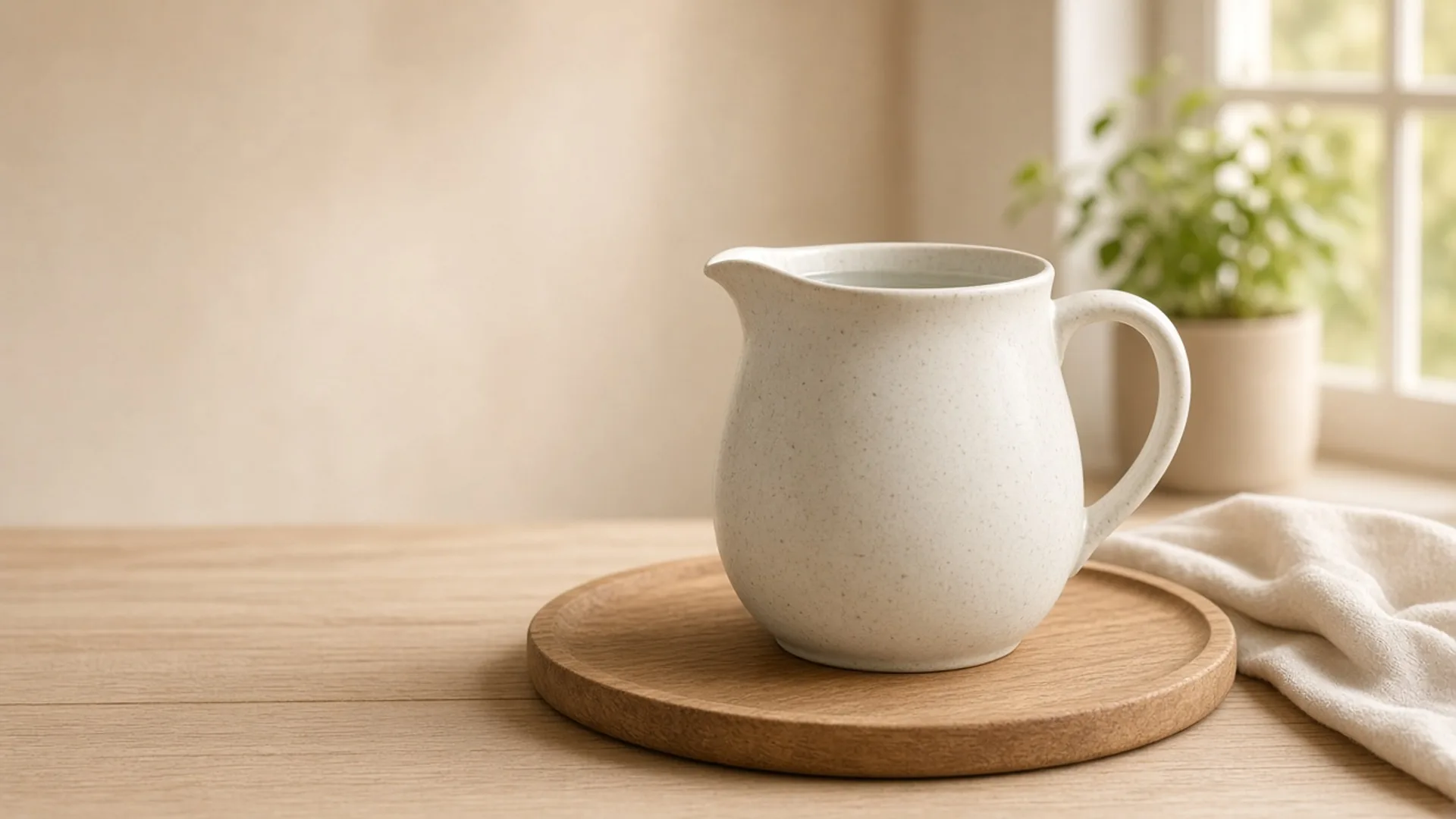
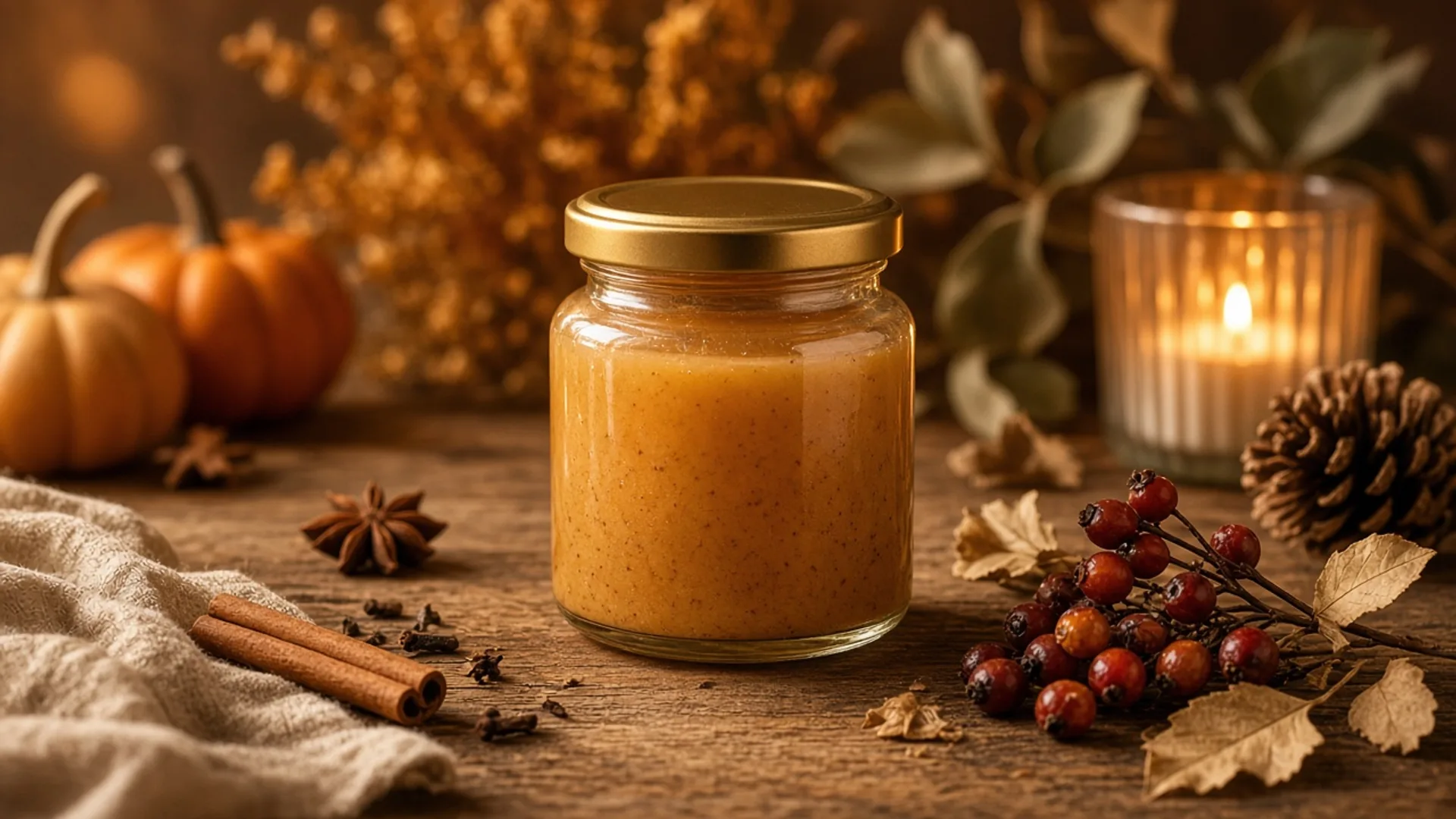
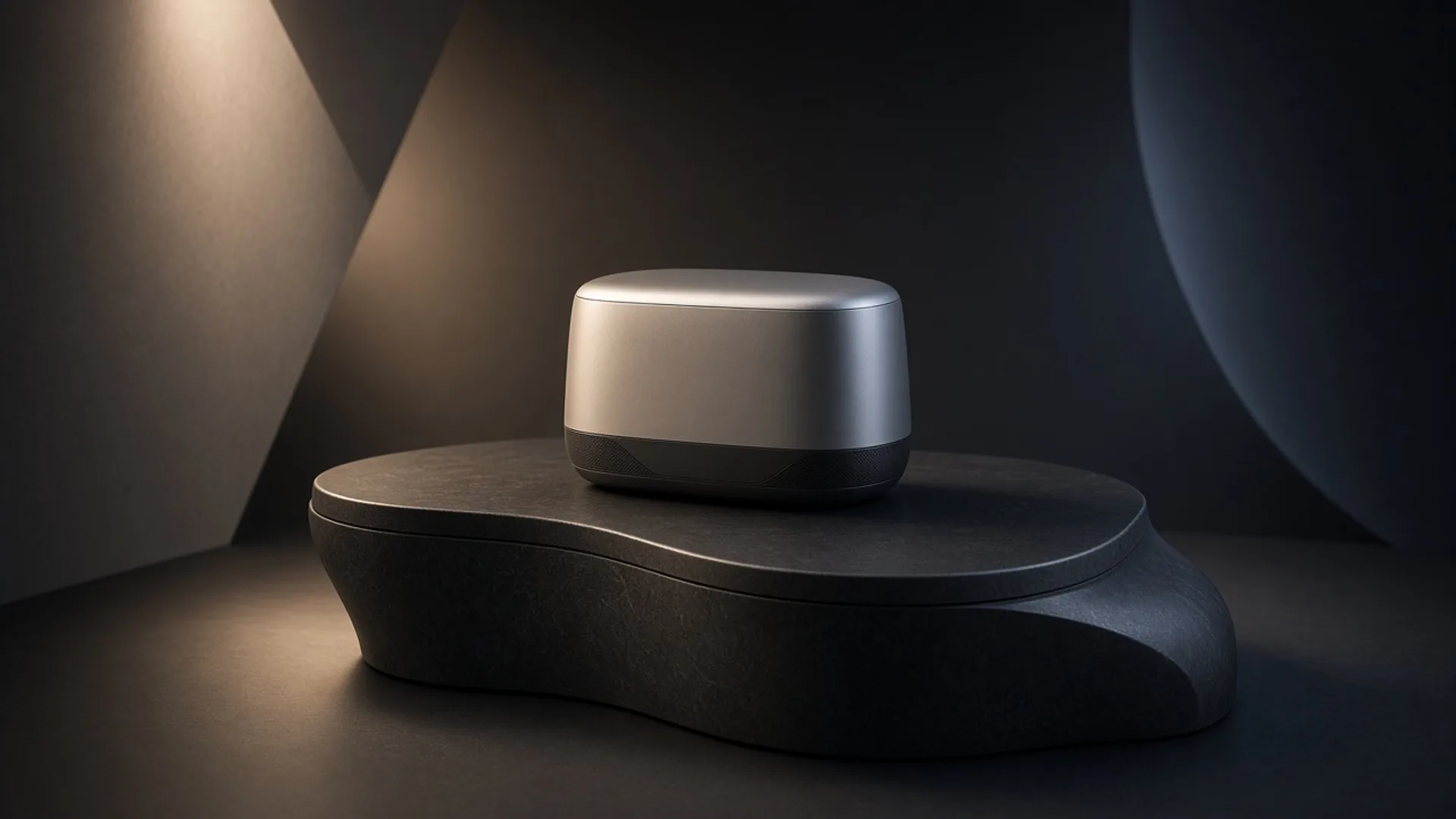
Write the audience, product, central message and placement into a brief. Prepare a product photo and approved wording. Identify fixed appearance and information, then specify the background, lighting or position that may change. Explore one direction before making recorded, individual adjustments. Review the product, wording and destination requirements before publishing.
01
02
03
04
Use my supplied product photo as the appearance reference for a fictional creative concept aimed at everyday desk organization. Preserve the product shape, color, exact label wording and quantity. Place it on a simple pale gray desk with soft side light and a clear focal point, using only a few unbranded props. Add no feature claims, benefit claims, sales figures, prices or offer text.
Preserve the appearance, colors, label and quantity of the product in my supplied photo. Create a landscape website banner background with the product on the right and roughly the left half kept pale and low-detail for an approved headline and button to be added later. Use soft lighting and keep shadows out of the main copy area. Generate no text, buttons or extra products.
Preserve the shape, colors, label and quantity of the product in my supplied photo. Explore an autumn campaign setting with warm beige surroundings, a few brown fallen leaves and soft natural light. Keep the product clear and unobstructed. Change only the surrounding setting and lighting, not the packaging. Add no holiday names, campaign dates, prices or discounts.
Use my supplied selected campaign visual as the editing base. Change only the background from pale gray to warm beige. Preserve product appearance, label, quantity, position, size, lighting direction and copy space. Add no text or decoration. This is a creative variation for manual comparison; show no click-through rates, sales figures or test conclusions.
Choose text generation, reference guidance or an existing-image edit first, then check the models and settings available in the workbench. The linked model pages explain the names; a version name alone does not establish price, output quality or availability for this task.
Plan product appearance, labels and staging.
Explore portrait framing, backgrounds and lighting within a scene.
Plan headlines, information hierarchy and a complete poster layout.
Explore everyday posts and a shared direction for a series.
Generate new images from natural-language prompts.
Edit existing images with natural-language instructions.
Create images that include typography, labels, posters, menus, and other text-heavy visuals.
Transform image styles while preserving important visual elements.
Use reference images to guide subjects, products, characters, styles, and compositions.
Browse prompt ideas for campaign visuals and marketing image concepts.
Assign separate roles to product, scene and style references.
Prepare a short campaign brief and a clear product photo. Open the workbench to explore a main visual, then adjust and review one part at a time.