Nano Banana
Nano Banana 2 Prompt Templates: 20 Tasks & Input Checks
Nano Banana AI9 min read
Contents+
These 20 Nano Banana 2 prompt templates are for reading, adapting and saving. Check whether the task needs text or an image before choosing one. They are original starting points without matching project test records, not guarantees of an accurate result from pasting alone. This is an independent guide and workbench entry.
Check Inputs Before Starting
The Google model directory identifies Nano Banana 2 as gemini-3.1-flash-image, checked October 26, 2026. Available versions, references and editing flows follow the workbench; an article title does not establish its default.
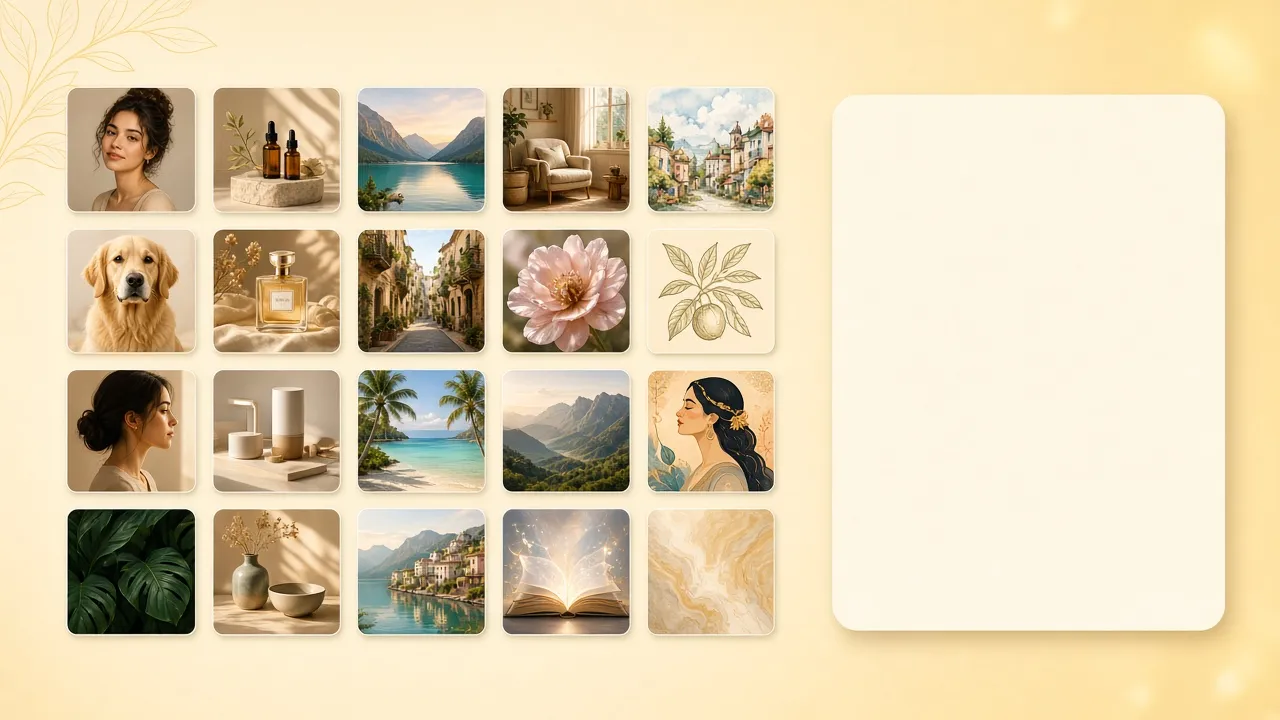
Replace bracketed entries with your requirements. Products, people and animals generated without references are fictional concepts, not evidence of actual appearance. Lens, light and material terms express visual goals rather than actual capture conditions. The cover grid and blank card illustrate subjects, not tests of these 20 prompts.
Items 8, 15, 19 and 20 need a reference or image to edit. Confirm permission to use it and keep the source for comparison. Preservation instructions are requests, not locks.
Portraits
1. Window-side adult portrait
Input: Text; no image。Adapt: Clothing, background color。
Create a half-length portrait of a fictional adult by a window, wearing a [dark gray knitted top], with soft side light, natural skin tones and a [pale wall] background. Show the whole head, face and hair. Add no text, logos or other people.Review: Face, hairline, shoulder proportions and crop。
2. Portrait after rain
Input: Text; no image。Adapt: Coat, street setting。
Create a fictional adult in a [dark coat] on a [quiet street after rain], with wet-ground reflections, a low-detail distance and soft ambient light. Use half-length framing. Add no other people, readable signs or trademarks.Review: Anatomy, coherent reflections and extra people。
3. Professional headshot
Input: Text; no image。Adapt: Clothing color, background。
Create a professional headshot of a fictional adult in a [dark blue shirt] against [pale gray], at eye level with full head and shoulders, soft studio-style light and natural skin texture. Add no text, badges or other people.Review: Head-to-shoulder proportions, eyes and clothing edges。
4. Outdoor adult portrait
Input: Text; no image。Adapt: Setting, clothing。
Create a fictional adult in a [beige coat] on a [coastal path], with soft sunset side-backlight, a recognizable face and space around the subject for cropping. Add no text, trademarks or other people.Review: Facial visibility in backlight and subject-to-scene proportions。
Products and Food
5. Cup still life
Input: Text; fictional object。Adapt: Color, table material。
Create one unbranded [white ceramic cup] on a [pale wooden table] in soft window light. Show its whole handle on the right side of the image, with empty space on the left and a natural contact shadow. Add no extra cups, text or props.Review: Body, handle, quantity and empty space。
6. Fictional bottled product
Input: Text; fictional object。Adapt: Bottle color, surface。
Create one unbranded [brown glass bottle] centered on a [pale stone surface], with a complete cap, soft side light and a simple background. Add no labels, text, benefit claims, prices or extra products.Review: Silhouette, cap and contact shadow; not evidence of a real product。
7. Food concept
Input: Text; fictional dish。Adapt: Food, plate material。
Create a fictional serving of [lemon cake] on a [white ceramic plate], fully visible in soft natural light with a simple background and close framing. Add no packaging, trademarks, text or extra utensils.Review: Quantity, food structure and plate edge; no inference about a real recipe。
8. Real product background swap
Input: Real product photo。Adapt: New background。
Use my real product photo as the appearance reference. Preserve shape, proportions, colors, materials, exact label wording, quantity and accessories. Change only the surroundings to a [clean pale wooden surface and beige wall] with soft light. Do not redesign packaging or add text, prices, claims or products.Review: Compare labels, accessories and appearance with the real item and source。
Scenes and Illustration
9. Alley after rain
Input: Text; no image。Adapt: Architecture, time of day。
Create a [dusk alley after rain] with wet-ground reflections of soft lights, natural architectural proportions, a simplified distance and a clear central passage. Add no people, vehicles, readable signs or trademarks.Review: Building connections, road perspective and repeated objects。
10. Reading corner
Input: Text; no image。Adapt: Furniture material, wall color。
Create a reading corner against a [pale beige wall] with one [wooden armchair], one small round table and one floor lamp in soft afternoon light. Show all three completely without overlap. Add no people, text or extra furniture.Review: Furniture count, chair legs, tabletop connections and proportions。
11. Coastal landscape
Input: Text; no image。Adapt: Landform, time of day。
Create a [coastal cliff] landscape at [sunset], with a little grass in front, a clear coastline in the middle distance and a calm sea beyond. Use a wide view. Add no people, buildings, text or location signs.Review: Coastal edges and horizon; not a record of a real location。
12. Flat illustration cover
Input: Text; no image。Adapt: Props, palette。
Create a flat illustration cover of [one desk lamp and one closed book], using a limited [warm white and light brown] palette, clear lines and simple color blocks. Center the subjects with space at the edges. Add no text, trademarks or extra objects.Review: Quantity, contours, margins and unrequested text。
13. Adult anime character
Input: Text; fictional adult。Adapt: Hair color, clothing。
Create a fictional adult anime character with [short silver hair] and a [dark blue everyday coat], half-length framing, clear linework, soft cel shading and a simple pale background. Add no text, school insignia, trademarks or other characters.Review: Adult presentation, facial details, clothing edges and character count。
14. Future-city CG concept
Input: Text; no image。Adapt: City setting, palette。
Create a fictional CG concept of a [future-city rooftop] in [blue gray and warm orange], with soft dusk volumetric light, clear railing and floor structures and a simplified distance. Add no people, trademarks, readable text or real place names.Review: Railing, building and floor connections; not a real construction plan。
Figurines, Pets and Social Visuals
15. Character figurine concept
Input: Permitted adult character reference。Adapt: Base color, background。
Use my adult character reference for a collectible figurine visual concept. Retain main facial and hair traits and clothing, shown as a full-body plastic-like statue on a [transparent round base] against [pale gray] in soft studio-style light. Add no text, trademarks, extra figures or manufacturing specifications.Review: Identity traits, limbs and base; not a manufacturing file。
16. Pet portrait concept
Input: Text; fictional pet。Adapt: Pet appearance, setting。
Create one fictional [ginger cat] on a [clean windowsill] in soft morning daylight, with clear fur, its whole body and tail visible and a simple background. Add no other animals, text, collar tags or trademarks.Review: Animal count, limbs, tail and fur edges。
17. Social post still life
Input: Text; fictional still life。Adapt: Drink, table surface。
Create a top-down still life of [one iced coffee and one closed book] on a [pale tabletop] for a square composition. Use soft overhead light, separate subjects and cropping space around the edges. Add no readable book titles, text, trademarks or extra cups.Review: Thumbnail focus, object count and actual crop。
18. Text-free poster background
Input: Text; fictional adult。Adapt: Activity, setting。
Create a fictional adult [cyclist] on the left of an [outdoor evening] scene, with complete subject and equipment. Keep the right-side sky clean and low-detail for later typesetting. Add no headlines, buttons, text, trademarks or other people.Review: Equipment structure, space and crop; add exact wording later。
Existing-Image Edits
19. Change only adult clothing
Input: Clear adult portrait to edit。Adapt: Target coat。
Use my adult portrait as the image to edit. Change only the coat to a [dark blue coat]. Preserve facial traits, hair, skin tone, apparent age, pose, background, framing and lighting. Add no text, logos, accessories or other people.Review: Compare identity, clothing edges and other areas with the source。
20. Remove one prop only
Input: Image containing the actual target prop。Adapt: Object and location。
Use my supplied image as the image to edit. Remove only [the pencil to the right of the cup] and fill with matching table texture. Preserve subject appearance, quantity, position, background, framing and lighting. Do not remove product accessories or add text or new objects.Review: Confirm the target exists; check remnants, texture and subject drift。
When a Result Drifts
Check that the task, input and replacements agree. Return to initial requirements for an unsuitable subject or overall composition. Edit a single issue only when appropriate, reviewing the whole result afterward. Item 20 removes one actual prop; it does not bundle lighting and background changes. See the conversational editing tutorial for iteration.
Common Questions
Are These Exclusive Nano Banana 2 Formulas?
No. They describe tasks. For another version, confirm input support and review outputs again without assuming equivalent results.
Can I Generate a Real Product from Text Alone?
Text explores fictional concepts. Accurate product presentation should start with real photos, followed by checks against packaging, labels, colors and accessories. See the product images tutorial.
Why Review After Generation?
A prompt does not establish accuracy. Characters, products, wording, quantities and crops may drift. Save usable results and instructions without treating generation as publishing approval.
Continue Creating
Use the prompt library for search, filtering and copy tools, the prompt writing tutorial for your own requirements, or the Nano Banana 2 beginner guide for a first attempt.
Open Nano Banana Workbench and choose an item matching your actual input.