Ultra-Low Latency
Designed for fast interactive image workflows where responsiveness matters.
Efficiency Specialist
For Fast 1K Creation and Lightweight Image Editing
Nano Banana 2 Lite is the efficiency specialist of the Nano Banana image generation family. It is designed for ultra-low latency and cost-efficient creation, with 1K output optimized for fast, interactive use cases.
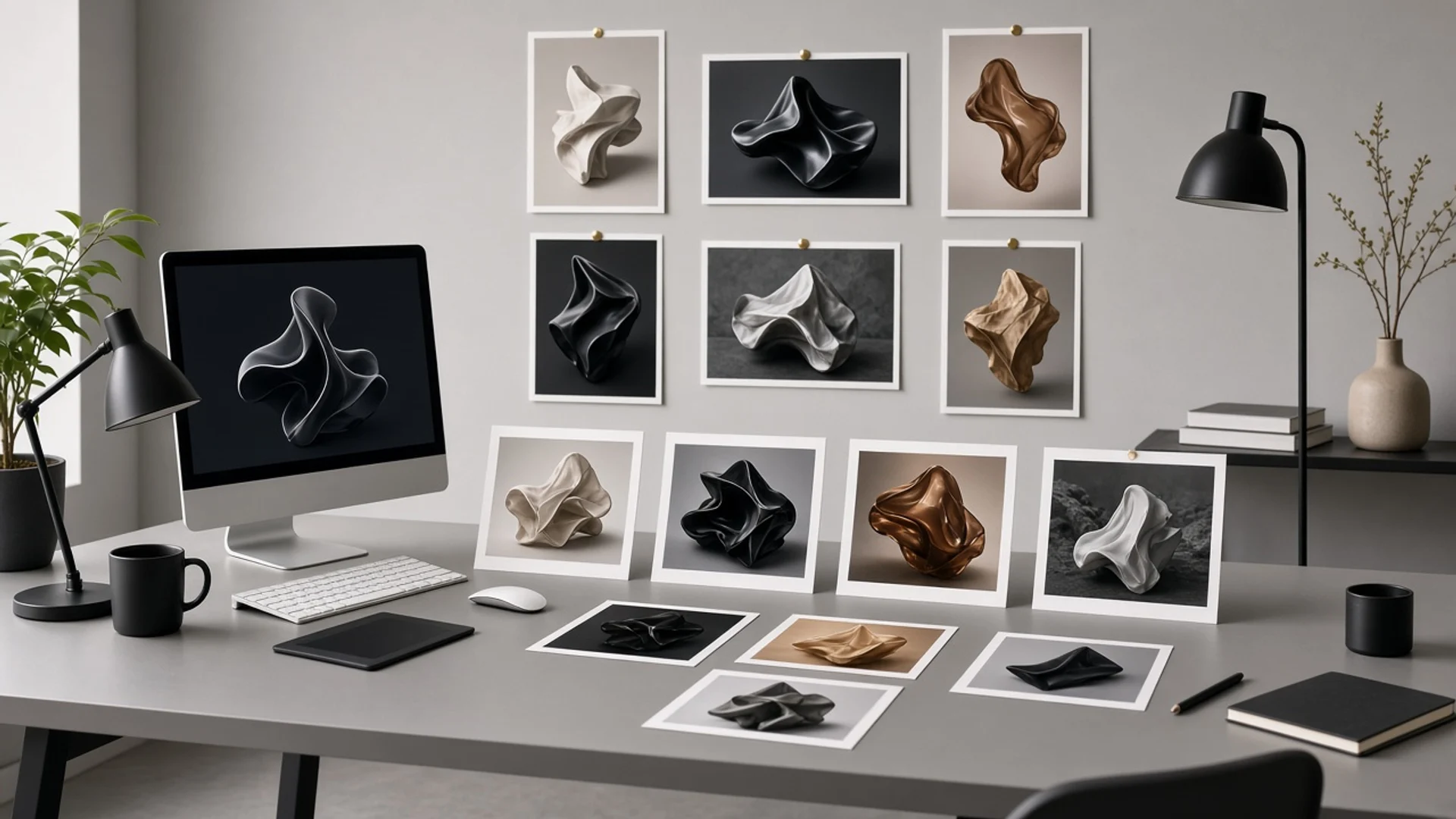
Nano Banana 2 Lite is the efficiency specialist in the Nano Banana image generation family. It is designed to prioritize low latency and cost efficiency for high-volume interactive workflows.
The model is optimized for 1K image output and fast image generation and editing, making it a strong fit when responsiveness and efficiency matter more than higher-resolution output.
Designed for fast interactive image workflows where responsiveness matters.
The model prioritizes computational efficiency for lightweight workflows that need frequent generation or repeated visual exploration.
Optimized for 1024px-class image output.
Handle quick visual adjustments such as color changes, background edits, and lightweight creative variations.
A strong fit for applications and workflows that generate or modify many images interactively.
Supports a broad set of common image aspect ratios while keeping the workflow lightweight.
Nano Banana 2 Lite is optimized for 1K output and does not support 2K or 4K image generation. It is also not optimized for multiple reference-image inputs or multi-turn sequential editing workflows.
For fast interactive generation, keep the prompt focused on the main subject, goal, style, and essential visual details. This helps preserve a lightweight workflow while giving the model the information it needs.
Nano Banana 2 Lite supports fast image editing for lightweight tasks such as changing colors, adjusting backgrounds, or creating quick variations of an existing image.
When a workflow needs many quick image generations or edits, Nano Banana 2 Lite is designed to prioritize responsiveness and cost efficiency. It is especially relevant for interactive applications and repeated creative variations.
Nano Banana 2 Lite is optimized for lower latency, cost efficiency, and 1K output, while Nano Banana 2 provides a broader general-purpose image generation and editing capability set with support for higher-resolution outputs including 4K.
Nano Banana 2.1 offers a broader balance of image quality, reference-image workflows, multi-turn consistency, text rendering, and output options. Nano Banana 2 Lite prioritizes speed, cost efficiency, and lightweight 1K workflows.
Generate many image variations in an interactive workflow.
Make lightweight visual changes without prioritizing high resolution.
Build responsive experiences where latency matters.
Choose Nano Banana 2 Lite when 1K output is sufficient for the final use case.
01
Open the Nano Banana workbench and describe your image goal and key requirements in natural language.
02
Create the first lightweight 1K result.
03
Make quick edits or create variations as needed.
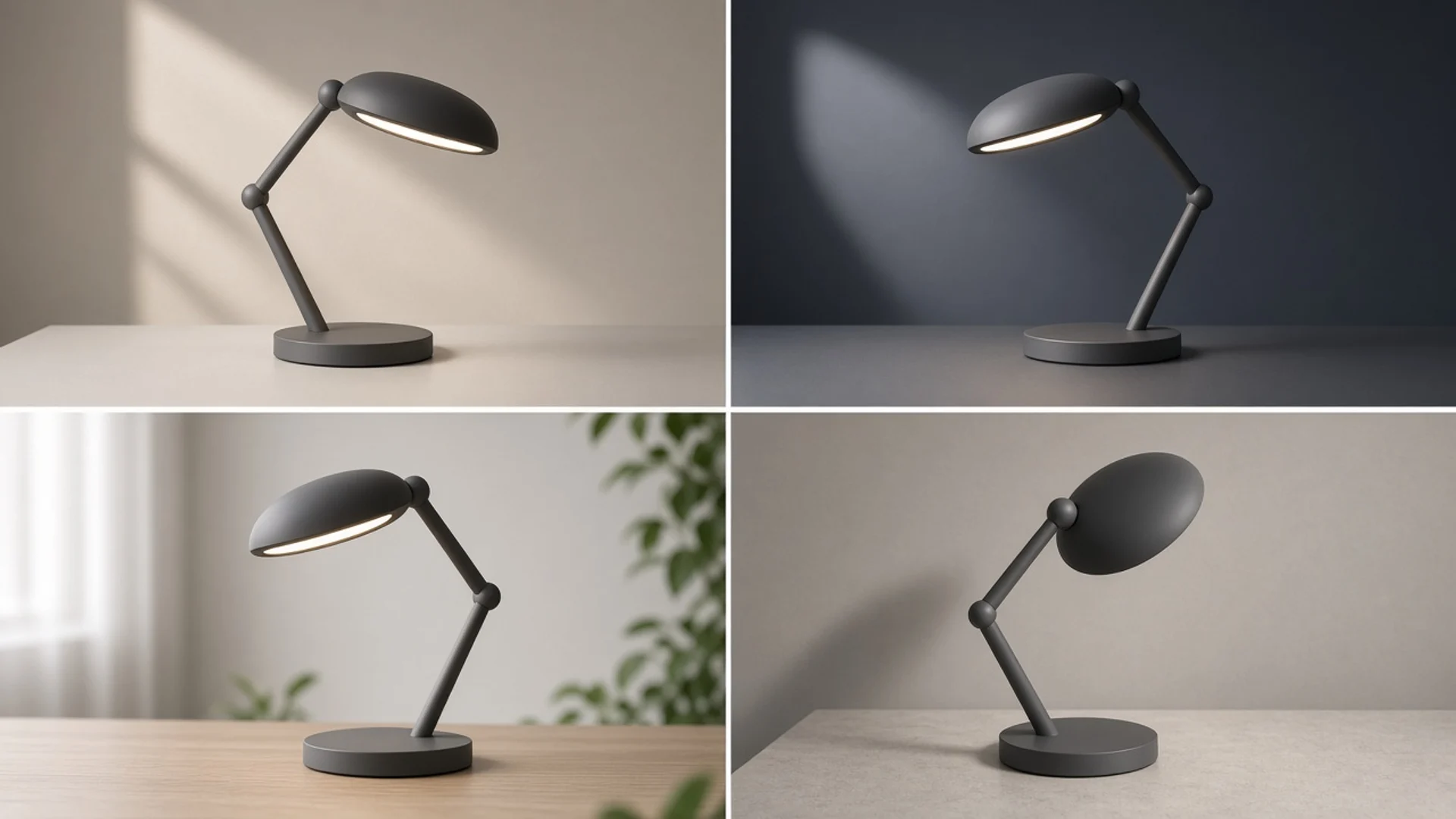
Create three clean product-photo variations of the same fictional desk lamp. Keep the product design consistent while changing the background color, lighting mood, and camera angle. Use a minimal commercial studio style.
Keep the main subject unchanged. Replace the background with a bright modern home interior, using soft natural daylight, realistic shadows, and a clean editorial composition.
Create three visual variations of a fictional coffee package while keeping the package shape, logo placeholder, and main colors consistent. Vary only the background style and lighting.
Explore the newer Nano Banana 2.1 model and its updated generation and editing capabilities.
Explore the main Nano Banana AI image generation and editing experience.
Explore Nano Banana 2 for high-efficiency image generation, editing, and 4K output.
Put these Nano Banana 2 Lite ideas into your next image: prepare a clear prompt, open the Nano Banana workbench and refine the result step by step.