Nano Banana
How to Get the Best Results with Nano Banana in 2026
Nano Banana AI5 min read
Contents+
When you generate with Nano Banana, the real snag usually isn’t “knowing how to hit generate”—it’s wasted rounds: loose prompts, a first frame that drifts off course, and changing too much in one chat turn. If you want steadier finished quality in 2026, the idea is fewer detours—write a clear prompt, judge the direction first, then refine one point at a time. Here’s that order.
Define “best results” first
In Nano Banana, “best” rarely means “perfect on try one.” More often it means:
- Right direction — subject, composition, and style usable at a glance
- Convergent — the next chat turn can fix the real issue
- Reusable — the same prompt skeleton works for covers, product shots, portraits, and concepts
Before you type, note the use case (social, e-commerce hero, character sheet, poster) and what must stay vs. what can vary. Clear standards cut wasted regenerations in Nano Banana text to image.
Principle 1: Structure prompts—don’t stack adjectives
For reliable Nano Banana results, use a fixed order:
- Subject — the main person or object
- Action / state (optional)
- Scene / environment
- Style — photoreal, illustration, product photo, cinematic
- Light — direction, softness, time of day
- Lens / framing — close-up, wide, eye-level, shallow DOF
Example (portrait)
A short-haired woman on a rainy city street, 85mm portrait, neon reflections, wet asphalt, cinematic contrast, natural expression, shallow depth of fieldExample (product)
A ceramic coffee cup on a walnut table, high window side light, soft shadows, realistic product photography, shallow depth of field, clean backgroundLead with subject + light, then style words. That beats “beautiful, 8k, masterpiece” for Gemini 2.5 Flash Image.
Principle 2: First frame only needs the right direction
The first image is reconnaissance, not the final:
- Is the subject correct?
- Is the composition usable?
- Is the lighting mood close?
If yes, refine in chat. If not, regenerate—don’t grind ten edits on a wrong first frame. That single habit is the cheapest Nano Banana efficiency win in 2026.
Principle 3: Chat refine—one change per turn
Nano Banana shines at dialogue editing. Change one variable at a time:
- “Keep the subject; swap the background to a dusk beach only”
- “Soften the key light; lower contrast slightly”
- “Remove the pedestrian on the left; leave everything else”
- “Change the outfit color to deep blue; keep the fabric”
| Issue | Better approach |
|---|---|
| Drift after edits | One focus per turn; say “leave the rest unchanged” |
| Subject wanders | Emphasize same subject / same person; avoid face + scene at once |
| Style inconsistency | Lock style and light phrases; reuse a series template |
| Overpacked prompts | Keep the first frame lean; add detail in rounds 2–3 |
Principle 4: Use references for consistency
For series posters, character sheets, or brand kits, text alone rarely holds appearance. Try:
- Upload a sharp reference (portrait, product, or a prior finished frame)
- State clearly what to keep and what to replace
- Judge the first result on likeness and style fit only
References help outfit swaps, scene swaps, multi-image fusion, and character consistency. Don’t stack conflicting references or Nano Banana will oscillate between looks.
Principle 5: Keep default templates by genre
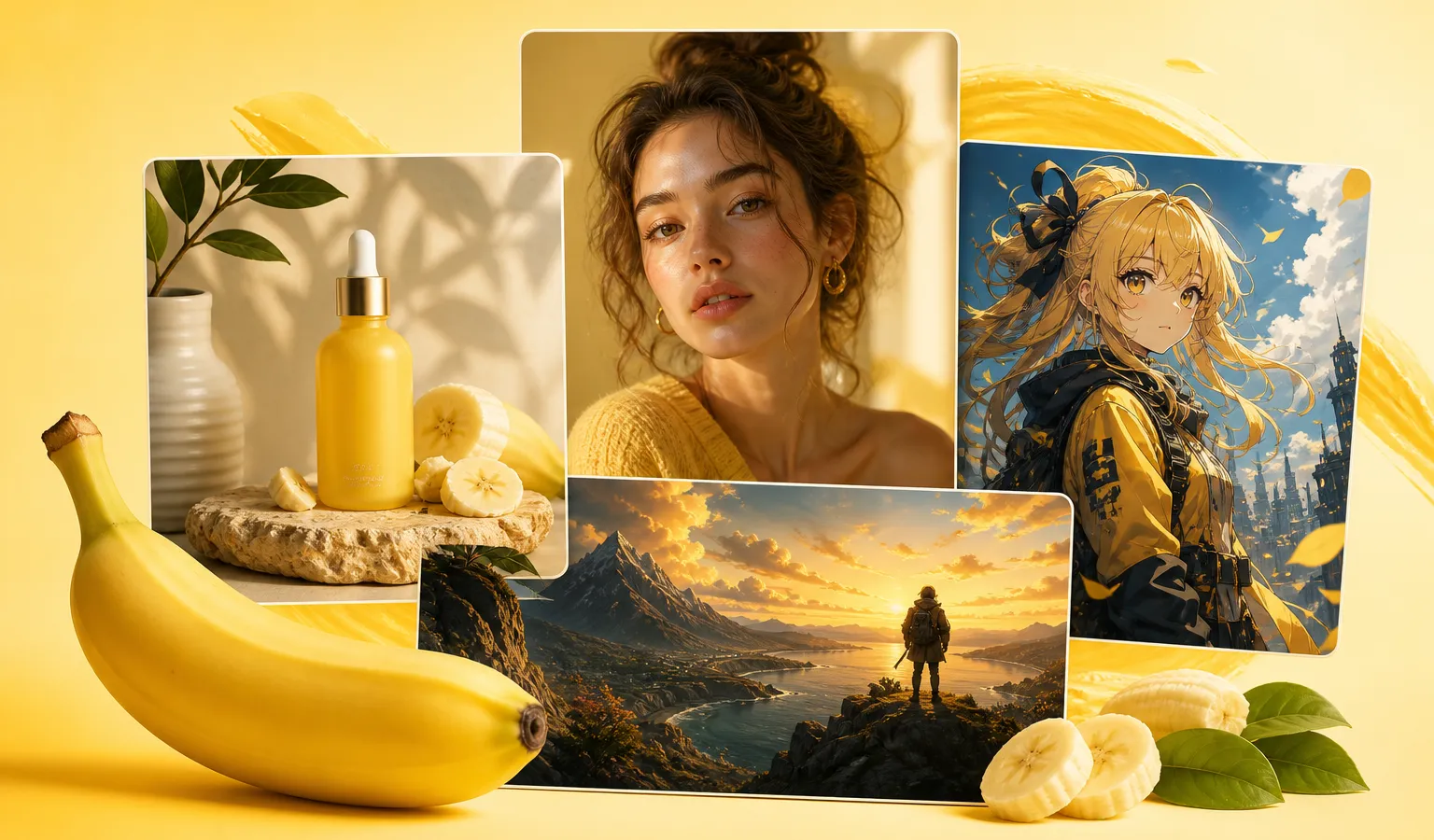
For 2026 high-frequency jobs, keep short templates so you never start from zero:
- Portrait: focal length + expression + light + mood
- Product: material + surface + studio light + shallow DOF
- Scene / concept: time of day + weather + lens feel + color grade
- Anime / illustration: line weight, coloring approach, framing
Swap subject and scene words inside one template—often faster than rewriting every prompt.
Before you start
- Open nanobanana-ai.us and enter the Nano Banana workspace
- Clarify use case and must-keep elements
- Prep one structured prompt; add a reference when consistency matters
Workspace example:
https://app.nanobanana-ai.us/en/generate/image-tools/nano/
Common pitfalls
- Long, scattered prompts — the model loses the point. Lead with subject and light.
- Too many changes in one turn — outfit, background, and light together cause drift.
- Treating a wrong first frame as final — regenerate when direction is off.
- No template reuse for series — color and framing wander.
- Soft or conflicting references — likeness and product identity get unstable.
A reusable 2026 Nano Banana workflow
- Define use case and success criteria
- Prompt with subject + scene + style + light + lens
- Generate a first frame in Nano Banana; check direction only
- Chat-refine one variable at a time until publishable
- Add references for consistency; archive prompt templates for reuse
Next, open nanobanana-ai.us, use one structured prompt for a correctly aimed first frame, then iterate with single-point chat until it’s publishable.