Event Posters
Build a focal point around the theme and headline, then arrange confirmed dates, venues and registration details.
Nano Banana Posters
Choose one main message, then build the poster around it.
Explore event, product and promotional posters with Nano Banana by bringing the main visual, exact wording and reading order into one composition. Use the prompts to plan headlines, supporting details and action space, then review at the intended display size.
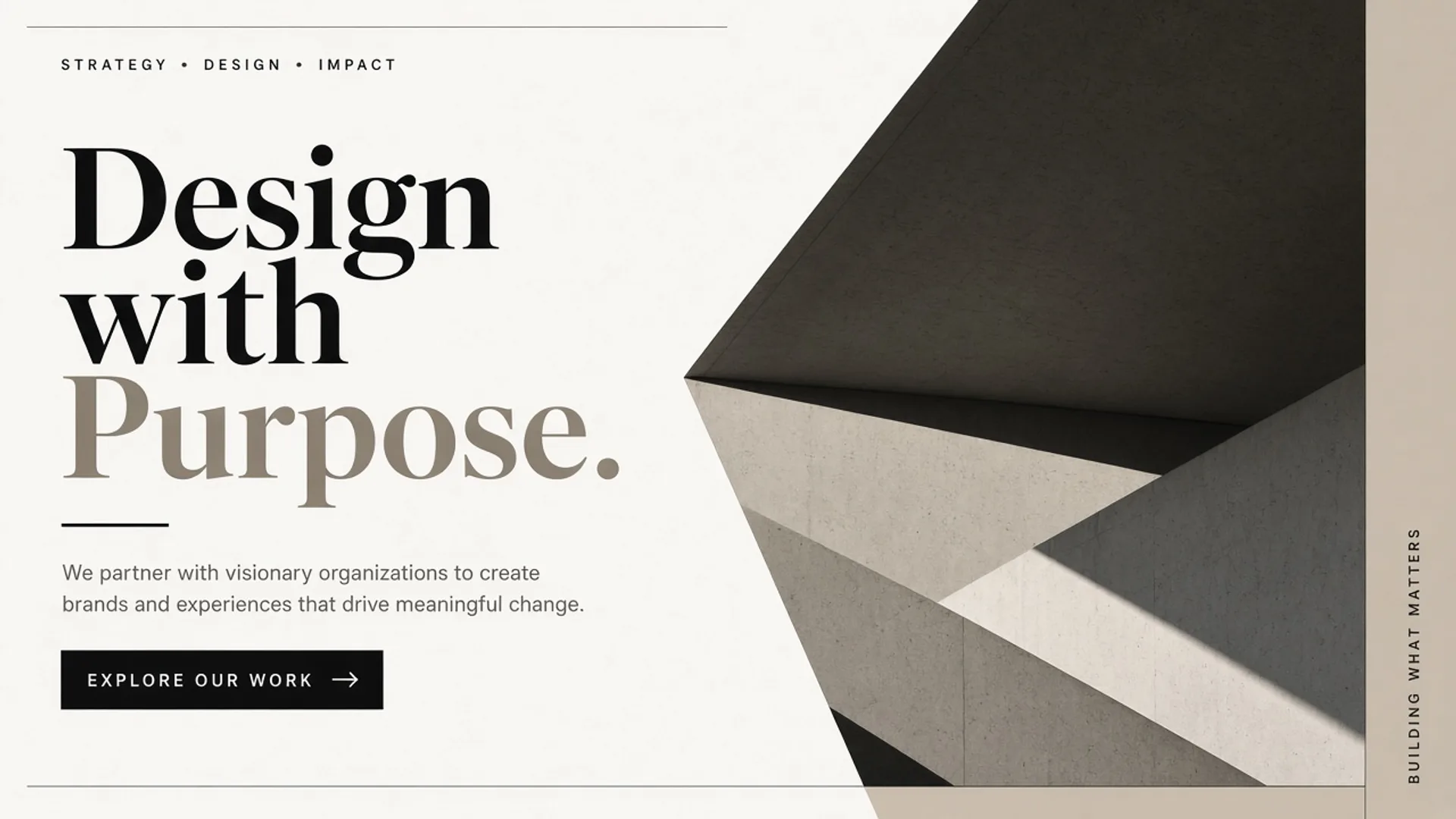
Nano Banana poster generation helps explore the whole composition: what viewers notice first, read next and act on. Supply approved wording and visual direction before iterating on the layout. Proofread event details and final text separately.
Build a focal point around the theme and headline, then arrange confirmed dates, venues and registration details.
Pair the product with a short headline and leave room for details and later copy.
Plan the promotional message and action space using confirmed prices and offer terms when supplied.
Explore readable layouts with concise Chinese headlines, sufficient space and clear contrast.
Define the audience, use, aspect ratio, one main message and exact copy, then set the key visual, headline position and supporting content. A poster requires image and reading order to work together. Resolve the composition before refining type or decoration.
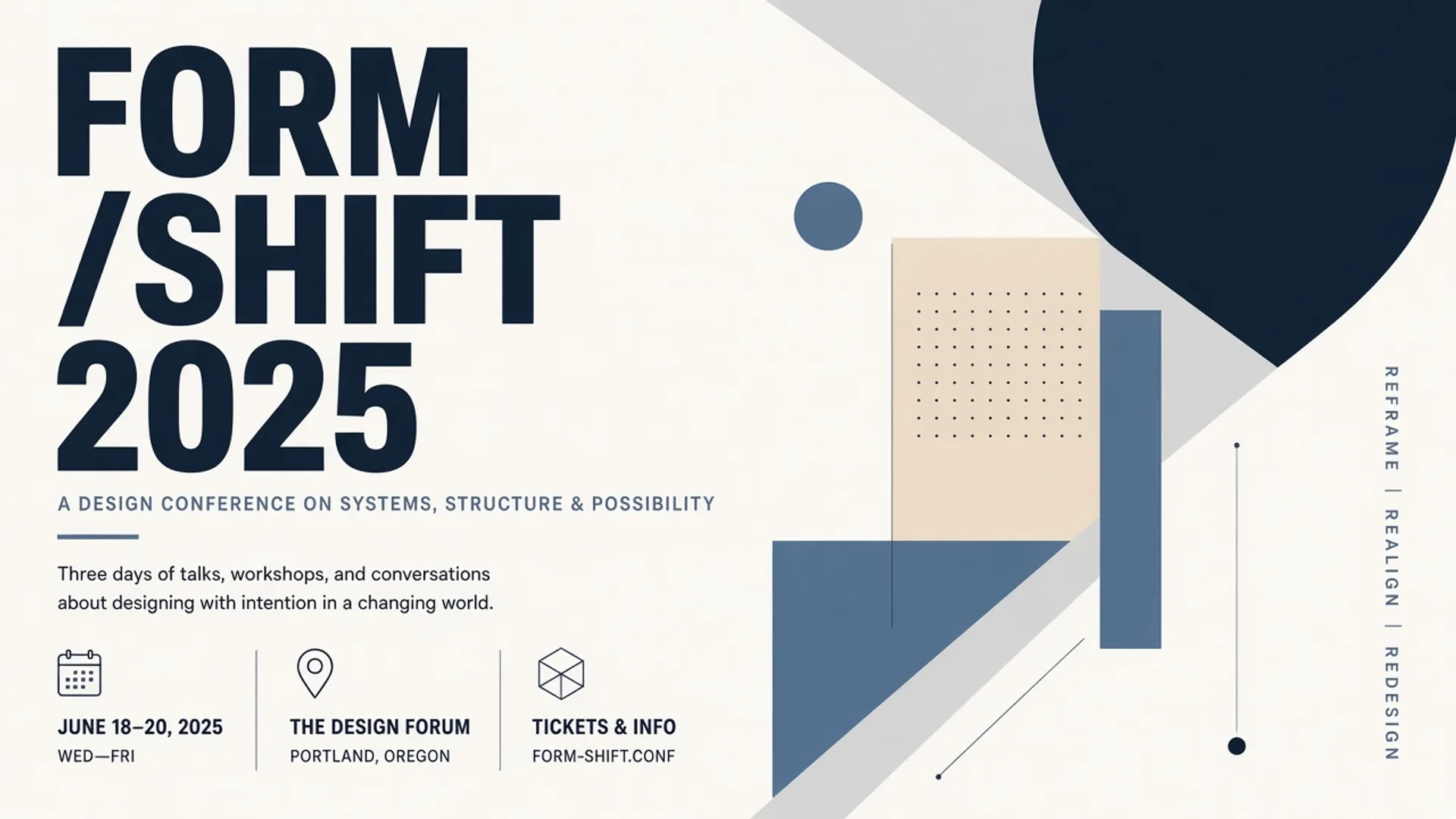
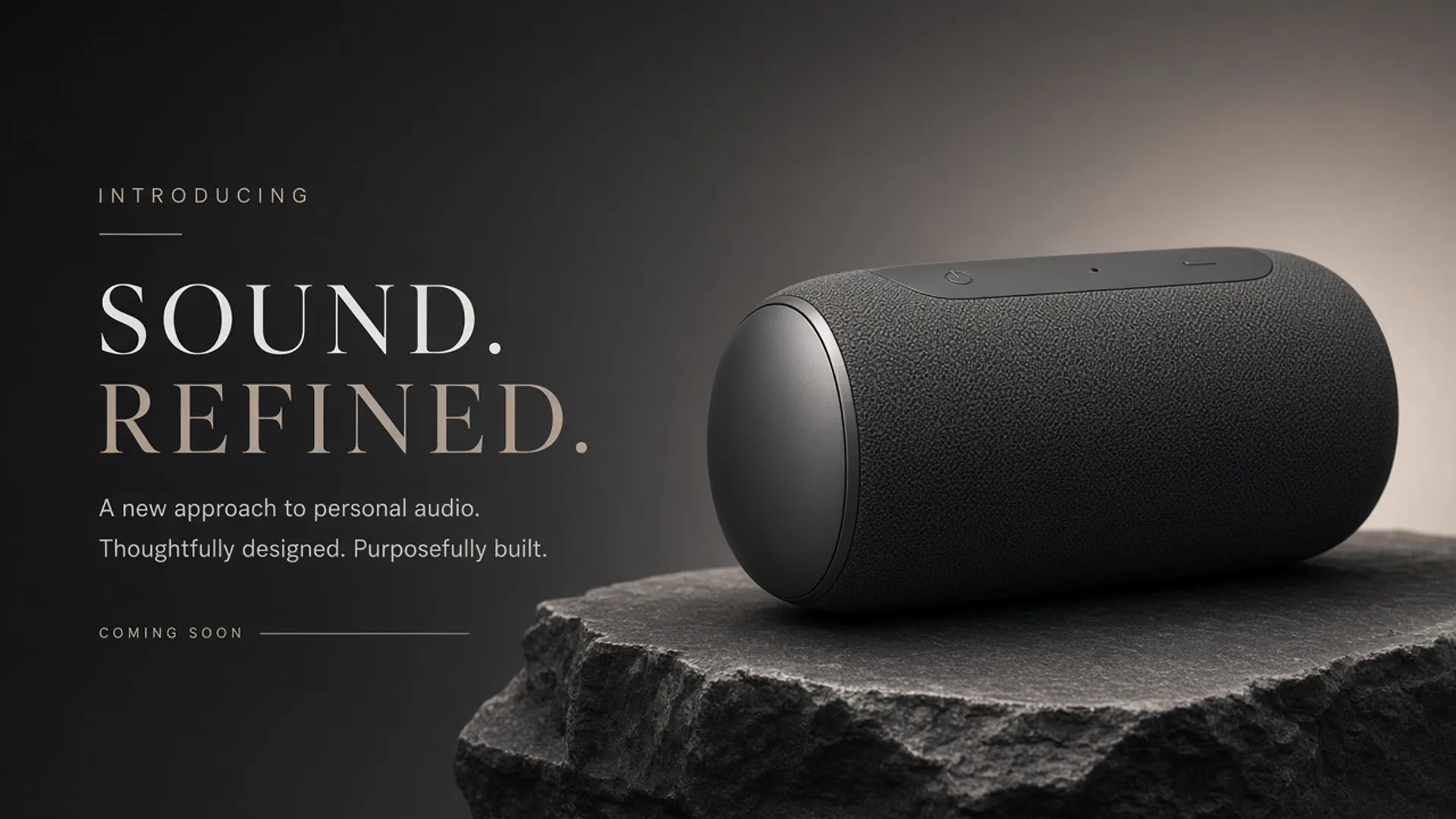

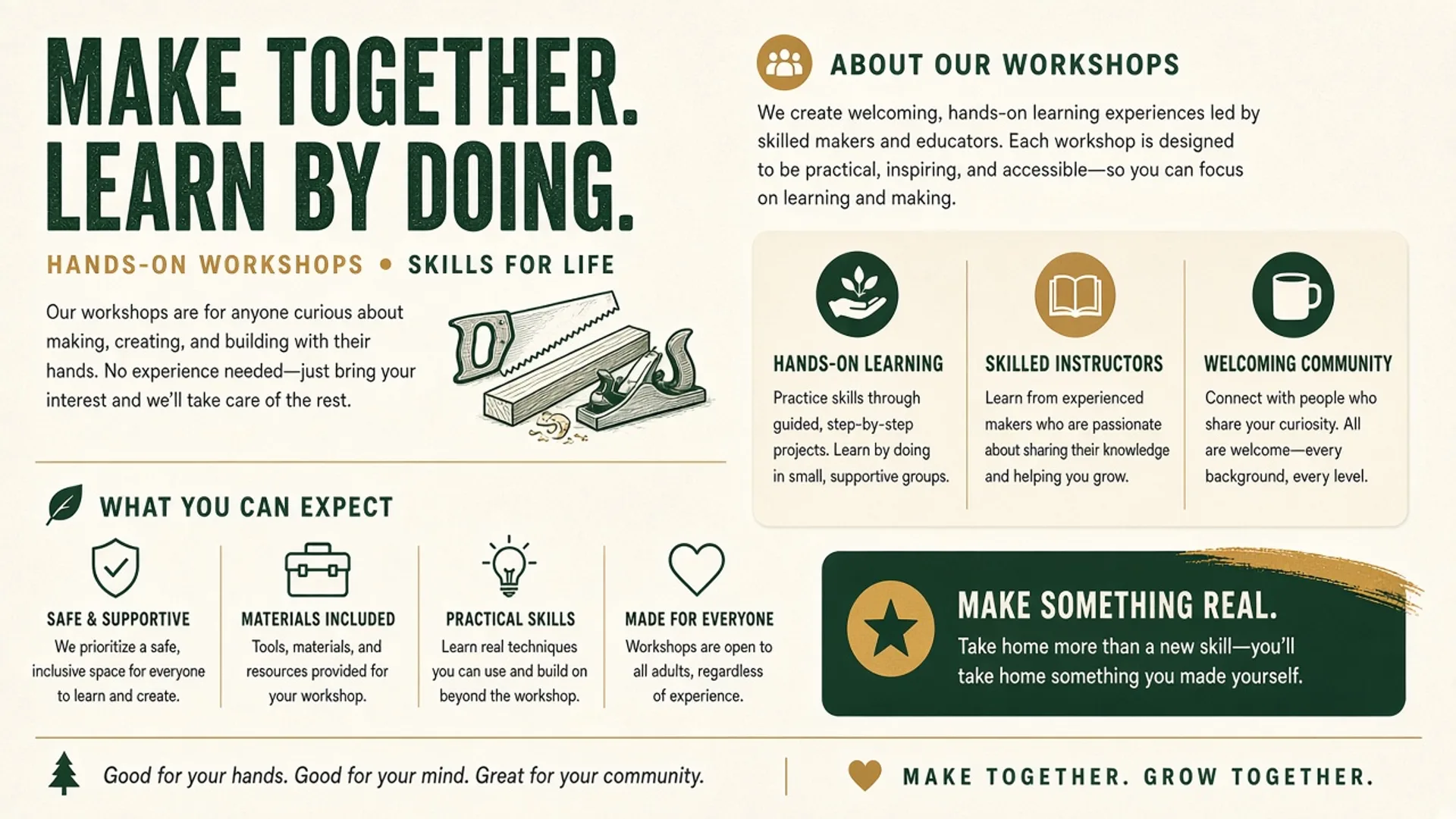
Decide whether the poster is for a screen or print and separate approved headline and supporting copy. Specify aspect ratio, key visual, alignment, palette and space, then start with a simple composition. Review headline prominence, image-text overlap and action placement. Refine one issue at a time and proofread all details; finish precise typography in a design tool when needed. Confirm final file requirements before printing.
01
02
03
04
Create a portrait poster for a fictional evening art exhibition. Use the exact headline “NIGHT FORMS” and exact subtitle “Art after dark”. Feature one abstract glowing sculpture against deep blue. Place the headline at the top and subtitle below, leaving clean space at the bottom. Add no dates, addresses, ticket prices or other text.
Use the unbranded headphones in the reference as the key visual for a portrait launch-poster concept. Preserve appearance and color. Put the exact headline “MEET YOUR NEXT SOUND” at the top and the headphones lower right. Use a warm gray background, controlled soft light and ample space. Add no model names, specifications, logos, prices or performance claims.
Create a promotional-poster concept for a fictional home collection with the exact headline “ROOM TO RELAX”. Use cream and muted green with one simple chair as the sole subject. Align the headline upper left and leave clear space below for offer terms to be added later. Generate no discounts, prices, deadlines or purchase-button wording.
Create a portrait poster for a fictional reading theme. Use the exact Chinese headline “慢读时光” and exact subtitle “在书页间停留”. Use an off-white background, an open book and soft window shadows. Place the headline at the top with a distinctly smaller subtitle and leave space at the bottom. Use only these two text lines; add no dates, addresses or other characters.
Explore Nano Banana 2.1 for common image generation and iterative edits, and compare Nano Banana Pro for complex visual layouts. Judge the result against the references, wording and composition for your task before choosing a model and revision approach. Available models and settings are shown in the workbench.
Refine exact wording, placement, hierarchy and text-error review.
Generate new images from natural-language prompts.
Transform image styles while preserving important visual elements.
Edit existing images with natural-language instructions.
Use reference images to guide subjects, products, characters, styles, and compositions.
Bring a headline and visual idea to the workbench and start exploring the layout.