Workflow
A Practical Nano Banana Workflow for 2026 Creators
Nano Banana AI3 min read
Contents+
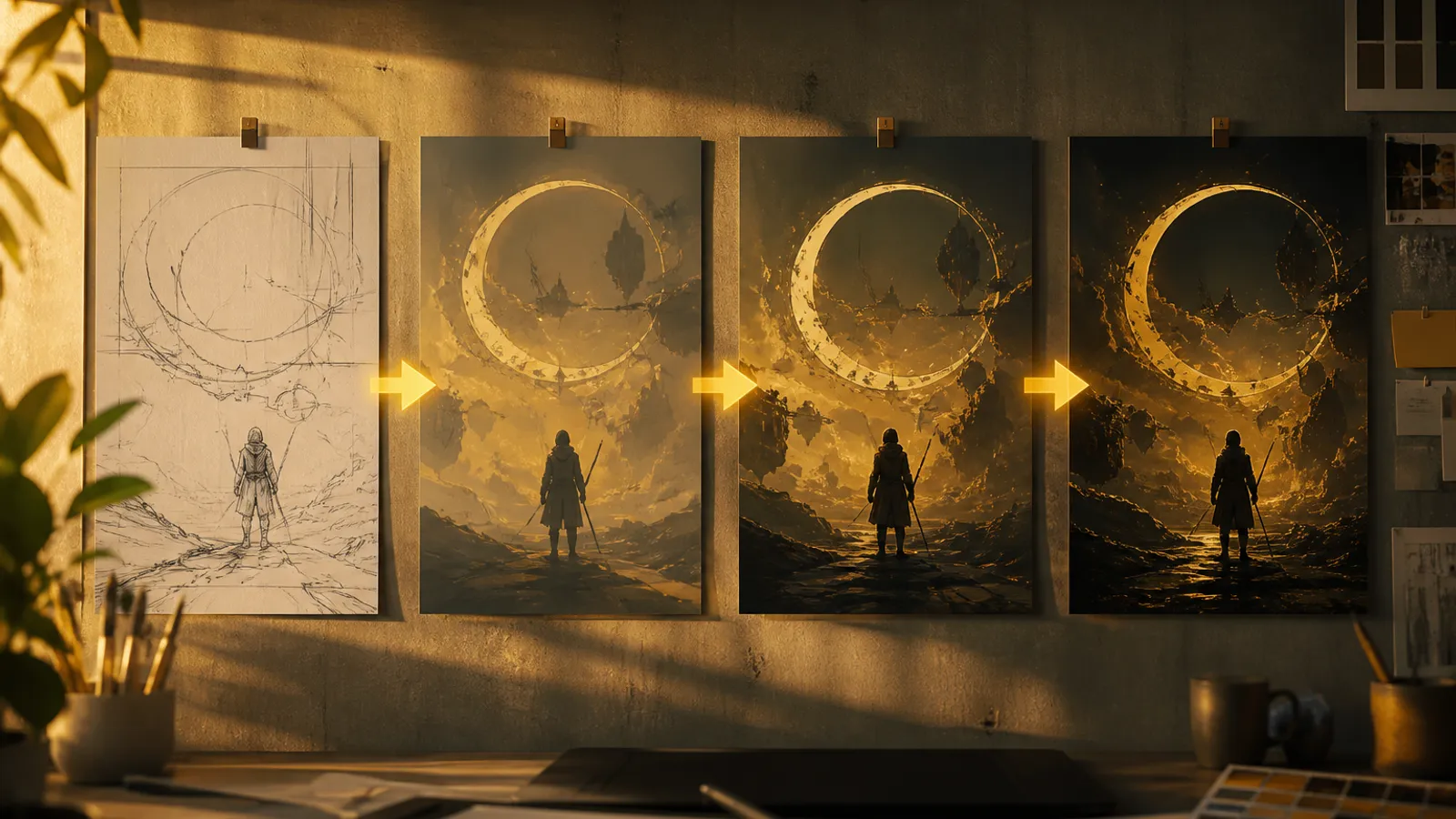
In 2026, the winning AI image habit is not “one perfect prompt.” It is a repeatable workflow: brief → scout frames → conversational polish → consistency lock → export. Here is a practical Nano Banana (Gemini 2.5 Flash Image) pipeline you can run daily.
Stage 1: Brief Before Prompt
Write three lines before you open the workbench:
- Goal — concept board, product hero, social series, or edit of an existing photo
- Must-keep — logo area, face identity, brand colors
- Nice-to-have — mood adjectives that can flex
This prevents prompt thrash and keeps later edit turns honest.
Stage 2: Scout with Lightweight Prompts
Generate 2–4 scouts with short structured prompts (subject, environment, style, light). Do not over-constrain. You are hunting composition and story, not final polish.
Pick the frame with the best bones—even if color or background is wrong.
Stage 3: Conversational Production
Switch to multi-turn editing:
- Fix structure (background, crop feel, major props)
- Fix light and palette
- Run local cleanup (objects, stains, distractions)
- Optionally blend a second reference for product or wardrobe
Rule of thumb: one intention per message. Nano Banana stays steadier when you do.
Stage 4: Consistency for Series Work
For campaigns or story beats:
- Keep one hero reference image for the character or product
- Restate “keep appearance consistent with the reference” when the scene changes
- Change environment or pose before changing identity details
- Save a “locked look” frame as the seed for the next set
Consistency is a process, not a single toggle—references plus clear keep-language matter.
Stage 5: Export and Handoff
Export winners into your design tool or CMS. Note which prompt + edit chain produced them so teammates can reproduce the look. For social batches, clone the locked look and only vary scene or crop.
Team Patterns That Work
- Designers own scout prompts and composition selection
- Marketers own variant briefs (“same product, three seasons”)
- Art leads approve the locked look before mass variants
Nano Banana compresses the distance between idea and reviewable visual, so feedback can happen earlier—when changes are still cheap.
Common Failure Modes (and Fixes)
| Failure | Fix |
|---|---|
| Everything changes every turn | Add keep-language; change one focus |
| Character drifts across scenes | Reattach the same reference each major scene |
| Soft, generic lighting | Name light direction and quality in the base prompt |
| Blend looks pasted | Clarify which image contributes which element |
A One-Hour Sprint Template
- 10 min brief + references
- 15 min scouts
- 25 min conversational edits + consistency locks
- 10 min export and naming
That hour often replaces a day of waiting for the “perfect” first generate.
Closing
Nano Banana’s strength in 2026 is speed with editability. Treat Gemini 2.5 Flash Image as a workbench: scout fast, talk refinements, lock identity for series, ship. For capability detail and tutorials, keep nanobanana-ai.us nearby—and open the workbench when the brief is clear.