General Creation
Nano Banana 2.1
An option for balanced image quality, efficient generation, conversational editing, reference workflows, and higher-resolution output.
Nano Banana Model Comparison
Choose a model for your task and output requirements.
The Nano Banana family now covers different creative priorities. Nano Banana 2.1 is the current high-efficiency workhorse, Nano Banana 2 is the previous-generation high-efficiency model, Nano Banana 2 Lite focuses on speed and cost efficiency, and Nano Banana Pro is designed for complex professional visual tasks.
Start with 2.1 for everyday generation and iterative editing. Compare 2 Lite when fast creation is your priority. For demanding text, layouts or product visuals, compare Pro and 2.1 on the same task. If you already use Nano Banana 2, evaluate a switch with the same prompt and references. Check the available models, output settings and charges in the workbench.
General Creation
An option for balanced image quality, efficient generation, conversational editing, reference workflows, and higher-resolution output.
Complex Design
Best for complex visual production, advanced creative control, precise layouts, professional product visuals, and demanding text-heavy designs.
Fast 1K
Best for ultra-low-latency, cost-efficient, high-volume interactive workflows where 1K output is enough.
Existing Workflows
A previous-generation high-efficiency model with broad image generation, editing, 4K, and reference-image capabilities.
Review subject details and prompt requirements in the first result. During iterative edits, check areas that should stay consistent.
Specify exact text, layout relationships and product details. Compare outputs for the same task before choosing a model.
Confirm the size required for the final use, then assess waiting time, revision effort and actual charges.
Keep your prompt and references as a baseline and check whether a different version meets the same requirements.
| Attribute | Nano Banana 2.1 | Nano Banana 2 | Nano Banana 2 Lite | Nano Banana Pro |
|---|---|---|---|---|
| Model ID in Google documentation | gemini-nano-banana-2.1 | gemini-3.1-flash-image | gemini-3.1-flash-lite-image | gemini-3-pro-image |
| Focus | Efficient generation and iterative editing | Efficient generation and existing workflows | Fast, lightweight 1K creation | Complex design and precise creative control |
| Text to image | Supported | Supported | Supported | Supported |
| Image editing | Supported | Supported | Lightweight editing | Supported |
| Model output resolutions | 1K, 2K, 4K | 0.5K, 1K, 2K, 4K | 1K | 1K, 2K, 4K |
| Reference workflows | Multiple references | Multiple references | Complex multi-reference work is not its main focus | Multiple references |
| Iterative editing | Multi-turn editing and consistency | Conversational editing | Lightweight local changes | Complex visual refinement |
| Text inside images | Improved text and infographic layouts | Text generation supported | Simple visual requirements | Text and complex layouts |
| Review before choosing | Details, consistency and output settings | Compatibility with existing workflows | Whether 1K suits the final use | Text, layouts and product details |
Nano Banana 2.1 is the newer update and the recommended high-efficiency path for new projects. It improves visual quality, prompt adherence, text rendering, multi-turn consistency, and reference-driven workflows while supporting 1K, 2K, and 4K output.
Nano Banana 2 and 2.1 use different model identifiers. For existing projects, compare required features, actual results and available settings before switching rather than assuming every task requires migration.
Nano Banana 2.1 and Nano Banana Pro target different priorities. Nano Banana 2.1 is the current high-efficiency workhorse for broad image generation and conversational editing. Nano Banana Pro is designed for the most complex professional visual tasks, with stronger emphasis on creative precision, complex layouts, brand consistency, and professional asset production.
Nano Banana 2.1 is designed to provide a broader balance of image quality, editing, reference workflows, consistency, and output resolution. Nano Banana 2 Lite is optimized for ultra-low latency, cost efficiency, and high-volume interactive workflows where 1K output is sufficient.
Nano Banana 2.1
An option for everyday image generation and editing.
Nano Banana Pro
Best for complex layouts, product visuals, brand work, and advanced creative control.
Nano Banana 2 Lite
Best when speed, cost efficiency, and 1K output are the priority.
Nano Banana 2
Explore Nano Banana 2 if you have an existing workflow or want to understand its generation, editing and reference capabilities. Compare it with 2.1, then check available workbench versions.
Current
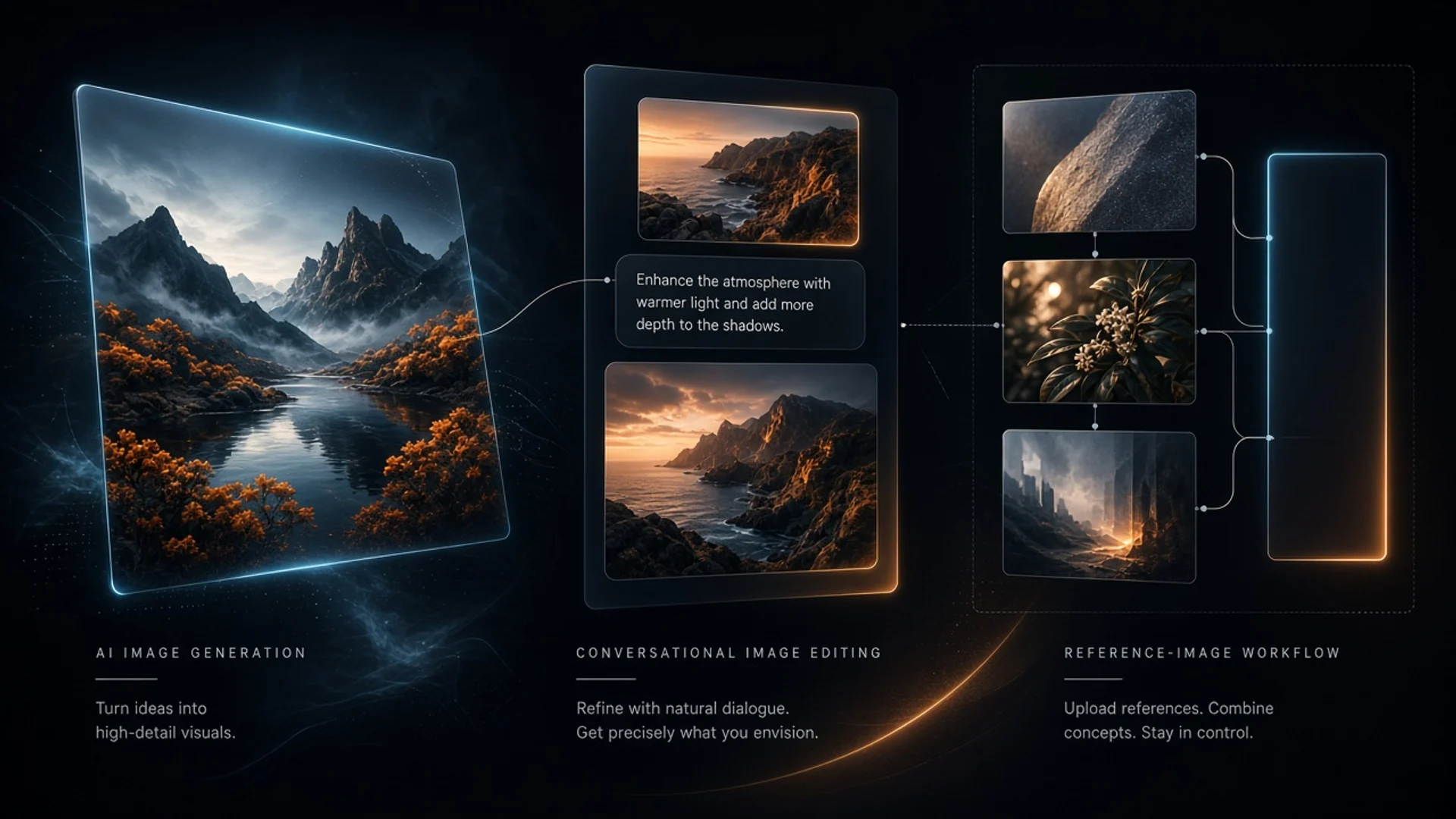
The current high-efficiency Nano Banana model for image generation and conversational editing.
Professional
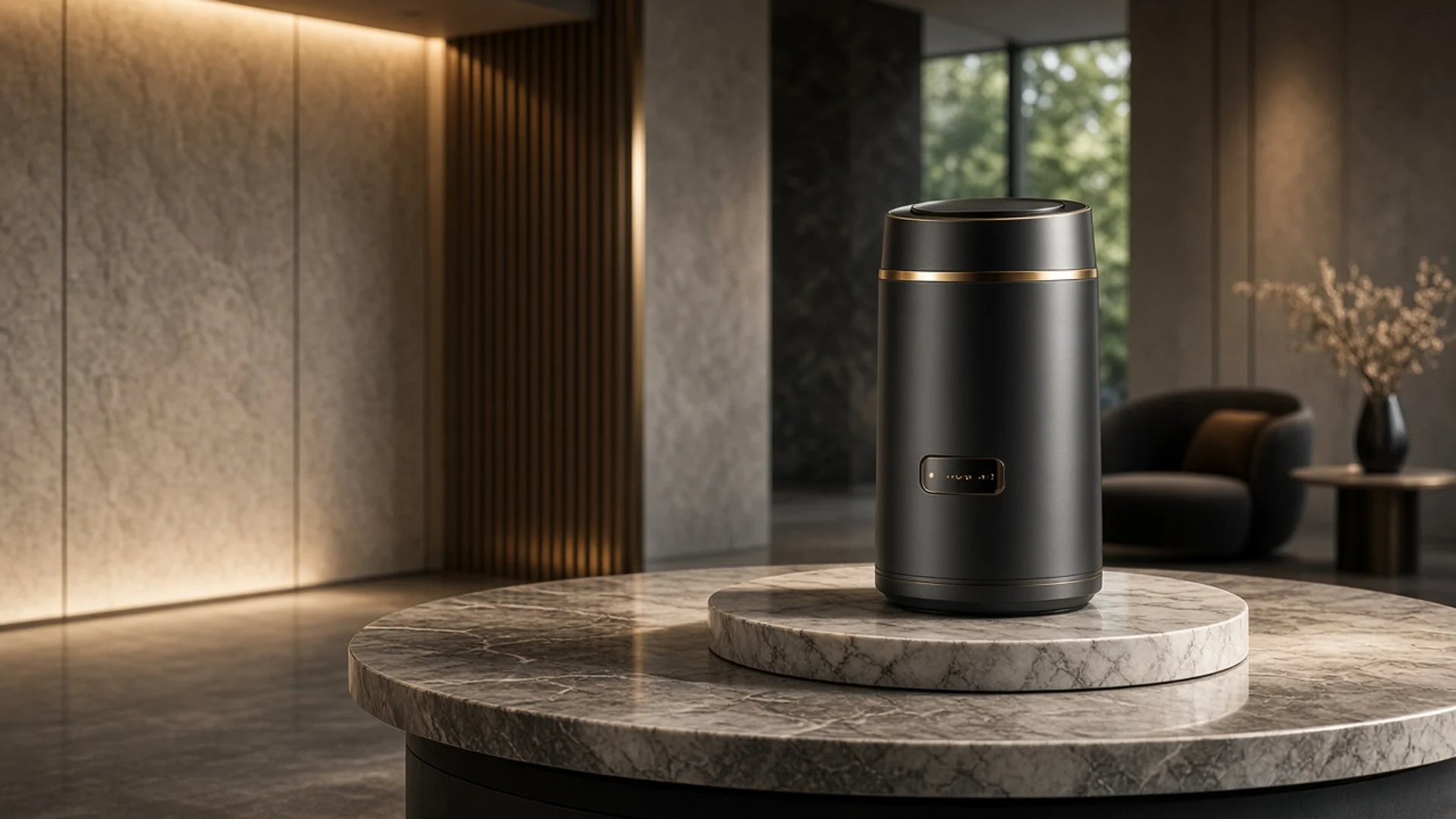
The professional choice for complex visual production and precise creative control.

Efficiency
The low-latency, cost-efficient choice for high-volume interactive workflows.

Previous Generation
Explore Nano Banana 2 generation, editing and reference capabilities, plus its differences from 2.1.
Explore Nano Banana 2 if you have an existing workflow or want to understand its generation, editing and reference capabilities. Compare it with 2.1, then check available workbench versions.
The original Nano Banana model was based on Gemini 2.5 Flash Image and is now considered a legacy model. It is not part of the current four-model selection above.
Model names and capability descriptions draw on the Google sources below, checked on November 24, 2026. The task guidance helps you plan a workflow. Check the workbench for available versions, settings and charges.
Explore the current high-efficiency Nano Banana model for image generation and conversational editing.
Explore the professional Nano Banana model for complex visual production and precise creative control.
Explore the low-latency, cost-efficient Nano Banana model.
Learn about the previous-generation high-efficiency Nano Banana model.
Prepare your prompt and any reference images. Open the workbench to check model options and settings, then review the subject, text and details in your result.