
Text-to-Image
Create images from detailed natural-language descriptions and control subjects, style, composition, lighting, and visual details.
Previous-Generation Nano Banana Model
A high-efficiency Nano Banana model for fast image generation, editing, and production workflows.
Nano Banana 2 combines fast generation with advanced visual capabilities, including 4K output, reference-image workflows, image editing, and improved consistency. It is the previous-generation high-efficiency model to Nano Banana 2.1.
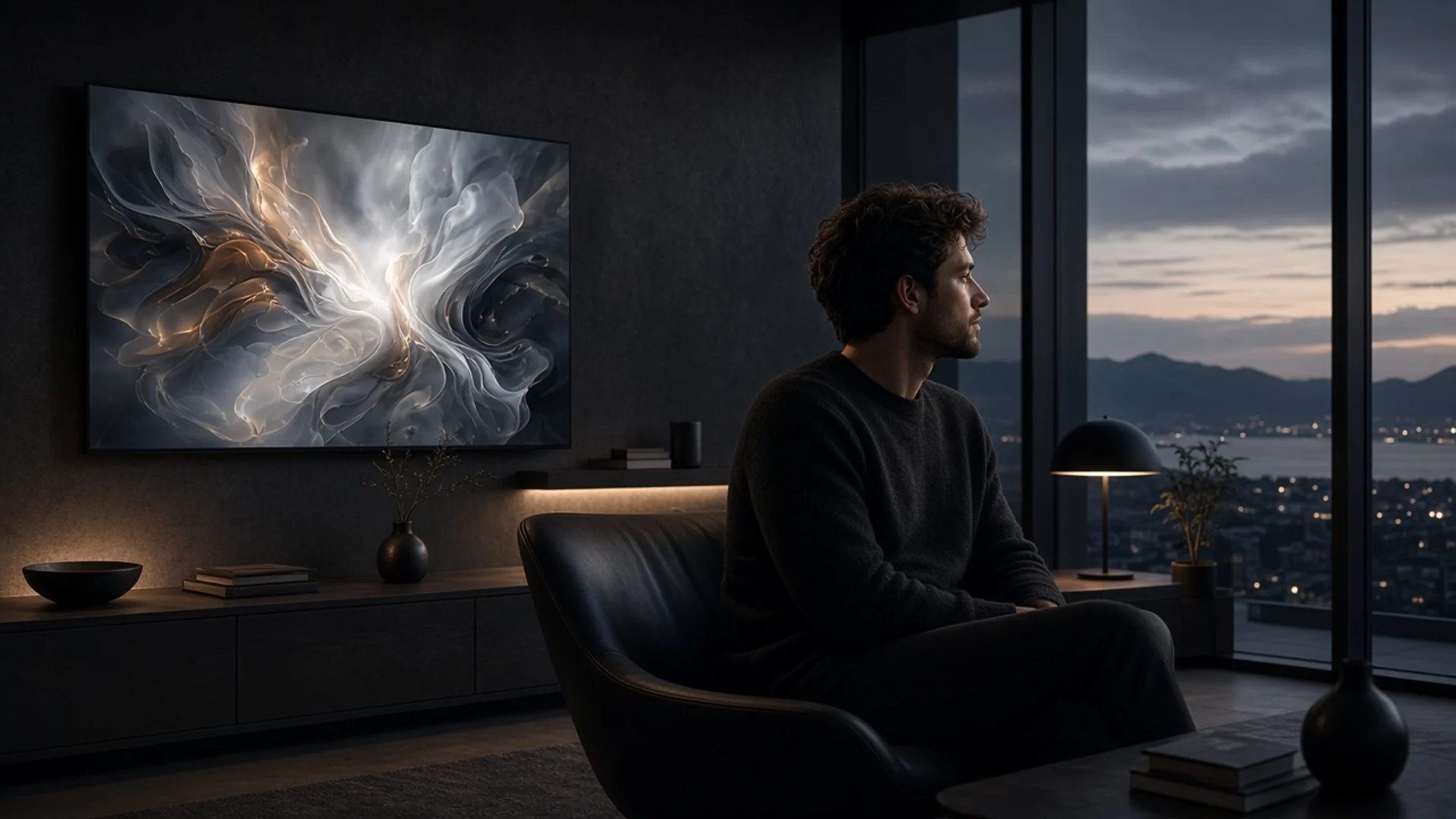
Nano Banana 2 corresponds to Gemini 3.1 Flash Image and supports image generation and editing. Nano Banana 2.1 is its update. This page explains 2 and its examples for users comparing versions; choose based on the task, existing workflow and available workbench options.
Nano Banana 2 is a high-efficiency image generation and editing model in the Nano Banana family. It combines fast generation with broad visual capabilities and is designed for production-scale creative workflows.
The model can create images from text, work with reference images, edit existing visuals, and produce higher-resolution outputs including 4K. Nano Banana 2 is the previous-generation high-efficiency model to Nano Banana 2.1.
Nano Banana 2 is designed as a broad, high-efficiency visual creation model, balancing image quality, speed, reference-image workflows, and practical editing capabilities.
Create images from detailed natural-language descriptions and control subjects, style, composition, lighting, and visual details.
Refine existing images through natural-language instructions and iterative creative workflows.
Use visual references to guide the appearance and composition of generated images.
Generate higher-resolution images when additional detail or cropping flexibility is important.
Use reference-driven workflows to maintain important subject and character details across related images.
Use supported search-grounding workflows when current visual or factual context is important to the task.
Start with the most important visual requirement, then add the details that shape the result. Describe the subject, composition, lighting, environment, style, and other important constraints in natural language.
Nano Banana 2 is designed for fast, high-efficiency creation, making it suitable for repeated image-generation workflows as well as individual creative tasks.
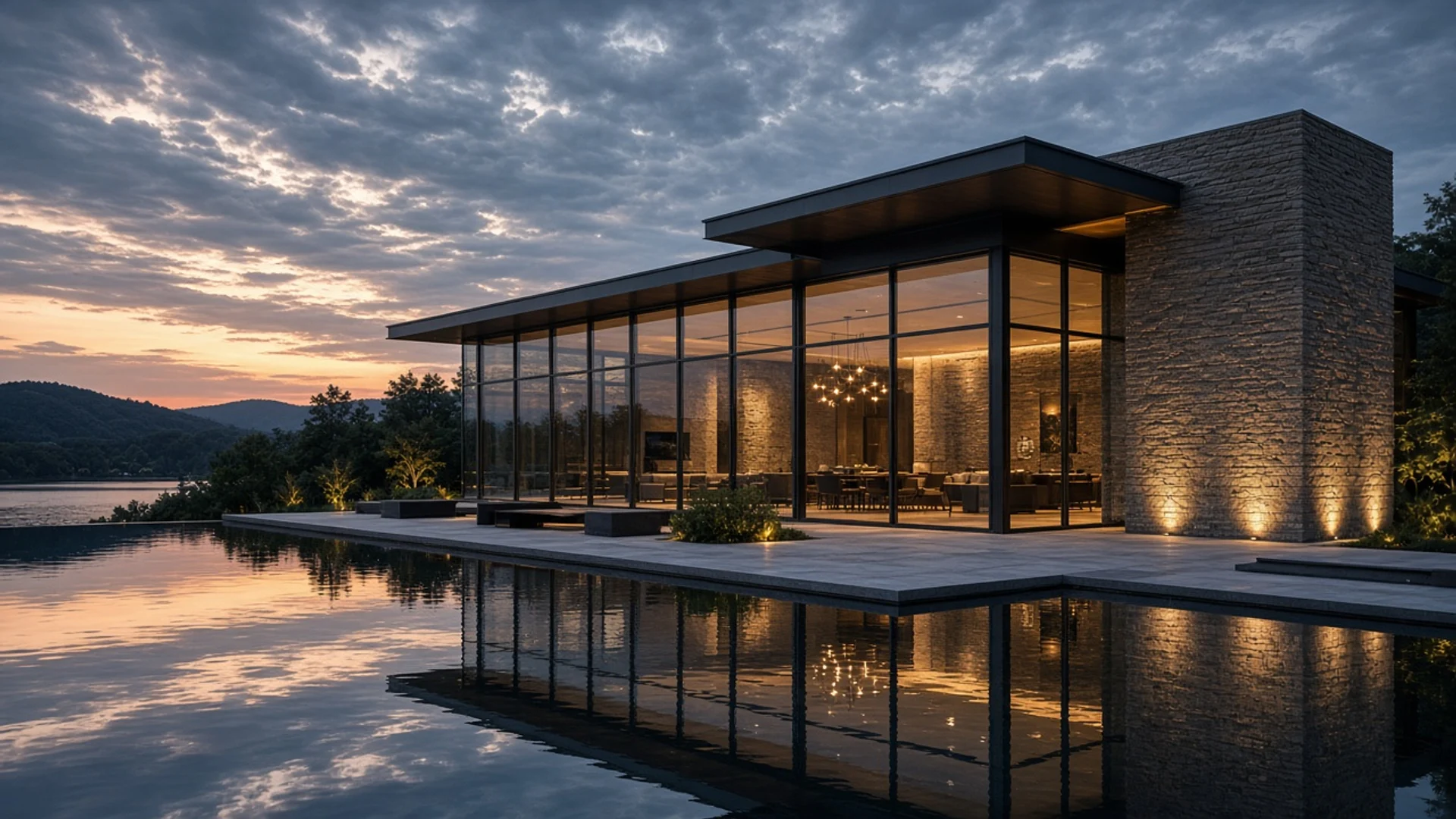
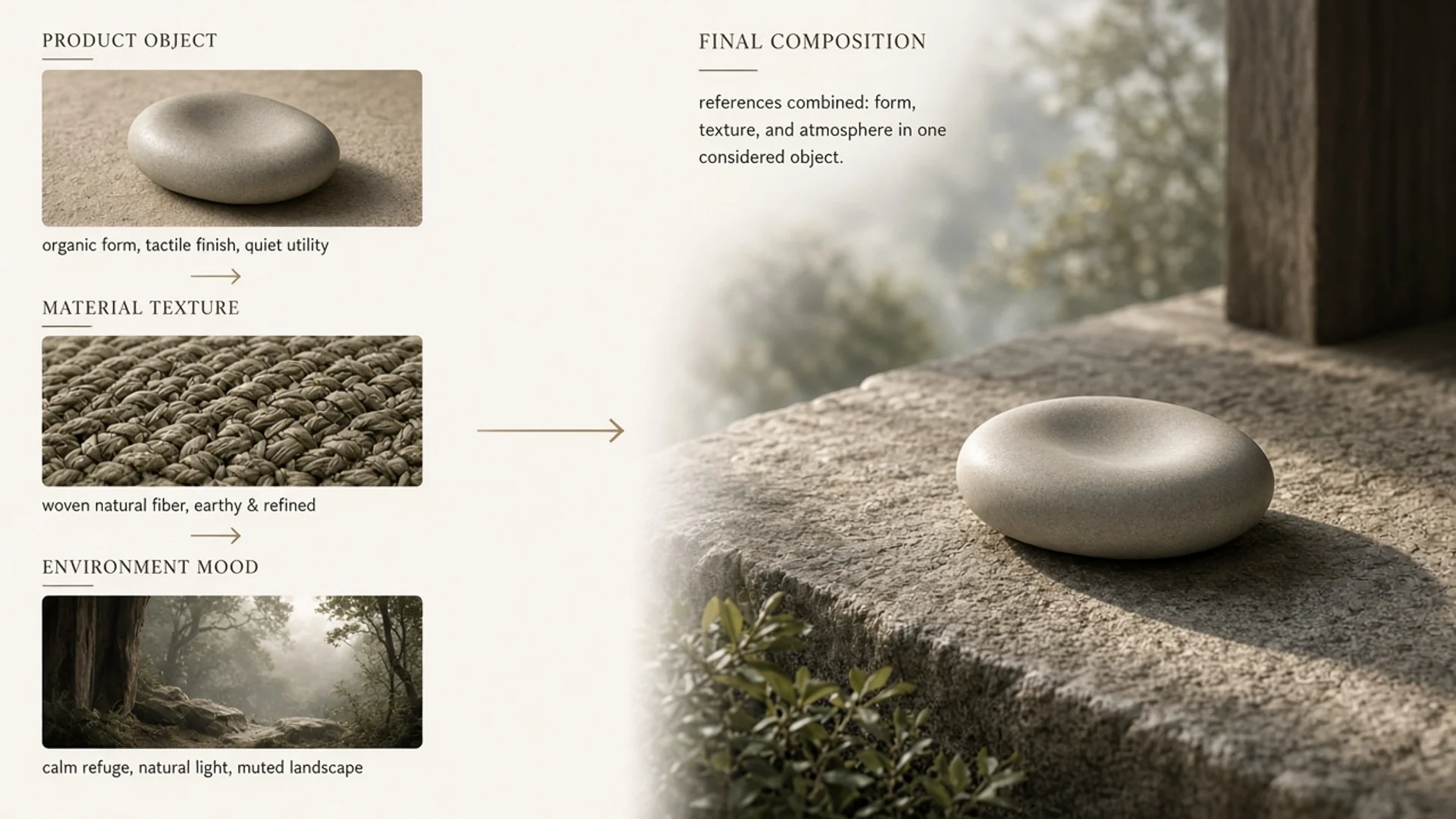
Nano Banana 2 can refine existing images through natural-language instructions. You can describe a desired change, review the result, and continue iterating instead of recreating the entire image from the beginning.
Use visual references to guide the appearance and composition of generated images.
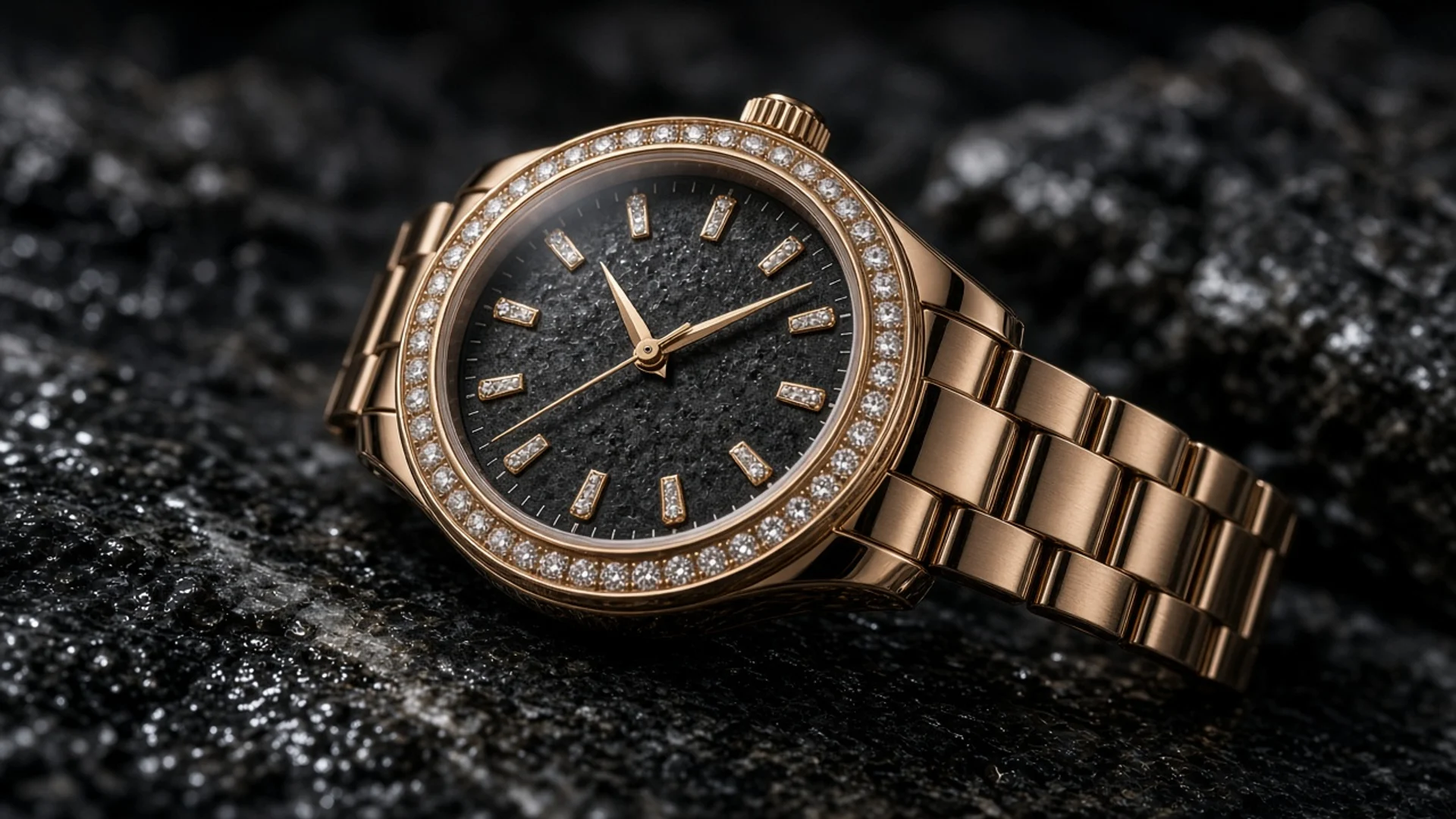
Nano Banana 2 supports higher-resolution image generation, including 4K output. Higher resolution can be useful for detailed visual assets, larger presentations, and workflows where cropping flexibility matters.
Nano Banana 2 is designed for high-efficiency production-scale visual creation. That makes it a strong fit for workflows that require repeated generation, multiple visual variations, or frequent image production.
Nano Banana 2.1 updates 2 with improvements focused on visual quality, prompt adherence, multi-turn consistency and text rendering. The versions have separate model identifiers. Where both are available, compare results with the same prompt and choose for your requirements and settings.
Nano Banana 2 is the high-efficiency, production-scale option, while Nano Banana Pro is positioned for the most complex professional visual tasks, advanced creative control, and studio-quality 4K visuals.
01
Open the Nano Banana workbench and describe your image goal and key requirements in natural language.
02
Add reference images or clarify important visual details when needed.
03
Review the result and continue refining the image through natural-language instructions.
Effective Nano Banana 2 prompts start with a clear subject and goal, then add the visual details that matter most to the final result.
Create a premium studio product photo of a matte black wireless speaker on a light stone surface. Use soft directional lighting from the upper left, subtle shadows, a warm neutral background, realistic materials, clean composition, and commercial photography quality. Keep the speaker as the clear focal point.
Use the provided product reference as the visual identity anchor. Place the same product in a premium modern kitchen with soft morning light, natural materials, realistic reflections, a clean editorial composition, and a warm neutral color palette. Keep the product shape and visible design details consistent.
Create a highly detailed cinematic landscape of a mountain valley at sunrise. Use realistic atmospheric depth, layered mountain ridges, warm sunlight entering from the horizon, detailed rock and vegetation textures, and a balanced panoramic composition suitable for a large-format visual.
Explore the newer Nano Banana 2.1 model and its updated generation and editing capabilities.
Explore the existing Nano Banana 2 handbook for model capabilities and practical workflows.
A beginner-friendly guide to understanding and using Nano Banana 2.
Explore practical prompt templates for image generation workflows.
Put these Nano Banana 2 ideas into your next image: prepare a clear prompt, open the Nano Banana workbench and refine the result step by step.