
Character & Outfit
Use one image for character appearance and another for clothing. Identify who should wear the outfit and which facial or hair features to retain.
Nano Banana Multi-Image
Give Each Image a Role, Then Define One Coherent Scene.
Bring character, outfit, product and environment references into a new image. Assign the information each image provides, define placement, scale and lighting, and use clear prompts to refine elements that do not fit together.
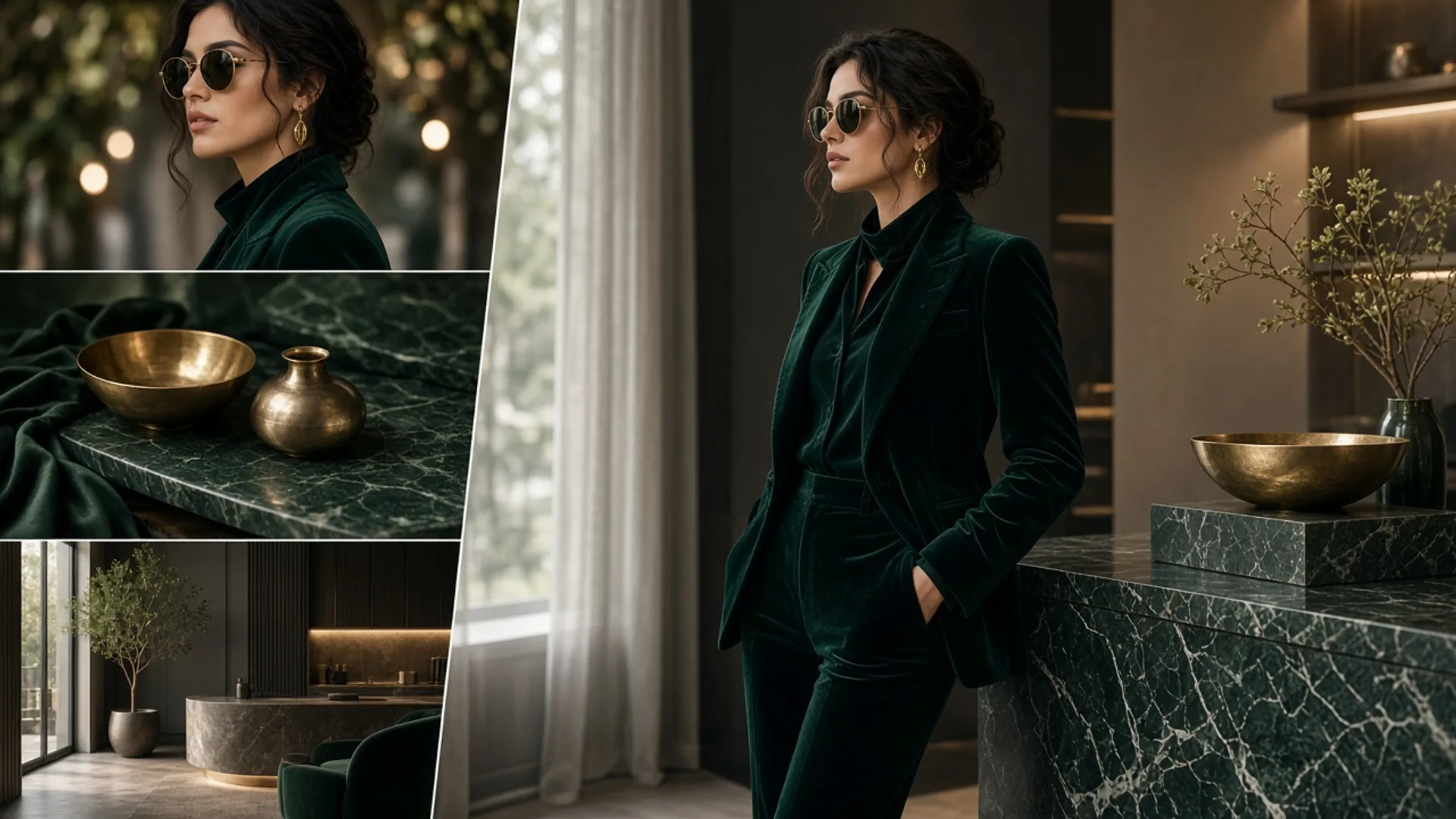
Nano Banana multi-image generation uses several images as visual references for one task. It is more than placing assets together: explain each image’s role, the features to retain and how people or objects relate in the final scene. Generation may redraw details, so compare the result against the references.
Use one image for character appearance and another for clothing. Identify who should wear the outfit and which facial or hair features to retain.
Let the product reference guide shape and material and the scene reference guide the setting, then describe placement, scale and contact shadows.
Specify position, count and overlap for each object to help diagnose duplication, missing objects or inconsistent scale.
Use the subject reference for appearance and the style reference for palette, lighting or texture rather than copying its subjects by default.
Use one image for viewpoint and empty space and another for atmosphere, stating which requirement takes priority if they conflict.
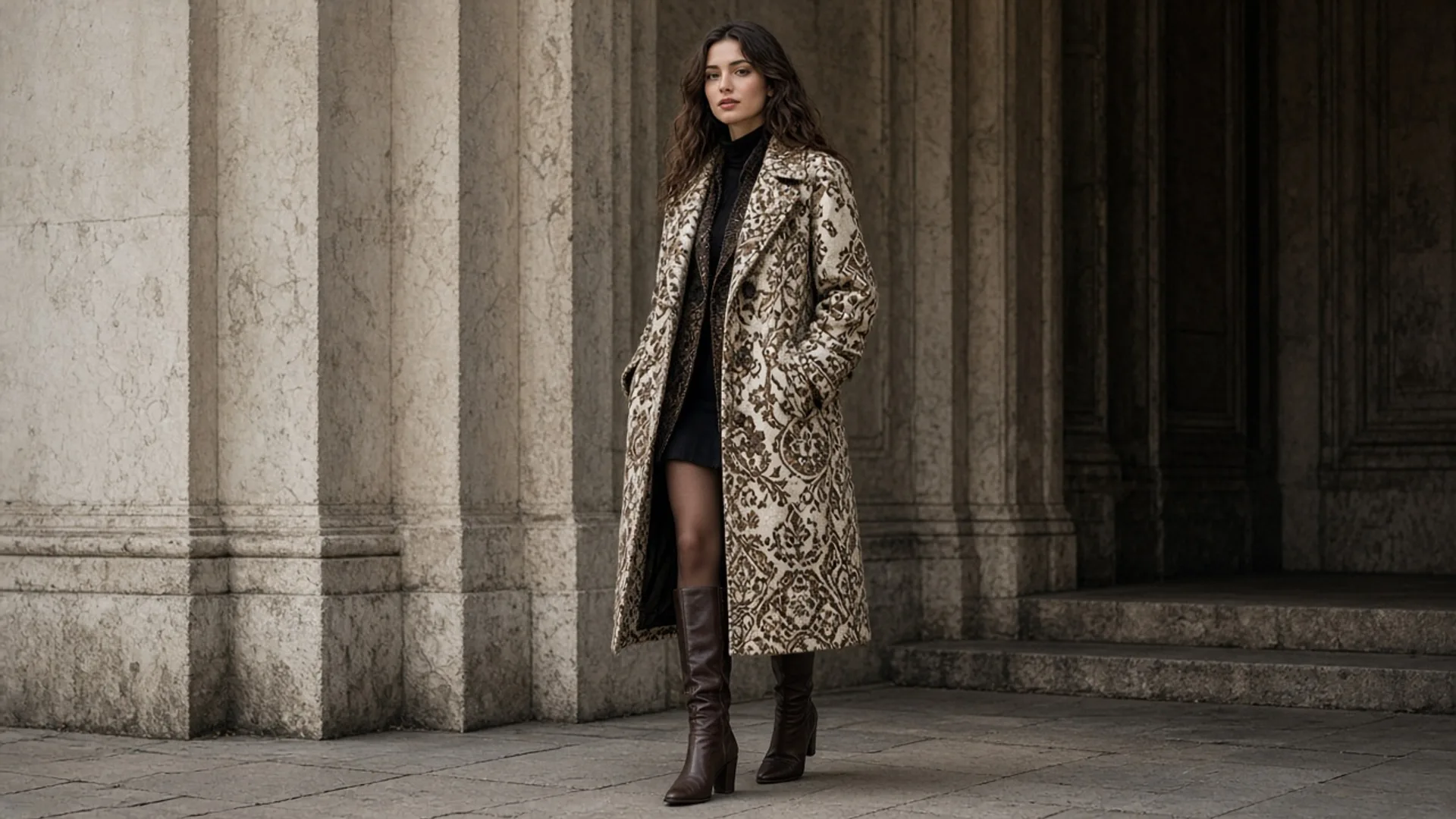
Character + Outfit
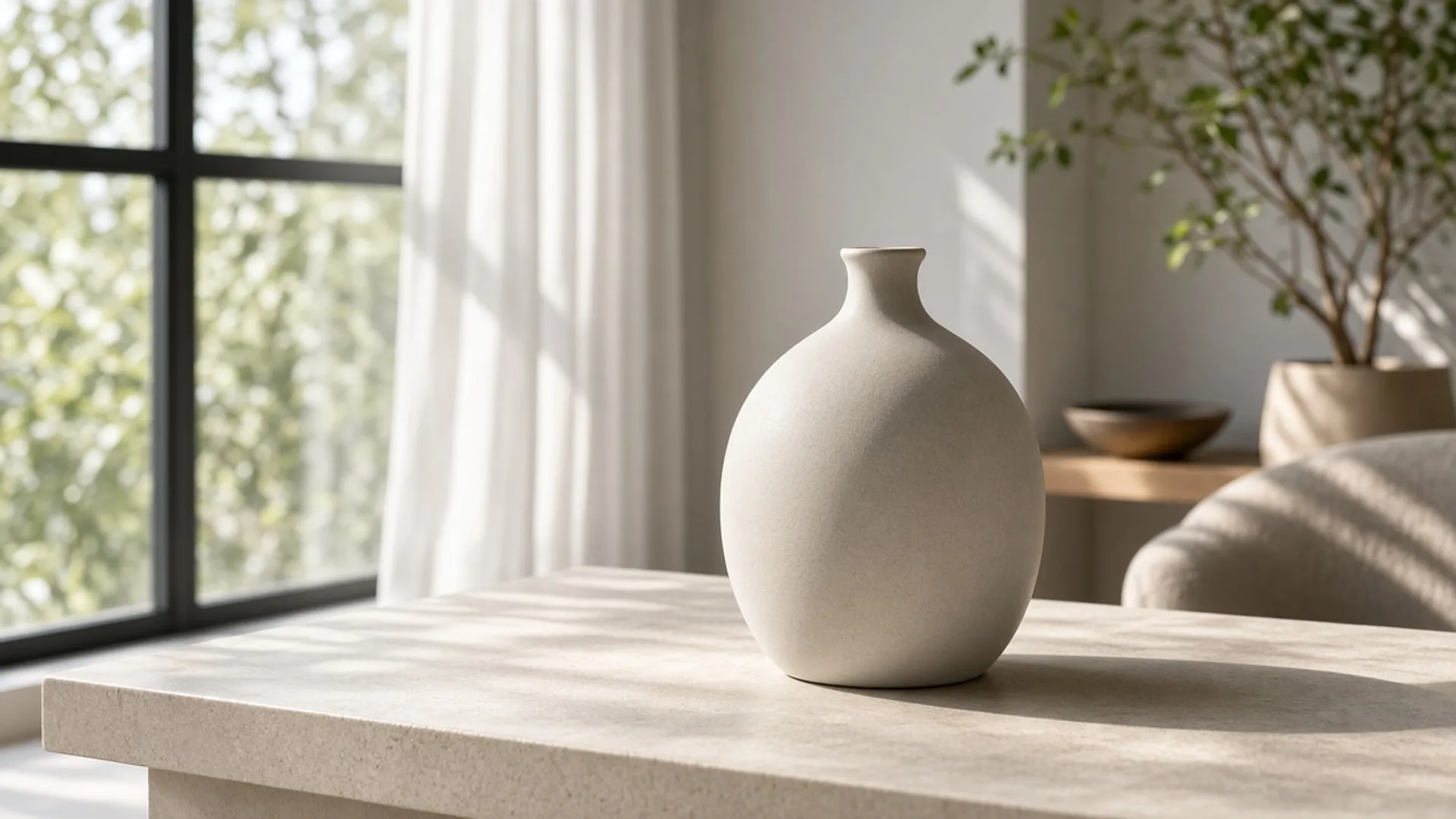
Product + Environment
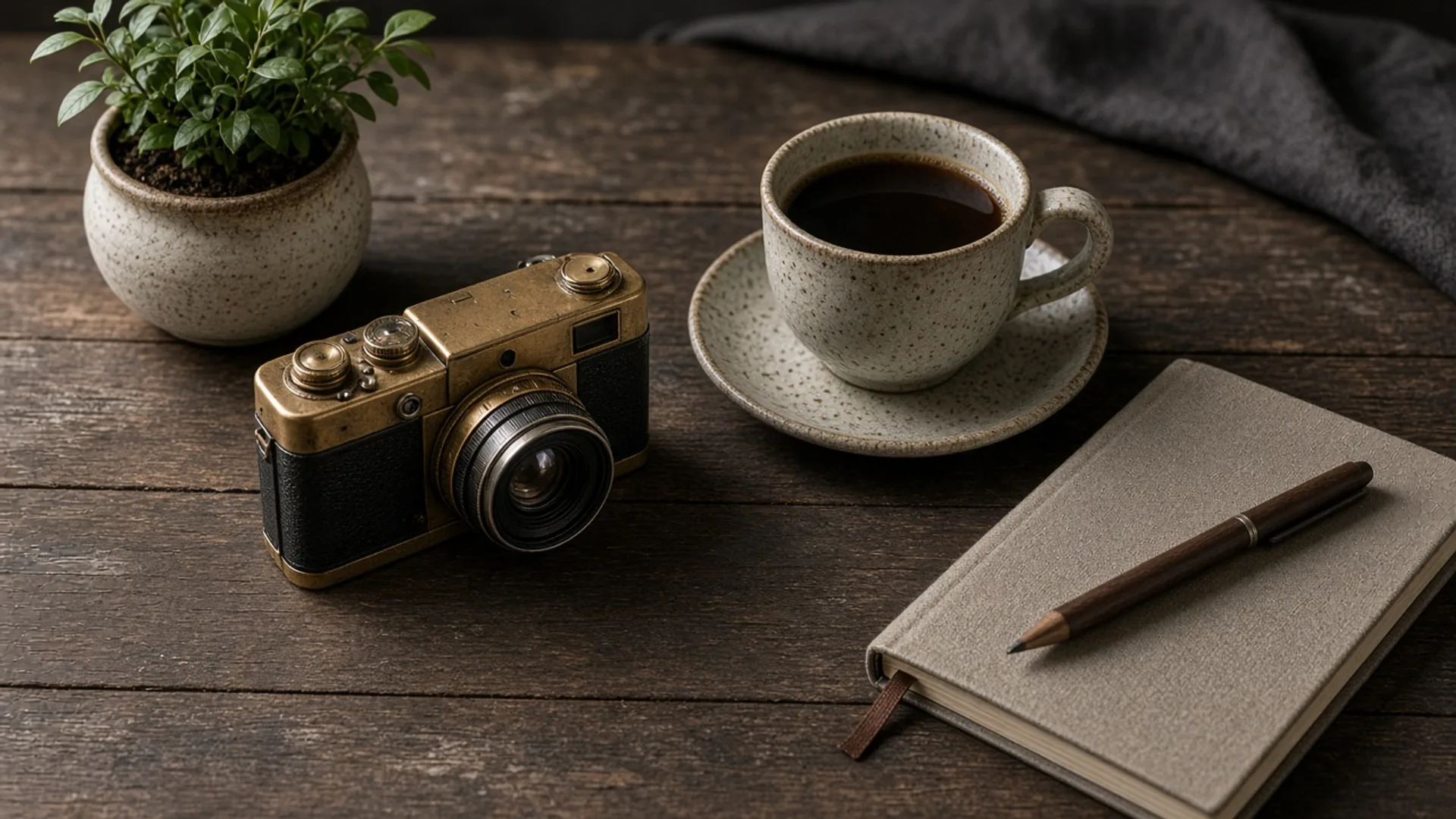
Object Combination
Complex Composition
01
List the people, products and setting needed in the final image, then select references for missing information. Prefer clear subjects and visible details and remove irrelevant or conflicting material.
02
Use the actual upload order or distinctive visual descriptions to assign roles, such as character, coat and setting. Do not assume image numbering is automatically interpreted the same way in every workflow.
03
State where subjects belong, how large objects should appear, what overlaps and where light comes from. Describe a complete image rather than only asking to combine the inputs.
04
Separate key features such as identity or product outlines from changeable set details. State priorities when clothing, composition or lighting references conflict.
05
Check character and product details first, then counts, scale, perspective, edges and shadows. Fix the most important issue first and return to original references or a better version when subject details drift.
Use the first reference for the original character and the second for the patterned coat. Dress the character from the first image in that coat beside pale stone columns. Retain the face, hair and proportions, plus the coat’s main pattern and length. Use a natural stance, eye-level full-body framing and soft side light. Do not introduce a second person from the outfit reference.
Use the product in the first reference as the subject and the second reference only for the interior. Place the product on a foreground table at a plausible scale, retaining shape, material and marking placement. Match shadows to window light from the left. Add no extra packaging or invented wording, and keep background detail subordinate to the product.
Place the ceramic cup from the first image, notebook from the second and small lamp from the third in one clean tabletop scene. Put the cup at the front left, notebook in the center and lamp at the back right, with one of each. Use a consistent slightly elevated viewpoint, soft light and contact shadows. Retain the main shapes without collaging the three source backgrounds.
Use the first reference for product appearance, the second only for a right-positioned subject and empty space on the left, and the third only for a warm beige and dark green palette. Create a new clean product presentation, prioritizing product shape over object proportions in the composition reference. Do not copy wording, logos or unrelated objects from the second or third image.
Explore its multi-reference and iterative-editing capabilities to refine relationships and subject details.
Compare it when the scene also involves complex design, product details or text.
Focused on speed and lightweight creation; choose by required capability for complex multi-reference tasks, not speed alone.
Use reference images to guide subjects, products, characters, styles, and compositions.
Keep important character details more consistent across image-generation workflows.
Edit existing images with natural-language instructions.
Generate new images from natural-language prompts.
Create images that include typography, labels, posters, menus, and other text-heavy visuals.
Transform image styles while preserving important visual elements.
Explore product placement, sets and photographic lighting.