
01
Choose the Reference Role
Decide whether the image guides character identity, product appearance, an object, style or composition. Choose an image with relevant, clear details.
Nano Banana Reference Images
Let the Image Show the Details and the Prompt Define the Goal.
Give Nano Banana clear visual guidance with character, product, object, style or composition references. Learn to select a reference, separate what should stay from what should change, and explore new scenes with original prompts.
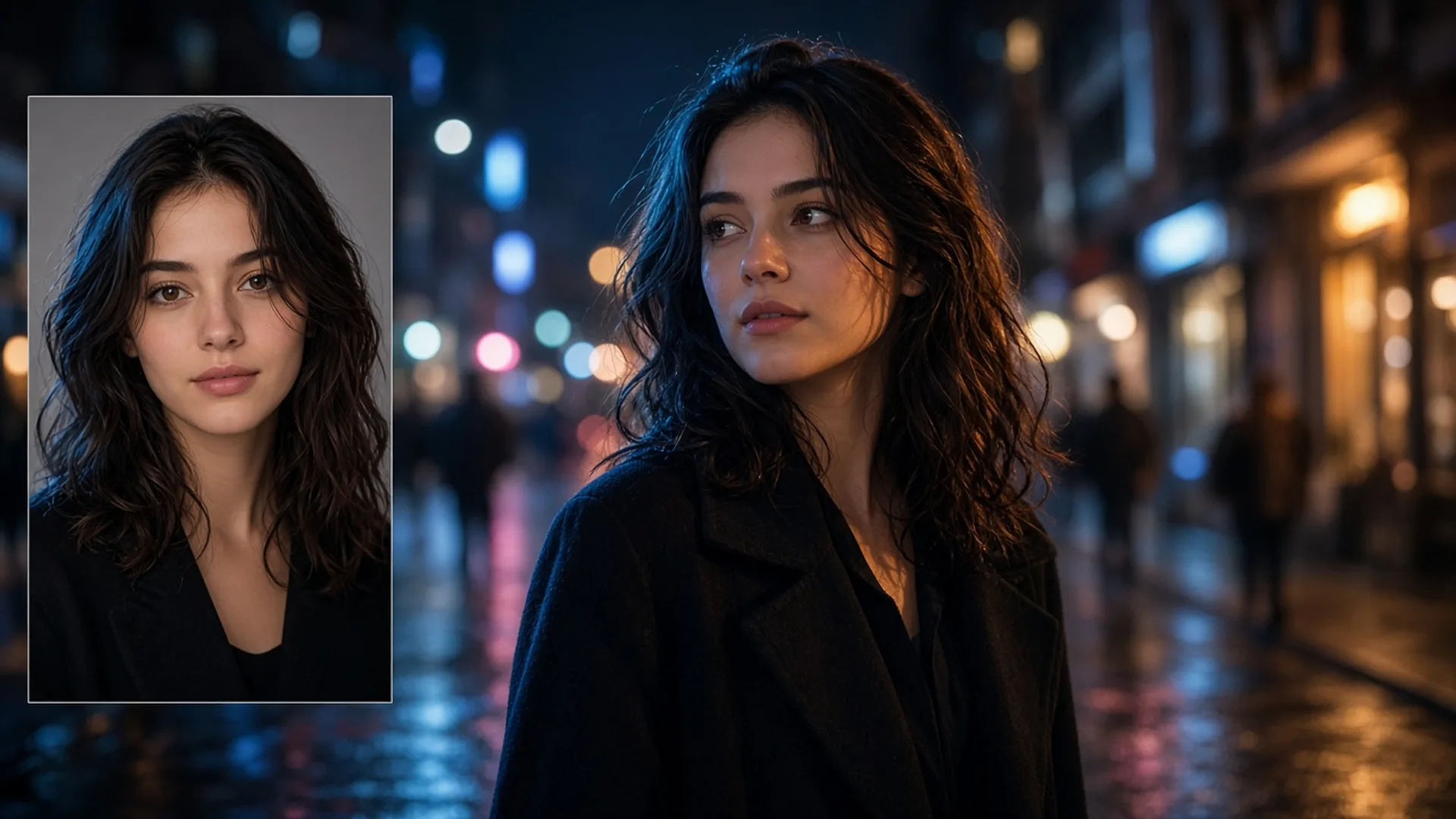
A Nano Banana reference image is an existing image used to guide a new result. It can communicate appearance, product shape, color, materials or layout. The prompt explains which information to use, which to ignore and what the final image should show.
Define the reference’s role before describing the new result. State whether it guides identity, style or composition instead of leaving that choice implicit.
01
Decide whether the image guides character identity, product appearance, an object, style or composition. Choose an image with relevant, clear details.
02
For example, retain product shape and label placement while changing setting and lighting, or use only the palette without copying the original people and objects.
03
Review faces, product outlines, materials or layout in the priority order from your prompt. If the main reference information was lost, reduce the scope of change and try again.
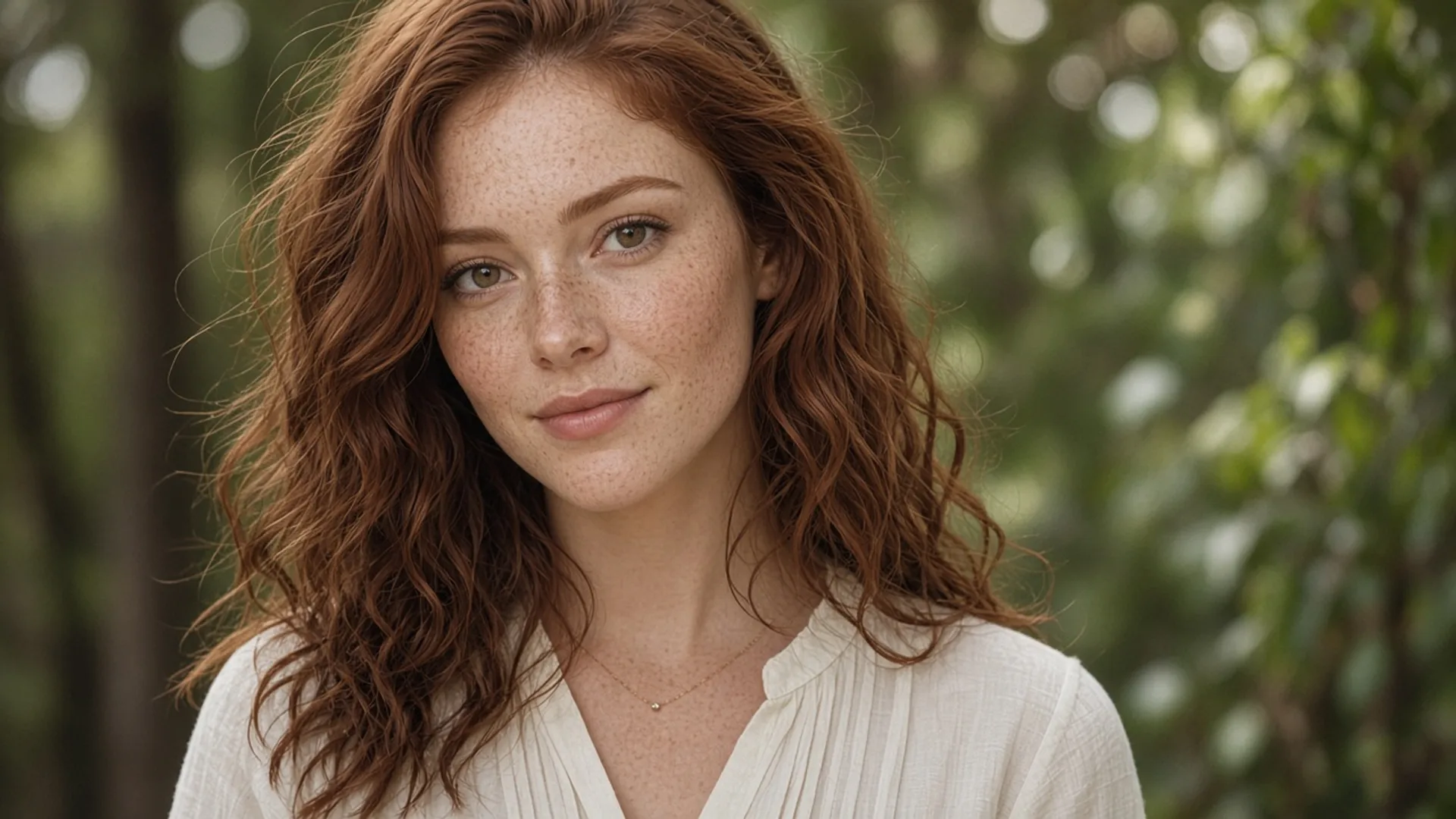
Use a clear character image for face, hairstyle and clothing information, then describe the new setting and action.
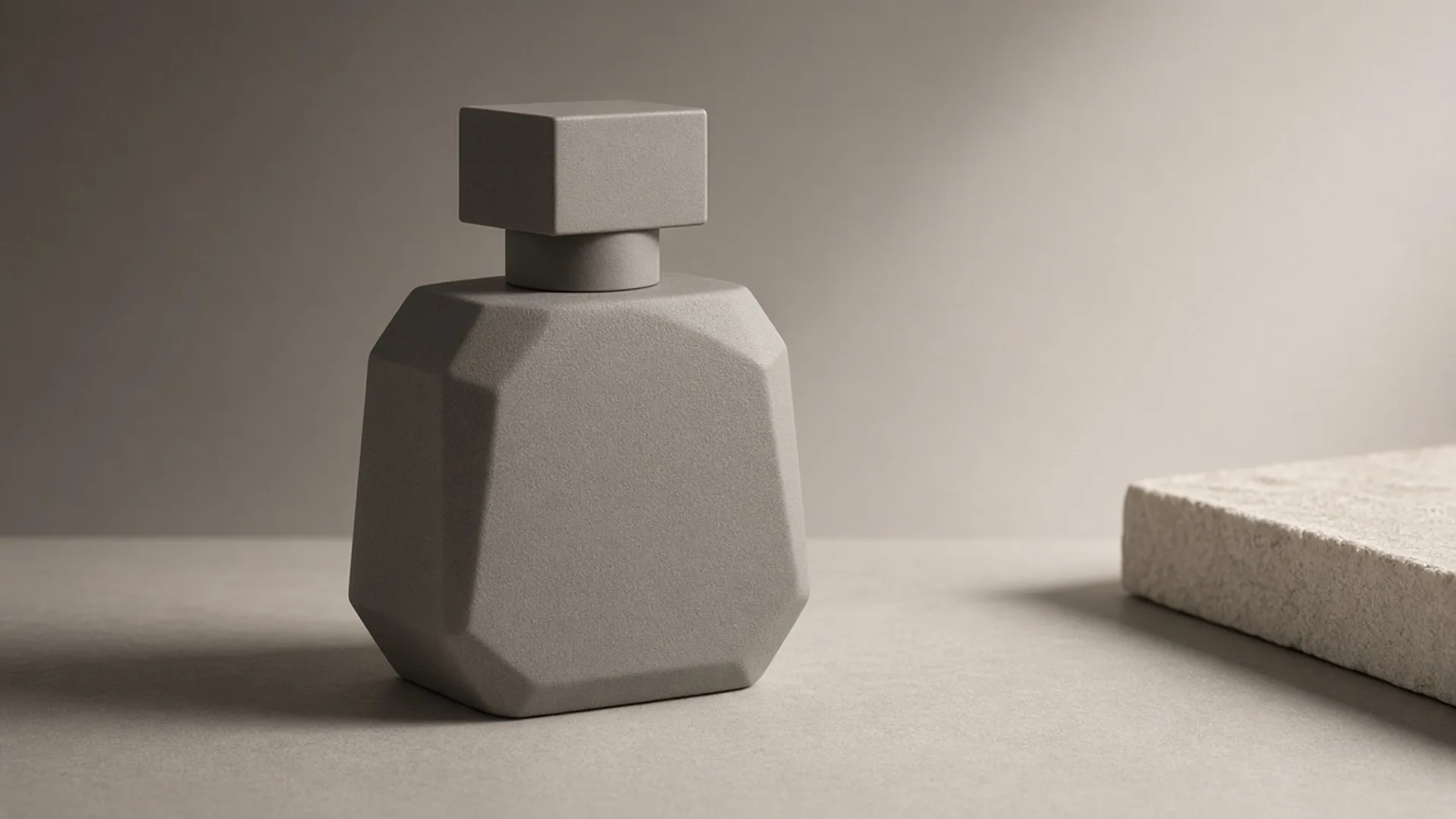
Provide visual guidance for product shape, materials, label placement and distinguishing details while exploring new sets and lighting.
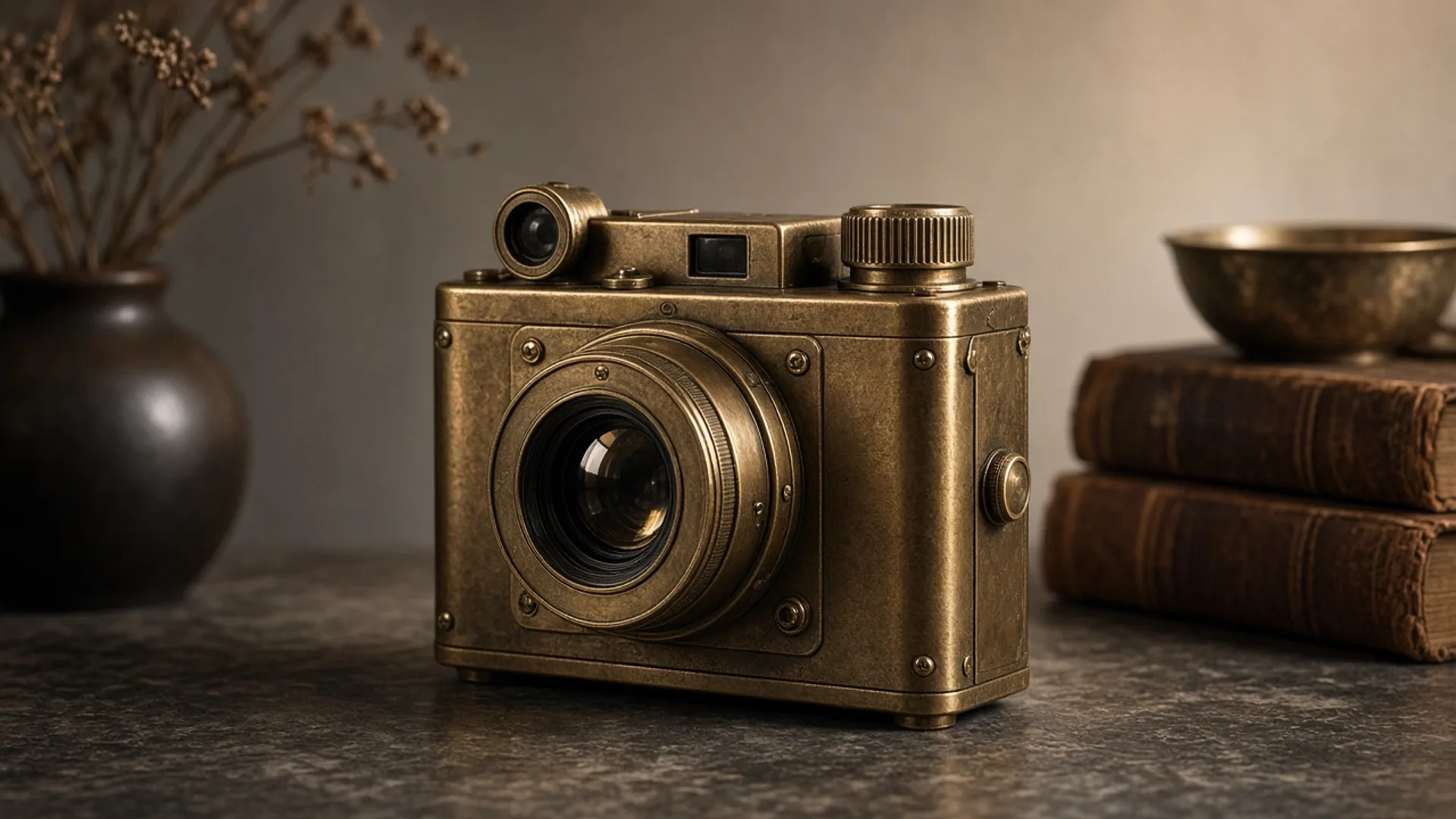
Show an object’s structure, proportions and color and explain its position and scale in the new image.

Specify whether to borrow palette, brushwork, lighting or texture, while describing a new subject and setting separately.
Use the reference for viewpoint, spatial relationships and empty space, stating which subjects or objects should be replaced.
Start with a reference that communicates a clear priority and describe how it relates to the goal. If several images serve different roles, explain each one instead of only asking for something similar.
01
For a character, prioritize visible facial and hair details; for a product, show its outline, material and important markings. Avoid tiny subjects, heavy obstruction or several similar subjects that are difficult to distinguish.
02
Add the reference in the workbench. For several images, use upload order or distinctive descriptions to assign character, product, scene or style roles. See the multi-image guide for a fuller workflow.
03
Describe the final scene, then identify appearance, color or structure to retain and the background, action or framing to change. State priorities if requirements conflict.
04
Check identity or product details before lighting and background. Return to the original reference if details drift and keep a usable version before continuing.
Use the original character in the reference as the appearance guide. Retain facial features, reddish-brown curly hair and the light top. Place the character outside a city bookshop at dusk with a natural standing pose, soft warm light and a half-length composition. Change the setting without replacing the identity, and review the eyes, hair and facial proportions afterward.
Use the reference product as the main subject, retaining proportions, material and label placement. Place it on a clean light surface against a soft beige studio background, with window light from the left and natural contact shadows. Add no extra packaging, accessories or invented wording.
Use only the reference’s muted palette, soft light and visible brushwork to create a new mountain-lake illustration. Show distant mountains, calm water and a small foreground cabin. Do not reuse people, buildings or text from the reference. Keep palette and brushwork coherent without copying its composition.
Use the reference’s eye-level viewpoint, right-positioned subject and empty space on the left. Create a new ceramic desk-lamp presentation on a pale gray surface with a warm background. Borrow the composition only, without retaining the original subject, logos or text.
Explore it for reference-guided generation and refinement, first checking that the subject remains recognizable.
Compare it when references involve product appearance, text and complex visual layouts.
Consider it for a suitable lightweight task; select by capability for complex multi-reference or identity requirements.
Generate new images from natural-language prompts.
Edit existing images with natural-language instructions.
Keep important character details more consistent across image-generation workflows.
Combine multiple images to guide a single visual result.
Create images that include typography, labels, posters, menus, and other text-heavy visuals.
Transform image styles while preserving important visual elements.
Explore prompts for describing subjects, styles, and visual references.
Connect product references with new product-image settings.