
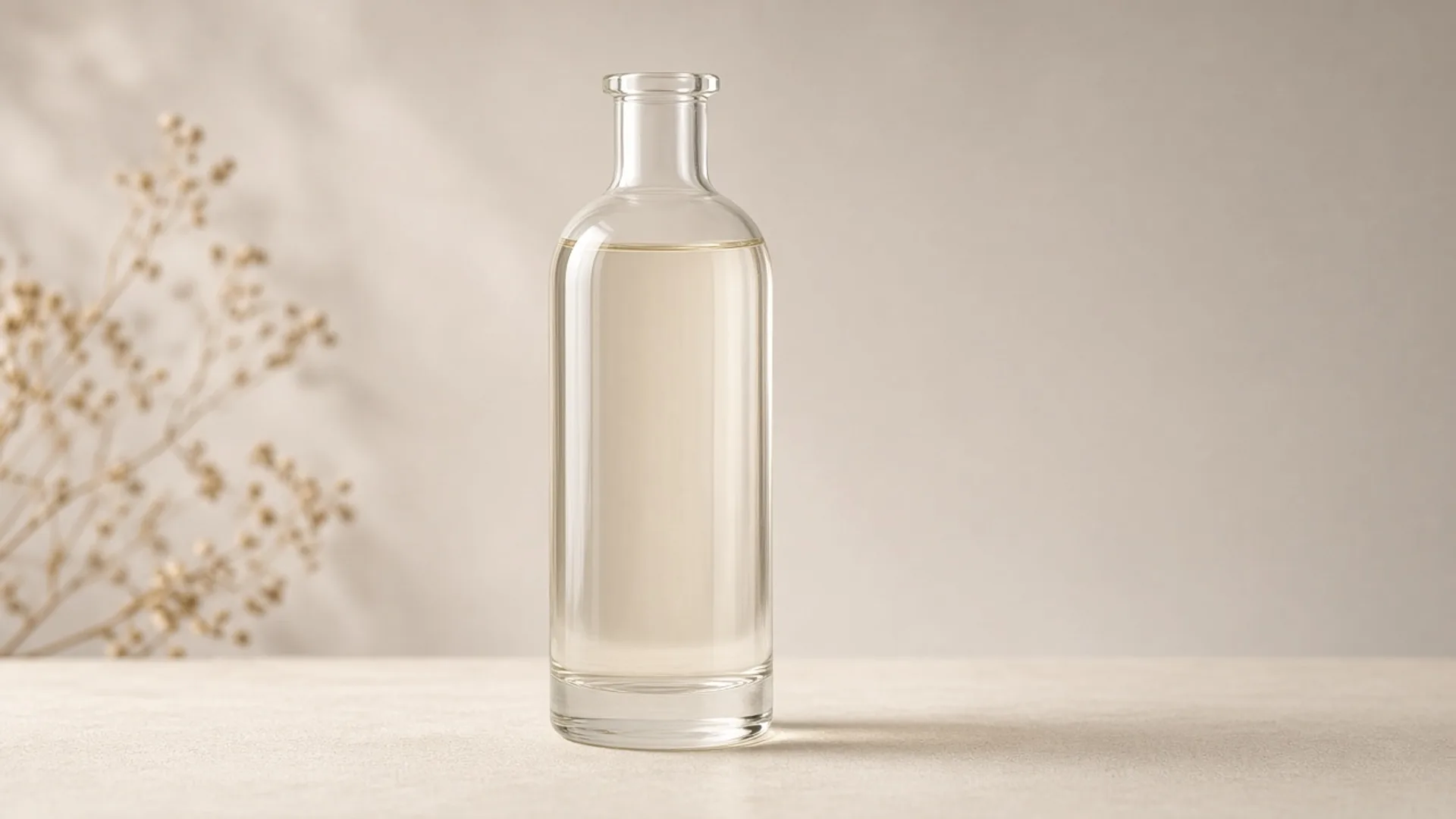
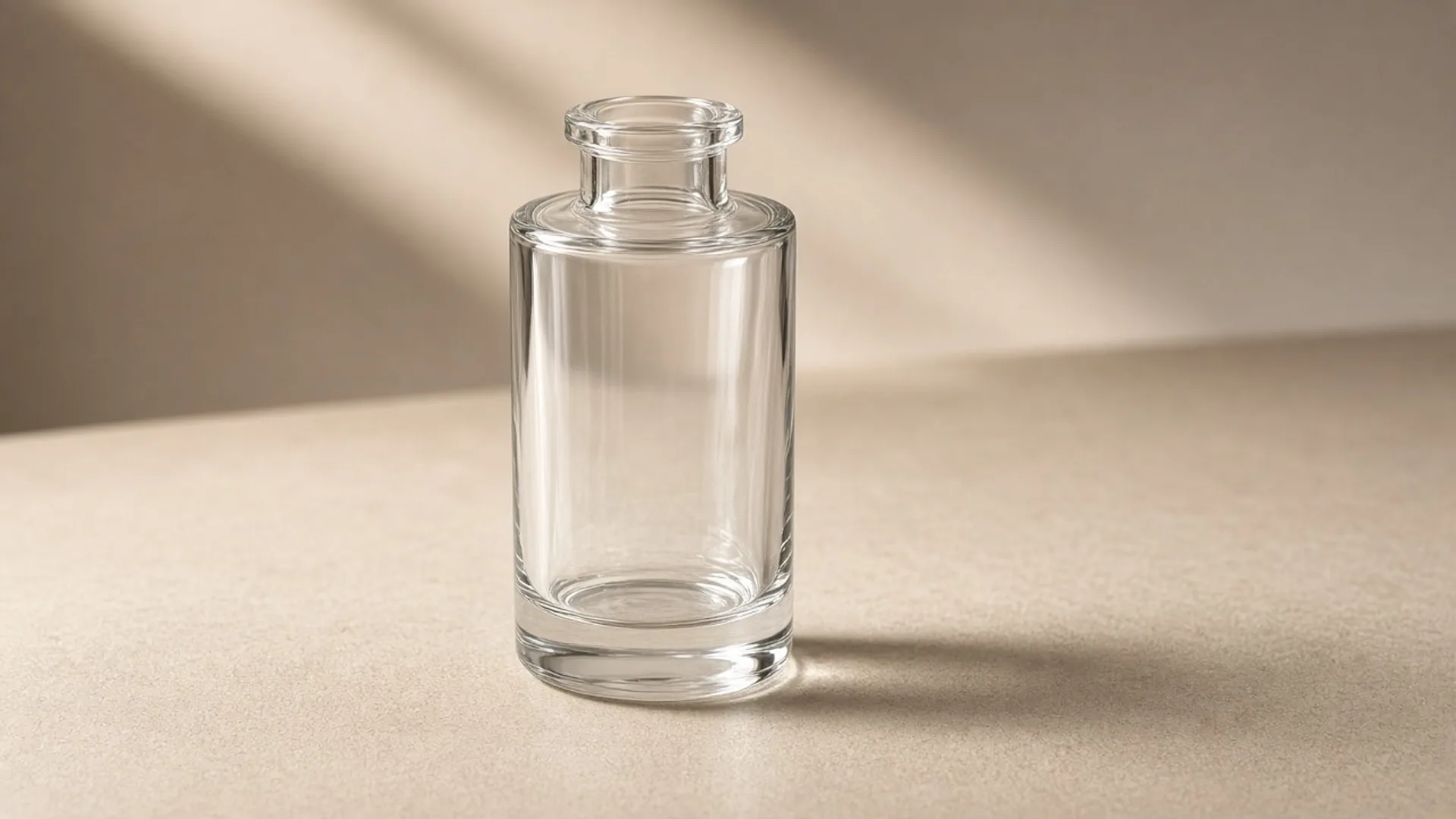
White-Background Product Images
Use a simple background, complete silhouette and soft contact shadow to keep the item easy to identify.
Nano Banana Product Photography
Start with what the product must show, then shape the scene and light.
Start with a clear product reference and explore white-background images, lifestyle scenes, detail views and advertising compositions with Nano Banana. Specify the shape, material, color and packaging to preserve, then compare the result with the actual item.
Nano Banana product photography uses image generation and editing to explore product-focused visuals. Supply references for a real item; without them, text-only generation is better suited to product concepts. Review product accuracy before refining the setting, light and props.
Use a simple background, complete silhouette and soft contact shadow to keep the item easy to identify.
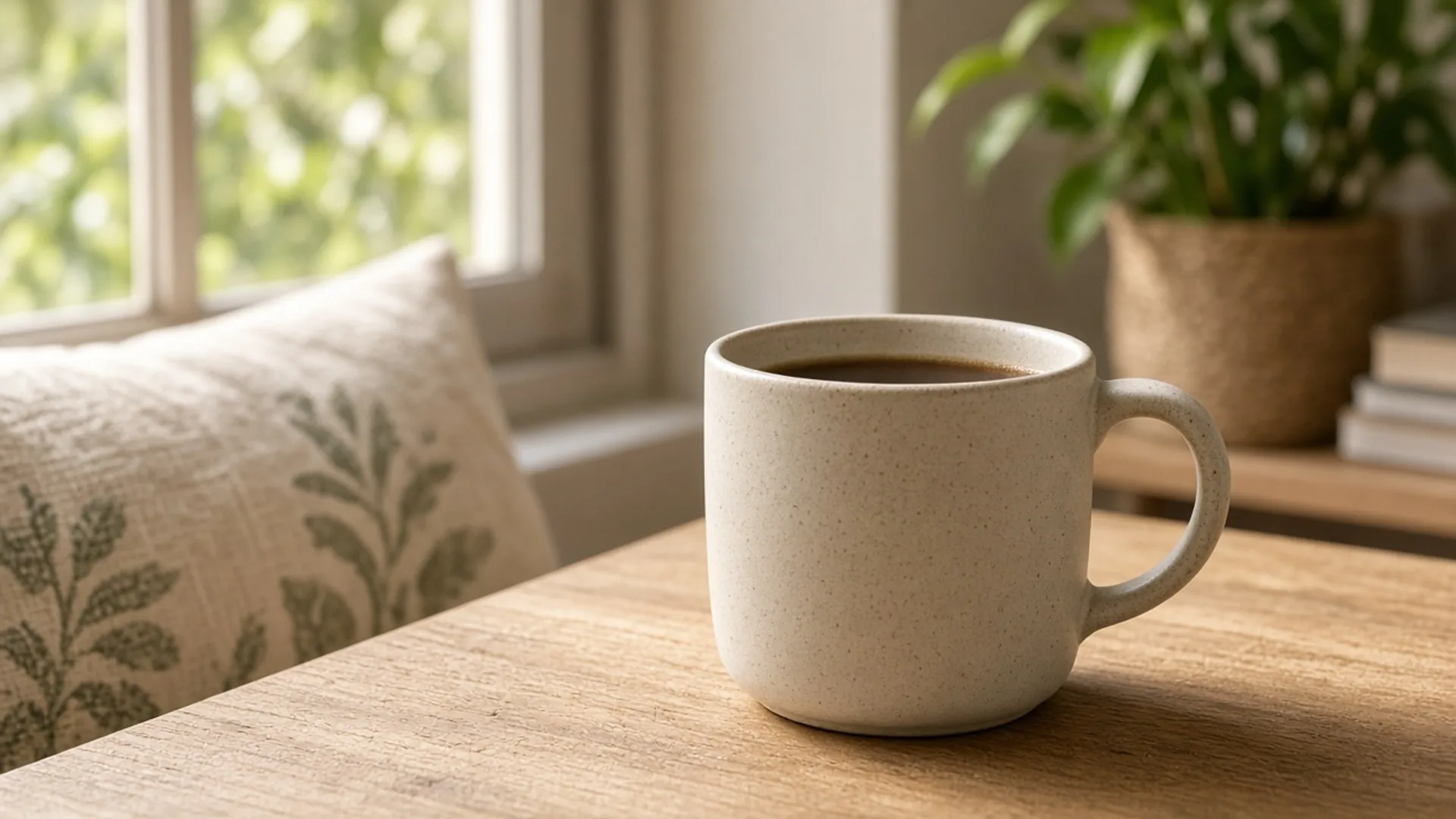
Place the product in a setting that fits its use and define its relationship to surfaces, props and light.
Frame textures and structures visible in the reference without inventing unseen internal design.
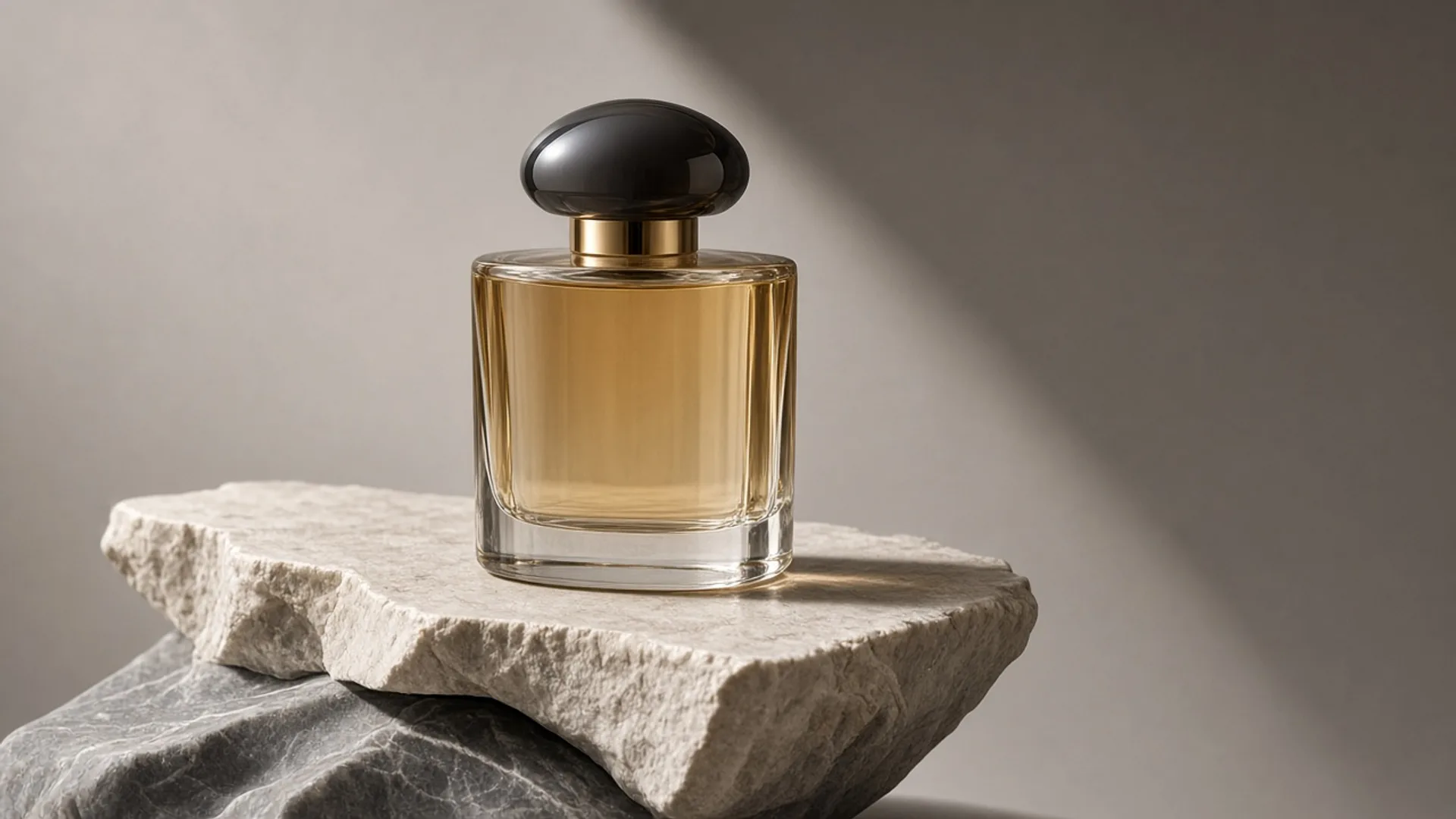
Establish the product appearance before exploring color, props and space for campaign copy.
Write what to preserve before what to change: keep the silhouette, cap, material and marking placement while changing the background, surface or lighting. Avoid combining a new angle, redesigned packaging and a complex setting in one revision. Smaller changes make product drift easier to spot.
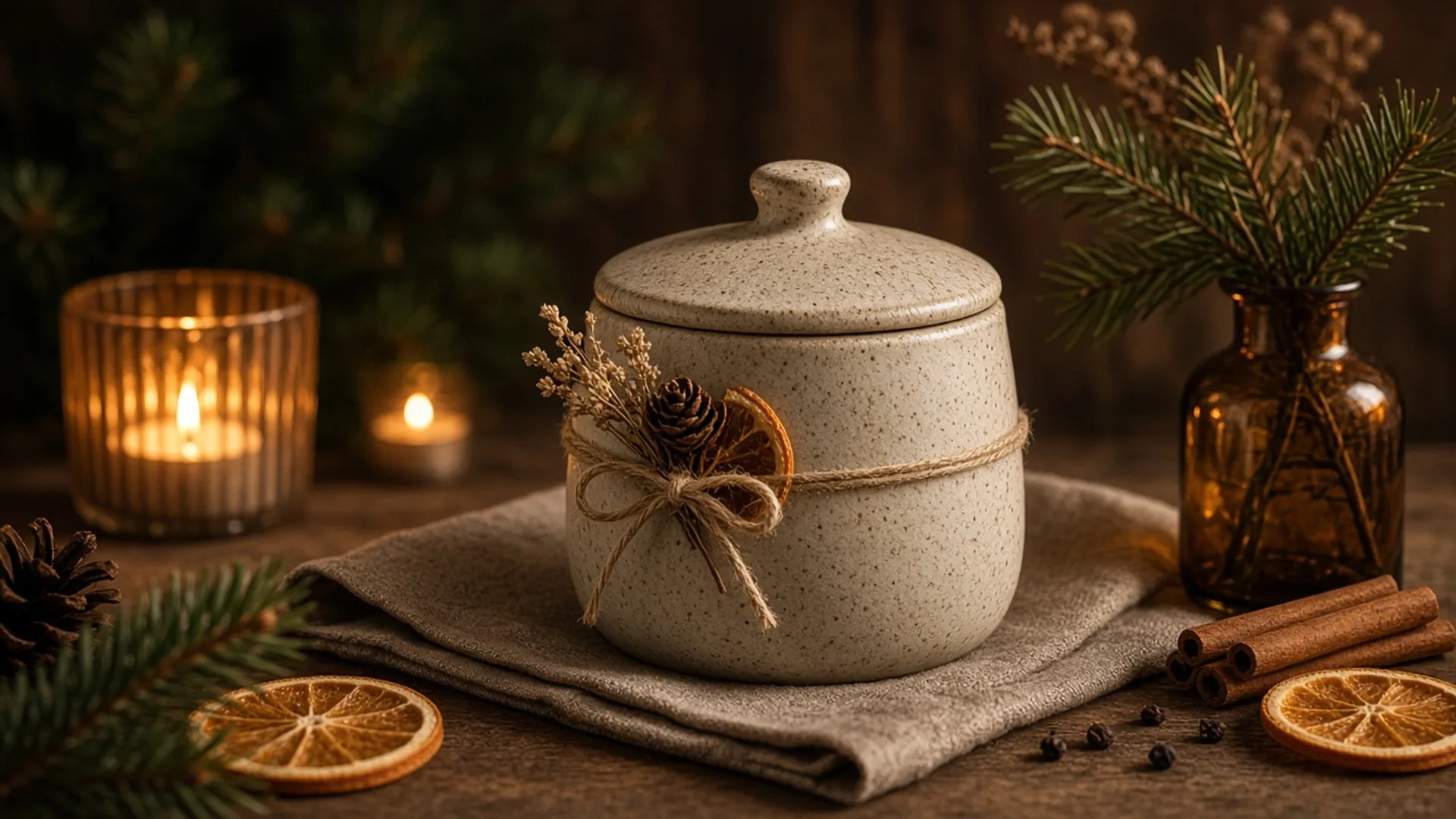
Prepare a clear product photo and identify the appearance to preserve. Define the use, aspect ratio and crop area, then describe the supporting surface, light direction, viewpoint and product size. Start with a simple setting. Compare shape, color, labels, quantity and accessories with the reference before adding props or atmosphere. Review the final file against the destination requirements; a concept image is not evidence of a physical product.
01
02
03
04
Use the single ceramic cup in the reference as the only product. Preserve its silhouette, handle, glaze color and visible texture. Place it on a white surface against a plain white background, viewed slightly from above with the rim and handle fully visible. Use soft even light and a subtle contact shadow. Add no extra cups, accessories, logos or text.
Place the referenced product on a pale wooden table near a window. Preserve its shape, material, color and marking placement. Position it on the right with clear space on the left. Light it from the left window and align contact shadows with the table perspective. Add only a folded linen cloth, without covering the item or adding labels or benefit claims.
Create a close detail composition of the same product based on surfaces visible in the reference. Emphasize its existing metal texture and edge joins with soft side light. Preserve the structure and color. Add no ports, engraving, buttons or internal parts, and do not turn unclear areas into invented specifications.
Keep the referenced product and packaging as the subject on a low stone plinth. Use a dark green gradient background and soft rim light from the back right without obscuring product details with reflections. Place the item at the lower left and leave clear copy space at the upper right. Add no promotions, benefit claims, logos or extra products.
Explore Nano Banana 2.1 for common image generation and iterative edits, and compare Nano Banana Pro for complex visual layouts. Judge the result against the references, wording and composition for your task before choosing a model and revision approach. Available models and settings are shown in the workbench.
Generate new images from natural-language prompts.
Edit existing images with natural-language instructions.
Use reference images to guide subjects, products, characters, styles, and compositions.
Define the roles, composition and lighting of multiple references.
Refine exact wording, placement, hierarchy and text-error review.
Find reusable prompt ideas for product scenes, lighting, and composition.
List the product details to preserve, then open the workbench to explore the setting, light and composition.