5 min read
Nano Banana 2 Style Transfer: Prompts & Reference Roles
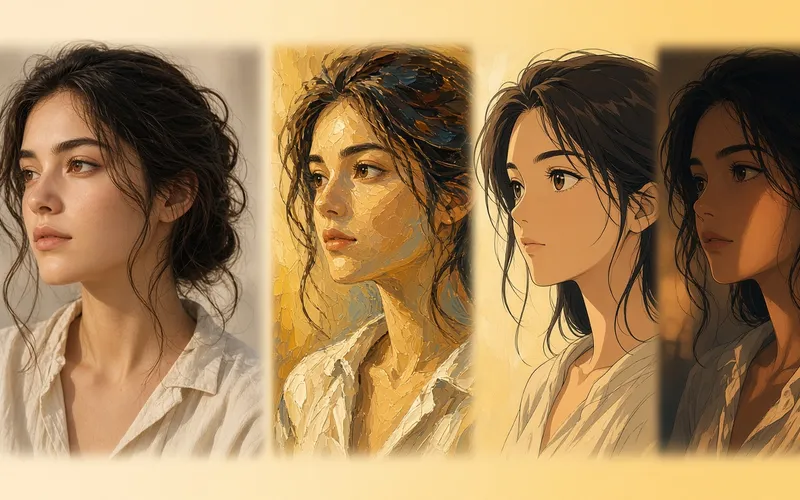
Restyle still lifes, portraits and environments with Nano Banana 2. Review three prompts, a two-reference example, preservation requests and result checks.
Read moreBlog
Choose a topic for the question in front of you, or browse the dated article list below. These independent guides connect model information with image tasks; they do not replace the options shown in the workbench.
Understand version differences and choose which information to check before opening the workbench.
Organize the request and review missing or conflicting requirements before submitting.
Start from text, change an existing image or decide what to do with a candidate result.
Explore changes in visual treatment and figurine-style concepts, with input and review requirements.
Restyle still lifes, portraits and environments with Nano Banana 2. Review three prompts, a two-reference example, preservation requests and result checks.
Read more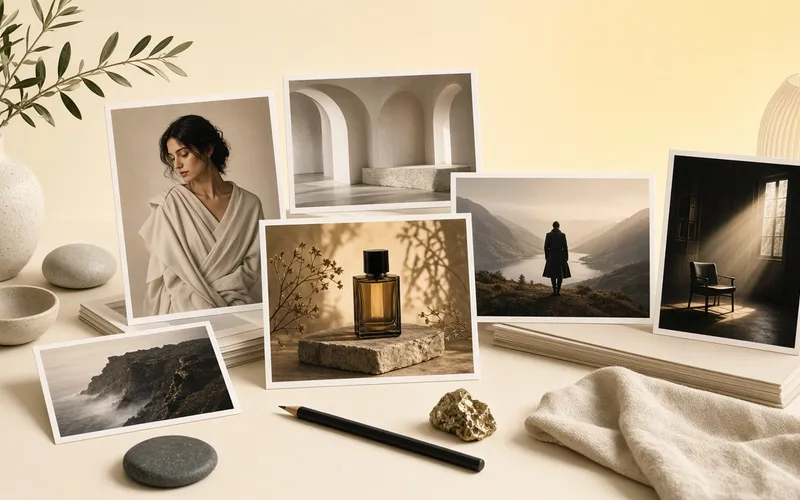
Plan Nano Banana Pro prompts with a clear brief. Explore product visuals, banner copy space and a targeted edit, with input requirements and result checks.
Read more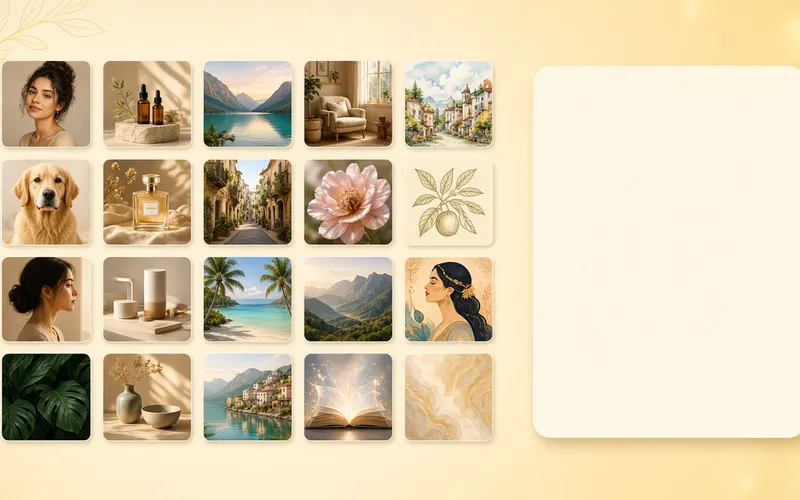
Choose from 20 Nano Banana 2 prompt templates for portraits, products, scenes, illustration and edits. Check required inputs, adaptations and review points.
Read more
Compare Nano Banana 2, Pro and Original as models, with context on 2.1 and 2 Lite. Choose by references, editing and layout needs rather than subscription labels.
Read more
Understand how Nano Banana 2 relates to Gemini. Separate documented capabilities from workflow illustrations and unverified architecture, with reference and editing guidance.
Read more
Check whether Nano Banana 2 is free on the service you use. Distinguish model, platform and API pricing, then review credits, generation charges and plan conditions.
Read more
Choose Nano Banana prompt frameworks for subjects, scenes, lighting, style references and edits. Check inputs, fill-in structures, examples and review points.
Read more
Start a Nano Banana 2 task with a clear goal, check available inputs and use a first-image prompt. Review the result and edit only when needed.
Read more
Troubleshoot Nano Banana subject, reference, text, crop and lighting issues. Use three instruction comparisons and review criteria to choose your next action.
Read more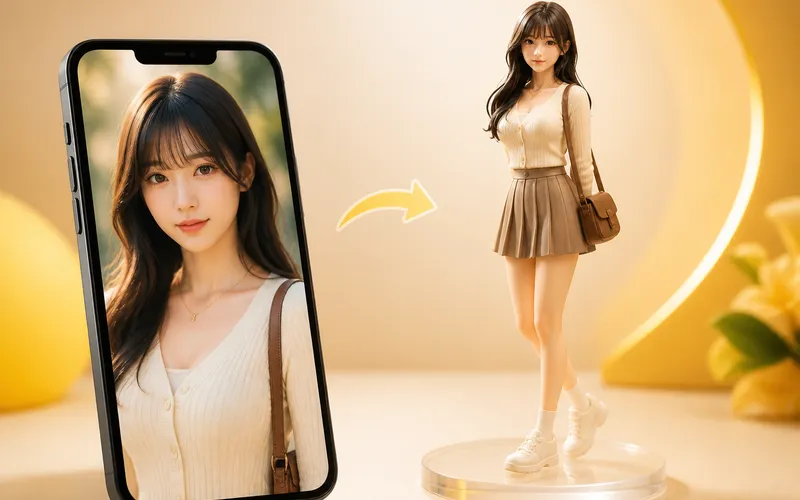
Create figurine-style images with Nano Banana using photo references or fictional characters. Review prompts, base edits and the limits of 2D concept images.
Read morePrepare your description or reference image, then check the models, inputs, settings and charges available in the workbench. These guides are independent resources, not the official Google website.
Open Nano Banana Workbench →