Nano Banana
How to Write Nano Banana Prompts? 5 Frameworks to Make You a Pro
Nano Banana AI4 min read
Contents+
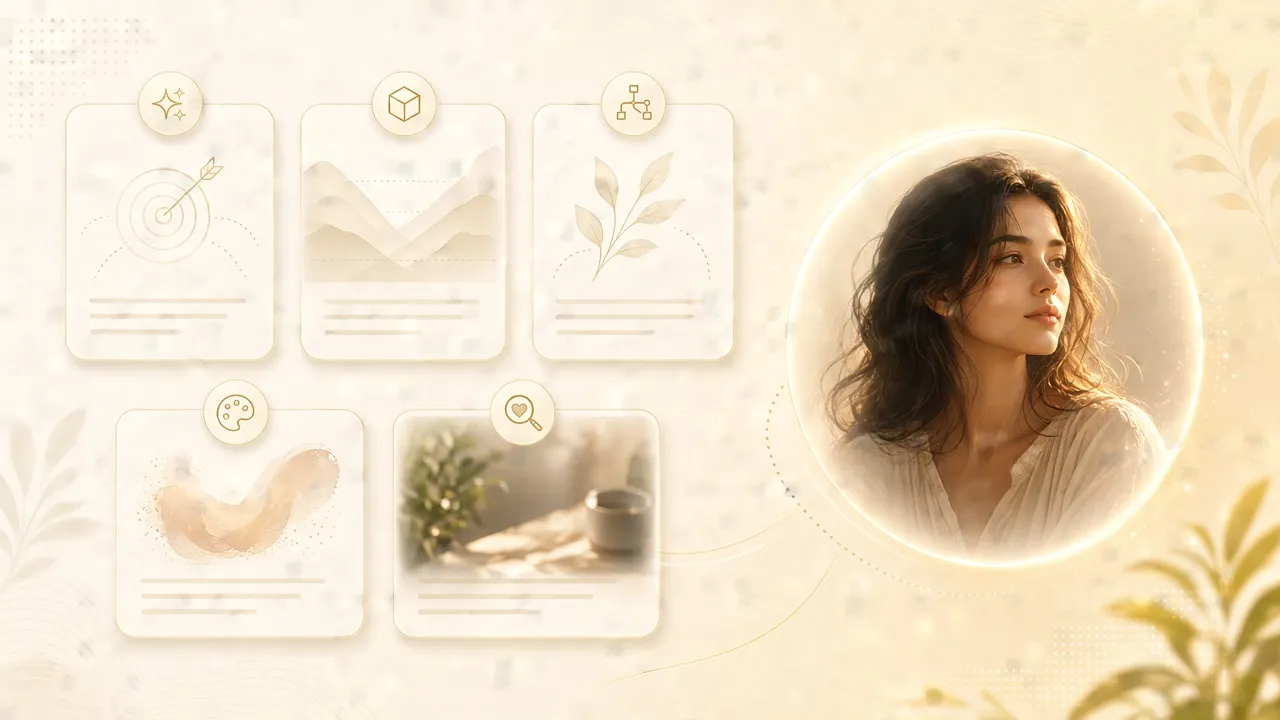
Good Nano Banana prompts aren’t longer—they’re clearer. Instead of stacking adjectives, use a reusable scaffold so the first frame lands on the right subject, light, and mood. Then refine with one focused chat change at a time. These five frameworks cover everyday creator jobs: portraits, products, atmospheric scenes, series consistency, and reference-driven edits.
Practice as you read on nanobanana-ai.us.
Workspace example:
https://app.nanobanana-ai.us/en/generate/image-tools/nano/
Framework 1: Subject-first (your default)
Most weak Nano Banana text-to-image results fail for a simple reason: the model never locks onto who or what before style words flood in. Subject-first keeps this order:
- Subject — person, product, or object (visible traits)
- Action / state (optional)
- Scene
- Style
- Light + lens
Example
A young woman in a linen shirt by a café window, soft daylight from the left, shallow depth of field, 35mm, realistic portrait photographyRule of thumb: observable facts first, vibe words second. That beats “beautiful, masterpiece, 8k” for Nano Banana.
Framework 2: Scene story (mood boards & narrative frames)
When you want a picture that feels like a beat in a story, lead with narrative:
- Time / weather
- Place
- What the subject is doing
- A few environment details (two or three is enough)
- Camera language (shot size, DOF, motion feel)
Example
Dusk after rain in a city alley, a short-haired woman walking with a clear umbrella, neon reflected on wet asphalt, distant silhouettes, cinematic contrast, 85mm shallow depth of fieldDon’t dump ten background props. The goal is readable subject + locked atmosphere.
Framework 3: Light & lens (photo-real portraits & products)
For a “shot on camera” look, treat light and optics as hard constraints:
- Key light direction (side, backlight, top, window)
- Softness / color temperature
- Focal length / depth of field
- Framing (eye-level, top-down, close-up)
- Subject–background relationship (bokeh, seamless, table material)
Portrait
Window side-light portrait, soft shadows, natural skin texture, 85mm, shallow depth of field, warm bokeh backgroundProduct
A ceramic coffee cup on a walnut table, high window side light, soft shadows, realistic product photography, shallow depth of field, clean backgroundThis framework shines for e-commerce heroes, covers, and premium still life.
Framework 4: Style anchor (series that stay consistent)
Series posters, character sheets, and brand kits fall apart when every prompt reinvents the look. Fix a style anchor line, then swap only subject and scene:
- Lock the style (photoreal / flat illustration / cinematic / cyber)
- Lock light preferences
- Change only subject, outfit, or place each time
- Optionally add “same style as the previous image”
Reusable anchor
Flat illustration, clean linework, limited palette, soft shading, centered compositionApply it like:
[Subject and scene]. Flat illustration, clean linework, limited palette, soft shading, centered compositionFor Nano Banana series work, anchors beat rewriting full prompts from scratch.
Framework 5: Keep / replace (references & chat edits)
With a reference image—or when refining a first frame—don’t re-describe the whole world. Say two things:
- What to keep (face, hair, product shape, composition)
- What to change (background, outfit color, lighting, props)
Reference example
Keep the same facial features and hairstyle; replace only the background with a dusk beach; leave outfit and pose unchangedChat refine example
Keep the subject; soften the key light slightly and lower contrast a bit; leave everything elseThat’s where Nano Banana chat editing wins: one variable per turn, controllable results.
Which framework when
| Goal | Start with |
|---|---|
| Fast usable first frame | Subject-first |
| Story / atmosphere | Scene story |
| Photographic polish | Light & lens |
| Consistent series look | Style anchor |
| Reference or revision | Keep / replace |
Mix freely—for example subject-first + light & lens for the first frame, then keep / replace in chat.
Common pitfalls
- More adjectives than facts — lead with materials, color, and pose.
- Too many changes in one turn — outfit + background + light together cause drift.
- Conflicting style cues — “minimal” and “ornate baroque” fight each other.
- No anchor for series — color and line quality wander frame to frame.
Wrap-up
How to write Nano Banana prompts isn’t about length—it’s about structure. Keep these five frameworks in your toolkit: subject-first, scene story, light & lens, style anchors, and keep / replace. Pick the right scaffold for the first frame, then refine one change at a time.
Open nanobanana-ai.us, adapt any example above, and generate one frame yourself—muscle memory beats theory.