
Original Professional Headshots
Explore professional-profile visuals with a fictional adult, simple setting and clear framing.
Nano Banana Portraits
Choose a new character or an edit of the person in your photo.
Explore a fictional adult from text, or supply a photo to try a simpler background or softer light. Define facial features, hair, skin tone and pose to preserve, then review framing, natural appearance and recognizability.
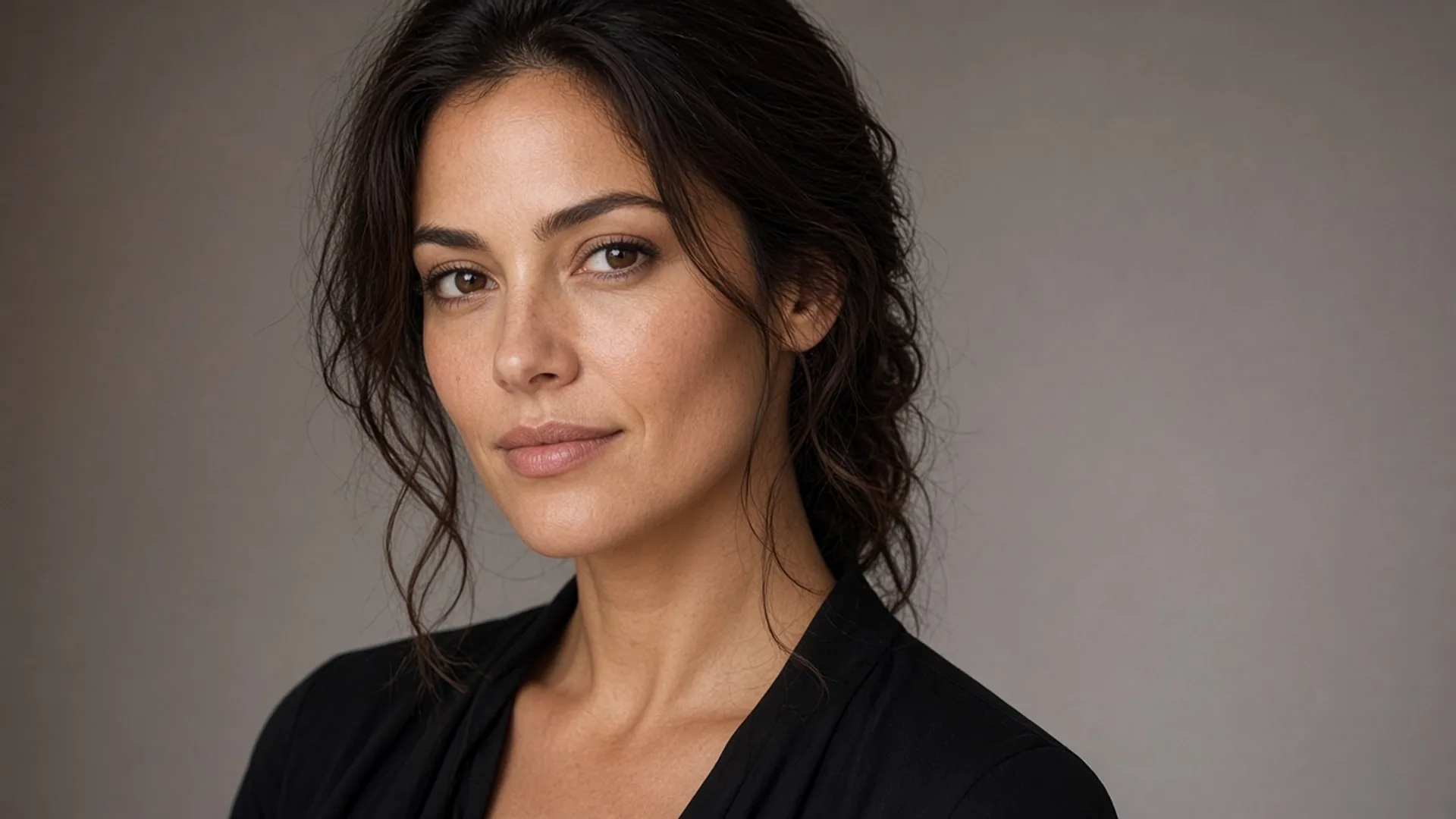
Nano Banana portraits have two starting points: text generation for a new character and source editing for an existing portrait. Text alone does not establish a real identity. Supply a clear photo and narrow edit scope when appearance matters, then compare the result with it.
Explore professional-profile visuals with a fictional adult, simple setting and clear framing.
Use the source photo and limit the change to the background while preserving face, hair and clothing.
Define the person’s placement, pose, light and depth of field within a setting.
Address one lighting issue and check for changed skin tone, shadows and facial contours.
For a supplied photo, first name the facial features, hair, skin tone, expression and framing to retain, then state whether only the background or light should change. Broader redesigns require renewed checks of recognizability. One focused change makes drift easier to locate.
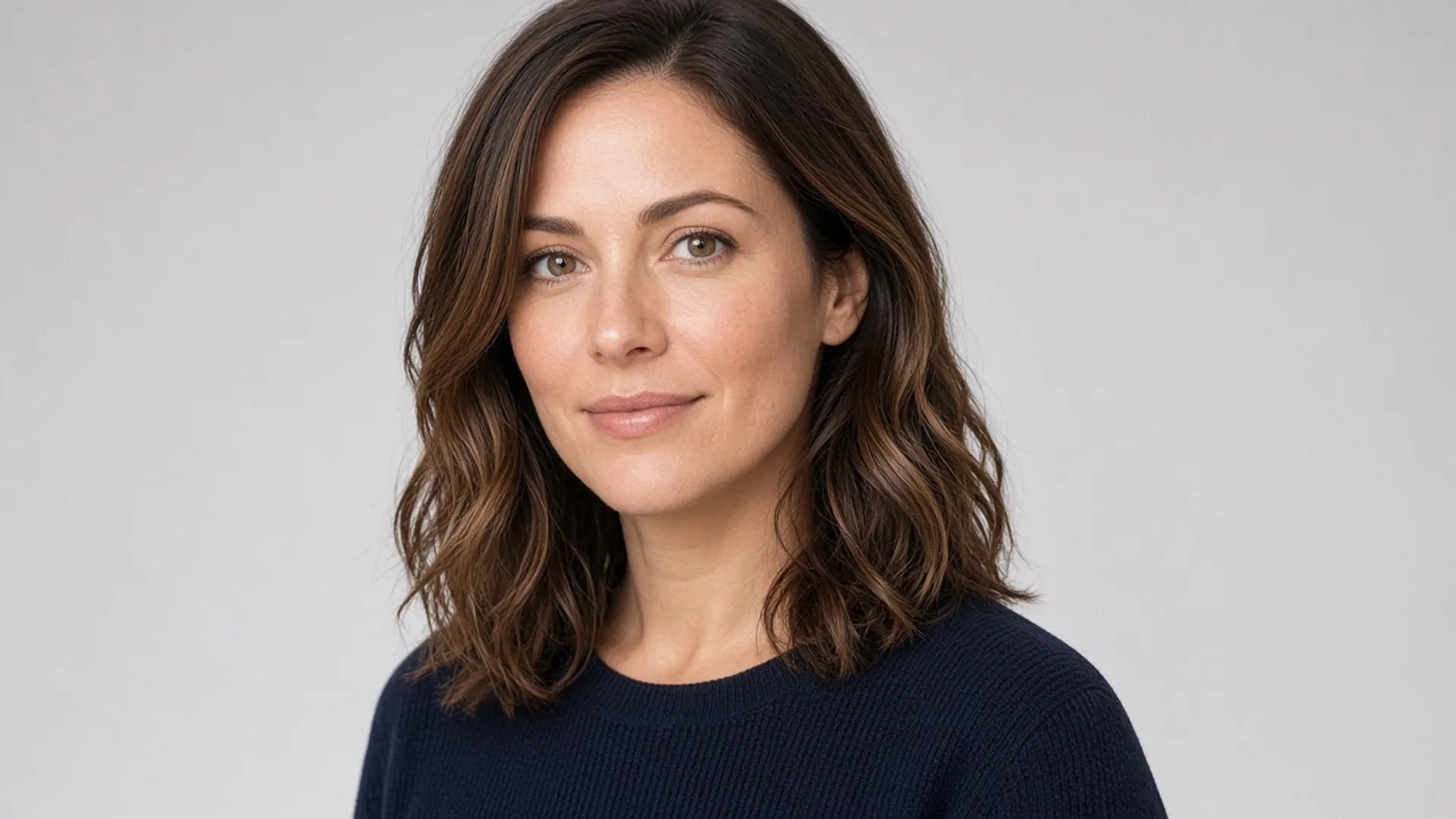
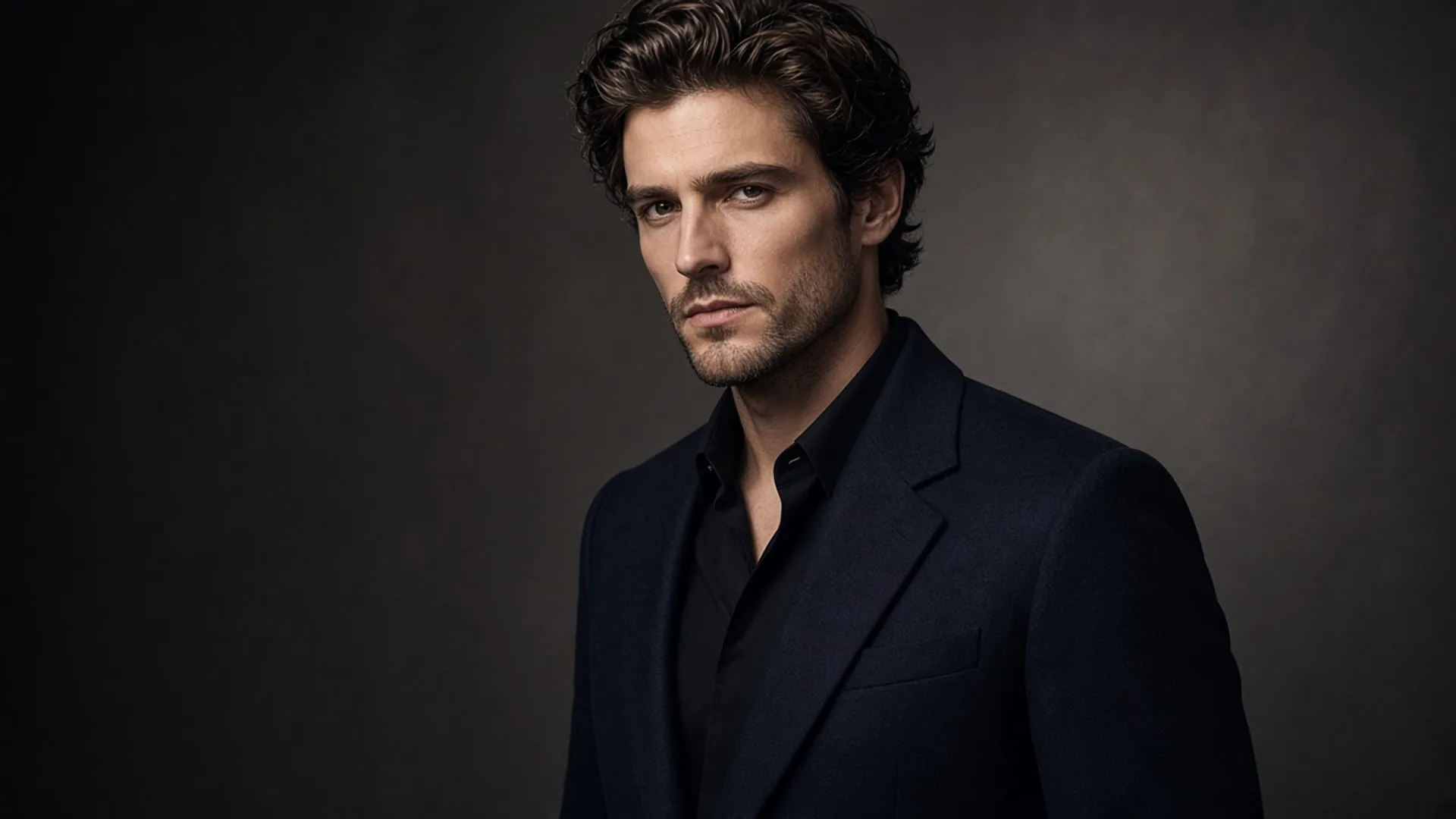
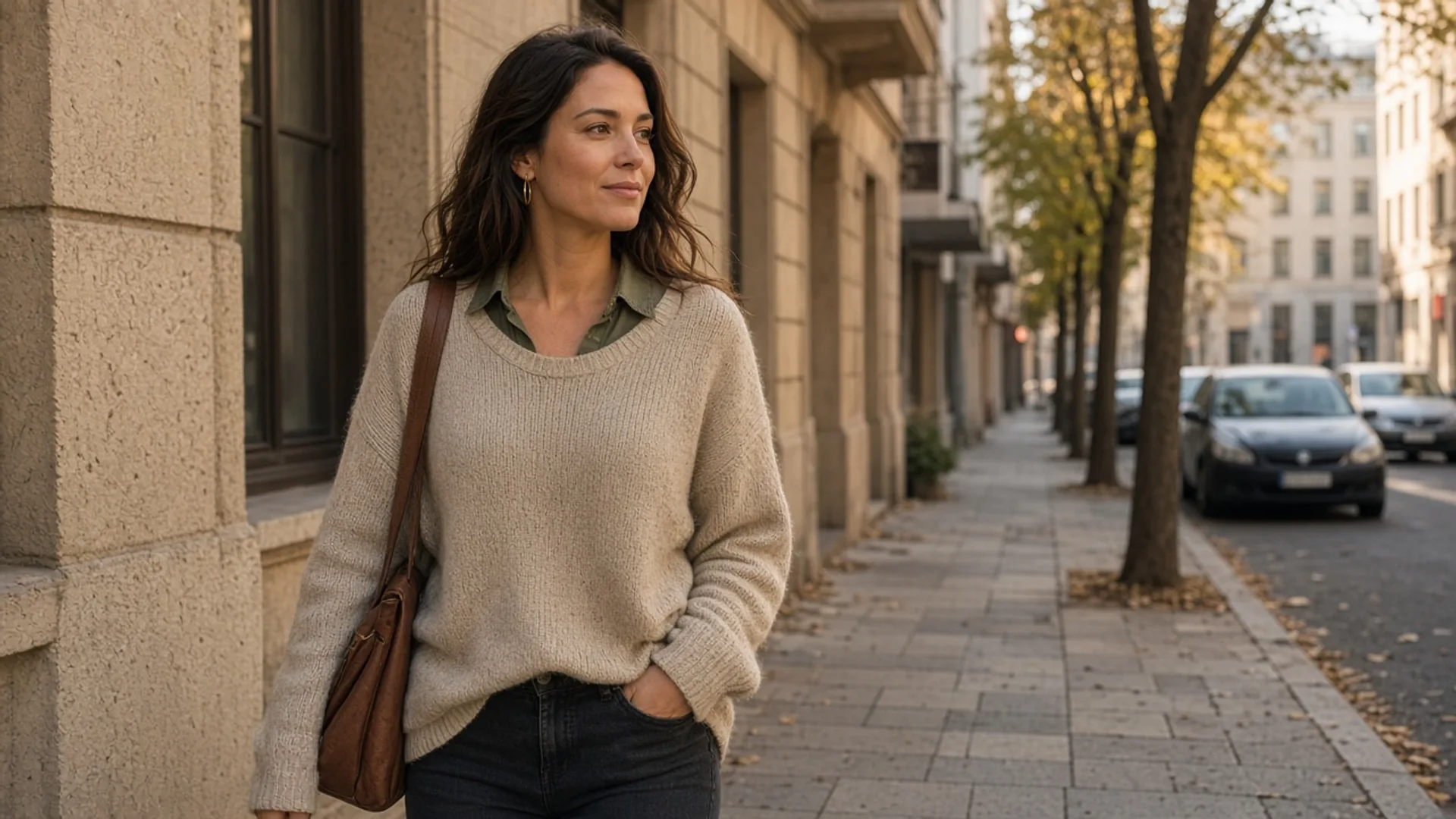
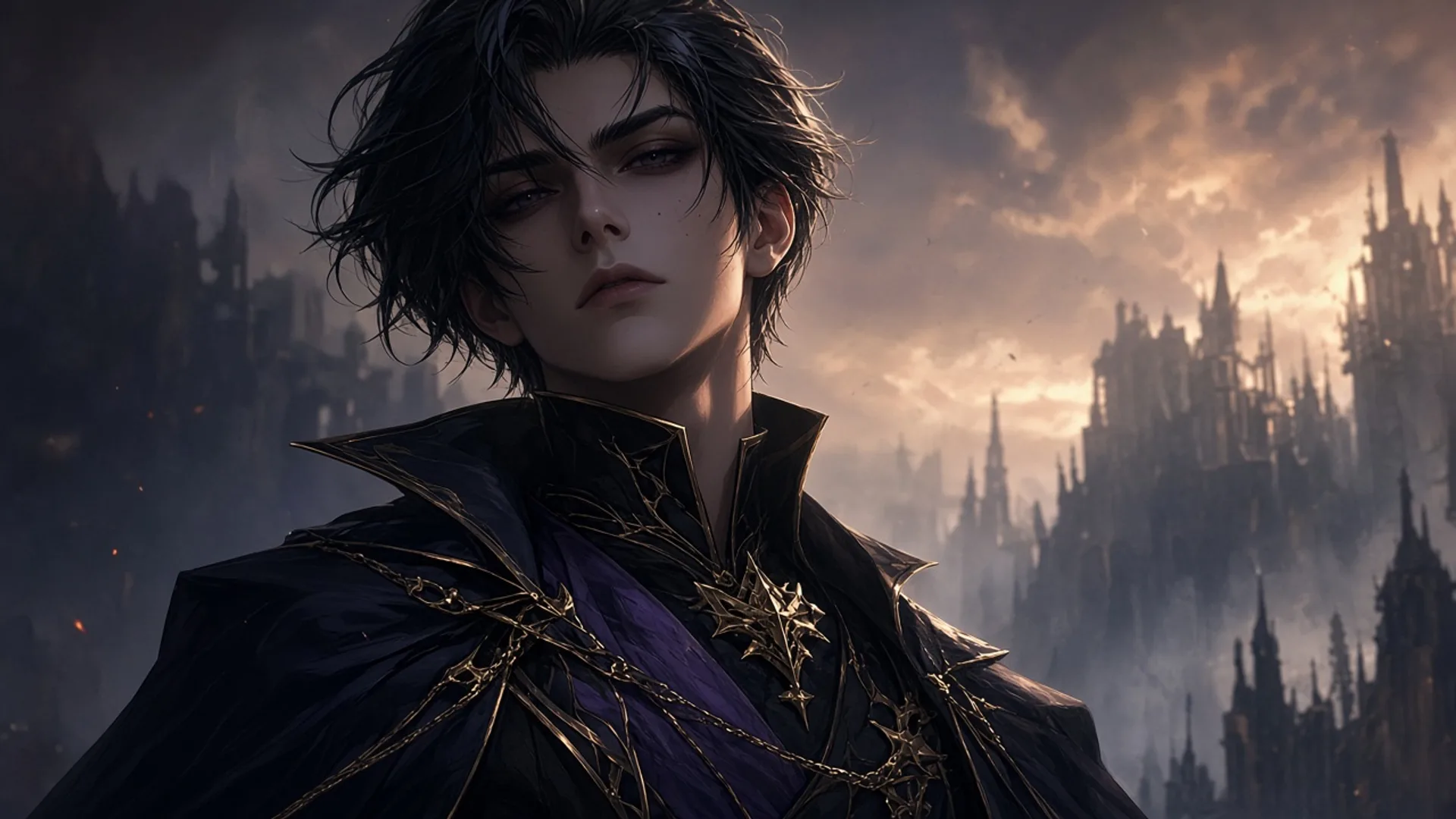
Define the use and starting point: text for a fictional person or a clear, unobstructed source for an edit. Choose head-and-shoulders or waist-up framing and specify background, light direction and expression. For edits, list preservation requirements and make one change first. Compare eyes, teeth, hairline, skin tone, clothing and edges before refining or returning to the source.
01
02
03
04
Generate a professional headshot of a fictional adult with short dark brown hair and a simple navy shirt, facing the camera with a relaxed expression. Use head-and-shoulders framing with room above the head and around the shoulders, a pale gray background and soft even light. Retain natural skin texture. Add no text, logos, glasses or other people.
Edit the supplied portrait by changing only the background behind the person to even warm gray. Preserve facial features, hair, skin tone, expression, clothing, pose and framing, keeping the existing light on the person. Blend hair and shoulder edges carefully. Add no jewelry, text or people, and do not reshape facial features.
Create an environmental portrait of a fictional adult in an unbranded beige coat, standing in a quiet stone courtyard. Turn the body slightly right while the face looks toward the camera. Use waist-up framing, soft overcast light, natural skin tone and a gently blurred architectural background. Keep person and setting at coherent scale. Add no text or other people.
Edit the supplied portrait by reducing only overly bright highlights on the forehead and cheeks so existing skin detail is easier to see. Preserve facial structure, skin tone, hair, expression, clothing, background and framing. Do not smooth away texture, change apparent age or light direction, or add makeup.
Define source editing, reference control and layout needs before exploring models such as Nano Banana 2.1 and Pro. Judge subject preservation and edits against the task. Available models and settings are shown in the workbench; names do not guarantee results.
Generate new images from natural-language prompts.
Use reference images to guide subjects, products, characters, styles, and compositions.
Explore character references and identity review across scenes.
Edit existing images with natural-language instructions.
Explore prompt ideas for portrait lighting, composition, and visual styles.
Explore visual media and treatments for portraits.
Choose a new character or a source-photo edit, then take the inputs and preservation requirements to the workbench.