Nano Banana
Nano Banana 2 Complete Beginner's Guide: From Sign-Up to Your First Image
Nano Banana AI4 min read
Contents+
Getting started with Nano Banana 2 doesn’t mean you need the full manual first. From signing up and opening the workspace to writing your first prompt and generating your first image, the whole path can take about fifteen minutes. This guide walks through each step, with a first-image example you can copy as-is.
What is Nano Banana 2? (one-minute version)
Nano Banana 2 is an AI image generation and editing experience for creators: describe a scene in natural language for text to image, then refine with chat. nanobanana-ai.us explains the capabilities and points you to a ready-to-use workspace.
For beginners, remember three habits:
- Full sentences beat stacking “8k / masterpiece”
- The first image only needs the right direction; details come in the next chat turn
- Upload a reference later for scene swaps, outfit changes, or character consistency
Step 1: Open the site and sign up / log in
- Go to nanobanana-ai.us
- Click “Try Nano Banana” (or the equivalent CTA) to enter the product workspace
- Follow on-screen steps to sign up or log in (email or third-party options as shown in the app)
On first entry, check quota and model entry notes—limits follow what the product UI shows. This site explains how to use it; quotas and resolution live in the workspace.
Workspace example:
https://app.nanobanana-ai.us/en/generate/image-tools/nano/
Step 2: Open the Nano Banana 2 text-to-image view
After login, find the image generation / Nano Banana tool entry. Start with text to image—skip complex multi-image fusion for now.
Before you generate, decide:
- Use case: social post, cover, product still, or practice
- Subject: the main person or object
- Scene and light: where it is and how it’s lit
Those three choices make your first Nano Banana 2 image much more stable.
Step 3: Write your first prompt (keep it usable)
You don’t need a long prompt. Use this order:
- Subject
- Scene / environment
- Style (photoreal, illustration, product photo, etc.)
- Lighting
- Lens / framing (optional)
Recommended first-image prompt
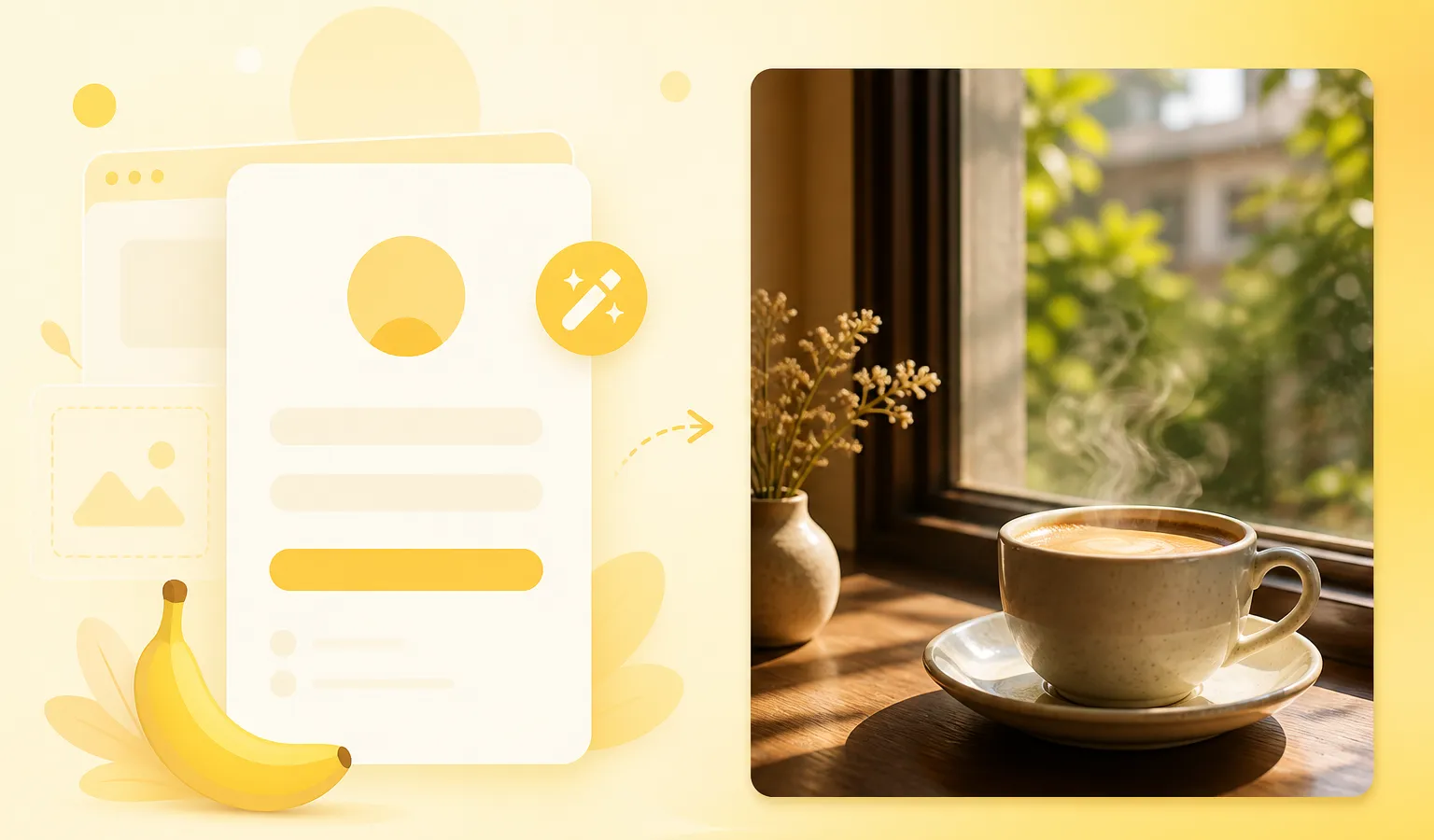
A latte on a wooden table by a window, morning natural light, soft shadows, realistic still-life photography, shallow depth of field, clean backgroundPortrait option
A short-haired woman on a rainy city street, 85mm portrait, neon reflections, wet asphalt, cinematic contrast, natural expressionRule of thumb: subject + light first, then style words. That’s how most people get a usable draft on their first Nano Banana try.
Step 4: Generate and judge “direction only”
After generate, check three simple bars:
| Check | Pass if… |
|---|---|
| Subject | It’s the person/object you wanted |
| Composition | Usable as-is or with light edits |
| Light mood | Atmosphere is close to what you meant |
- Direction right → chat refine (next step)
- Direction wrong → rewrite and regenerate—don’t grind ten edits on a bad first frame
Congrats—you’ve completed your first Nano Banana 2 image.
Step 5: Improve it with one-change chat edits
Nano Banana 2 shines at dialogue editing. Change one focus per turn:
- “Keep the subject; swap only the background to a dusk beach”
- “Soften the key light; lower contrast slightly”
- “Remove clutter on the left of the table; leave everything else”
After one or two turns, a draft often becomes a social-ready or concept-board asset.
Beginner FAQ
Do I need advanced prompt skills first?
No. A short, structured sentence usually beats a long adjective list.
How do Nano Banana, Nano Banana 2, and Gemini relate?
Creators often call this Google image generation/editing experience Nano Banana / Nano Banana 2; technical talk may say Gemini image models (e.g. Gemini 2.5 Flash Image). For this site’s users, enter the workspace and generate—you don’t need every naming detail upfront.
What if the first image looks bad?
Check whether subject and light were clear; then regenerate or make a single chat change. Prioritize direction over perfection.
What if I run out of quota?
Follow the workspace and official notes. Finish the learning loop with short prompts before planning a full project.
15-minute checklist
- Open nanobanana-ai.us and sign up / log in
- Enter the Nano Banana text-to-image workspace
- Write one prompt: subject + scene + style + light
- Generate; judge direction only
- Make one chat refinement; export or save
Wrap-up
A Nano Banana 2 complete beginner path is simple: sign up → open the workspace → write a structured prompt → generate your first image → chat refine. Run it once and you’re ready for stronger prompts, reference consistency, and series work.
Open nanobanana-ai.us now and try the latte prompt for your first Nano Banana 2 result.