Nano Banana
Nano Banana 2 Tech Architecture Deep Dive: Secrets of Gemini 3.1 Flash Image
Nano Banana AI5 min read
Contents+
When people talk about Nano Banana 2, they usually mean “how do I get better images faster?” When they talk about Gemini 3.1 Flash Image, they’re closer to the model name behind that experience. Same pipeline, different doorway. This deep dive unpacks the stack in creator language: how a sentence becomes a frame, why chat can edit without starting over, and where consistency and reference images live—so you use Nano Banana with a clearer mental model, not a bag of black-box myths.
Note: This is a capability-stack explainer for creators. Live product entry points, quotas, and UI follow the workspace.
Naming map in one glance
| Label | Where you’ll see it | What you’re actually using |
|---|---|---|
| Nano Banana / Nano Banana 2 | Community, tutorials, this site | Productized text-to-image + chat edit flow |
| Gemini 3.1 Flash Image | Technical / model naming | The image generate & edit capability layer |
| Broader Gemini family | Multimodal ecosystem | Language understanding, world knowledge, alignment |
In short: Nano Banana 2 is how creators name the experience; Gemini 3.1 Flash Image is a precise technical label for the Flash Image generation behind it. Seeing both in search results is expected.
The Nano Banana 2 stack: five layers
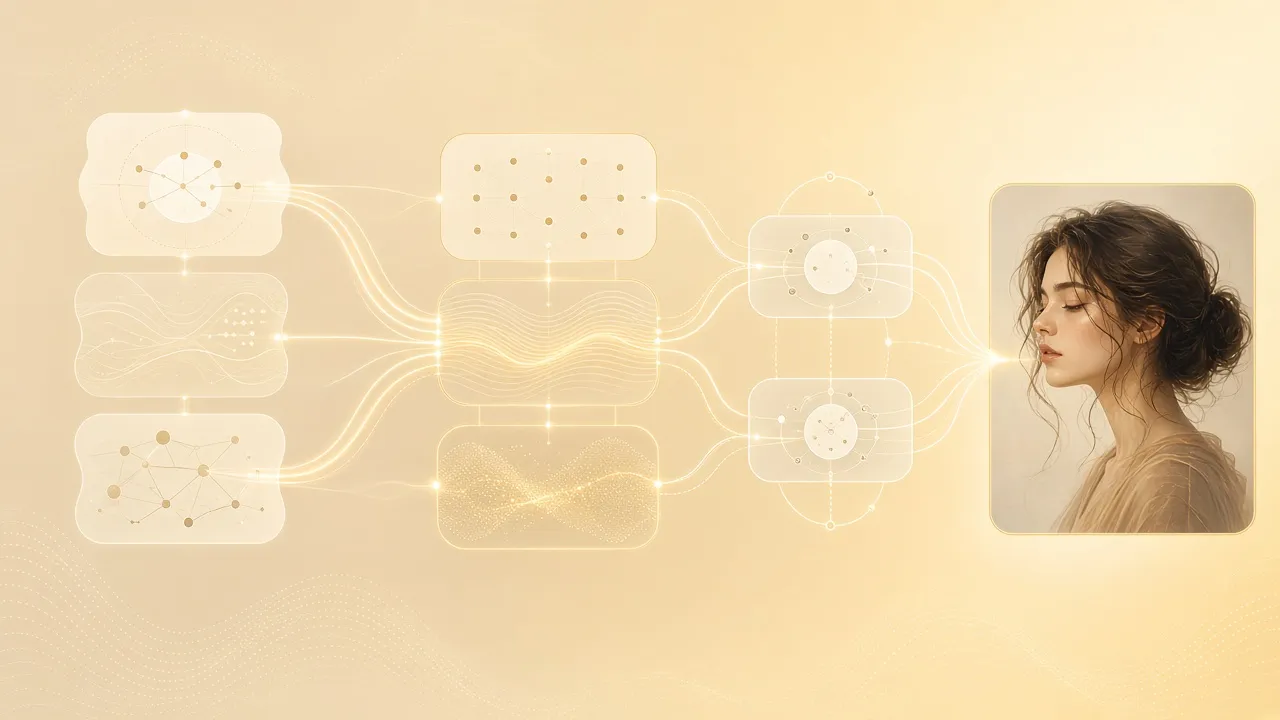
Treat Nano Banana 2 architecture as five layers—more useful than memorizing paper jargon:
1. Language understanding: turn prose into constraints
Your prompt is parsed into subject, scene, style, light, lens, and other constraints—not a bag of unrelated keywords. That’s why structured, subject-first prompts usually beat stacking 8k, masterpiece in Nano Banana.
2. World knowledge & semantic grounding
A Gemini-family strength is filling in everyday visual commons: what window side-light looks like, what a product studio setup implies, how wet asphalt reads after rain. Gemini 3.1 Flash Image emphasizes snappy response and semantic follow-through—not making you tune dozens of sampler knobs.
3. Image synthesis: the first frame (text to image)
Constraints become pixels: composition, materials, light relationships in one pass. For creators, the first frame’s job is direction—right subject, right mood. Polish belongs to the next layer.
4. Conversational edit loop: generation becomes iteration
This is the big split from one-shot generators. Nano Banana 2 keeps visual context so you can keep editing in plain language:
- “Keep the subject; swap only the background”
- “Soften the key light”
- “Remove the clutter on the left”
Architecturally, that’s conditioned re-editing—not throwing away context and rolling dice again. One variable per turn remains the practical rule.
5. Consistency & reference fusion
Series posters, character sheets, and product background swaps depend on “hold the same subject” plus “keep / replace” against a reference. Once a reference enters the loop, prompts stop re-describing the whole world and start naming what stays versus what changes—exactly where Nano Banana shines for ecommerce heroes and character consistency.
The “secrets” are design trade-offs
People hunt for hidden flags. Creators get more leverage from three product choices:
- Flash-first — low latency, high iteration rate; built for workflows, not offline render farms.
- Natural-language-first — full sentences beat spellbook prompts; chat instructions beat mask gymnastics for many non-designers.
- Generate and edit on one stack — first frame and refinements share context, so switching tools doesn’t erase the look.
That’s why site tutorials keep repeating structured prompts, first-frame judgment, and single-focus chat edits—they mirror this architecture.
How daily workspace actions map to the stack
| What you do in the workspace | Layer it mostly hits |
|---|---|
| Write a prompt and generate | Language understanding → synthesis |
| Judge whether direction is right | Synthesis QA |
| Chat-change light, scene, clutter | Conversational edit loop |
| Upload a reference to lock a face/product | Consistency & reference fusion |
| Reuse a style anchor across a series | Constraint reuse + consistency |
Once you see the map, debugging gets faster: face drift → strengthen keep constraints or the reference; style chaos → you changed too much in one turn; wrong light → rewrite with a light-and-lens scaffold instead of blind regenerates.
What creators should watch in the Gemini 3.1 Flash Image generation
You don’t need an internal blueprint. From the usage side, Gemini 3.1 Flash Image-era experiences typically lean into:
- Stronger follow-through on short prompts and everyday genres (portrait, product, scene, illustration)
- Smoother multi-turn conversational edits
- Better attempts at subject/product consistency
- A fast try/fail rhythm aligned with the Nano Banana 2 workspace path
If you still see older “Gemini 2.5 Flash Image” wording elsewhere, read it as an earlier label on the same Flash Image line. This article uses Gemini 3.1 Flash Image as the current technical doorway; live capabilities follow what the workspace actually exposes.
Common myths
“Deep architecture means I must self-host.”
No. Most creators only need the layered mental model to write better prompts and edit cleaner.
“Knowing the secret guarantees a perfect first frame.”
Architecture explains how constraints travel. Quality still comes from structure and iteration discipline.
“Nano Banana 2 and Gemini are unrelated systems.”
More accurately: one is the creator-facing experience name, the other is the technical capability name—often the same generate/edit pipeline.
Wrap-up
Nano Banana 2 tech architecture in one line: language understanding → grounding → synthesis → conversational edit loop → consistency / reference fusion. Gemini 3.1 Flash Image is the key technical name for that image stack. The real “secret” is shipping generate and edit in one natural-language loop so iteration stays fast and controllable.
Feel the stack in the real UI: open nanobanana-ai.us, land a correctly aimed first frame, then make one focused chat change until it’s usable.