Nano Banana
How to Use Nano Banana Text-to-Image: From One Sentence to a Finished Frame
Nano Banana AI4 min read
Contents+
When people search Nano Banana text-to-image or AI image generation, they rarely want a model brochure. They want a clear path: how does one sentence become a frame you can actually publish? This guide walks that path in order—prompt structure, first-frame judgment, conversational editing, and export—for anyone using Nano Banana (Gemini 2.5 Flash Image) for the first time.
What Text-to-Image Means Inside Nano Banana
Text-to-image means you describe a scene in natural language and the model returns an image. In Nano Banana, that step is usually the opening move of a longer chain—not a one-and-done lottery ticket:
- Text-to-image scouts composition and light
- Conversational editing tightens details
- Local polish or series consistency when the brief needs it
So “writing a good prompt” matters—and so does “knowing what to change on turn two.”
Prep Before You Generate
- Open nanobanana-ai.us and enter the Nano Banana workbench.
- Name the job: cover, product still, portrait, concept board, or social post.
- Draft one description that is specific enough to aim, but not overloaded with every brand rule at once.
Workbench path example:
https://app.nanobanana-ai.us/en/generate/image-tools/nano/
Step 1: Structure the Prompt (Order Beats Adjective Spam)
For Nano Banana text-to-image, a stable order works better than keyword piles:
- Subject — the person or object that must win the frame
- Action / state (optional)
- Scene / environment
- Style — photoreal, illustration, product photography, etc.
- Lighting — direction, hardness, time of day
- Camera / framing — close-up, wide, eye-level, shallow depth
Example (product still)
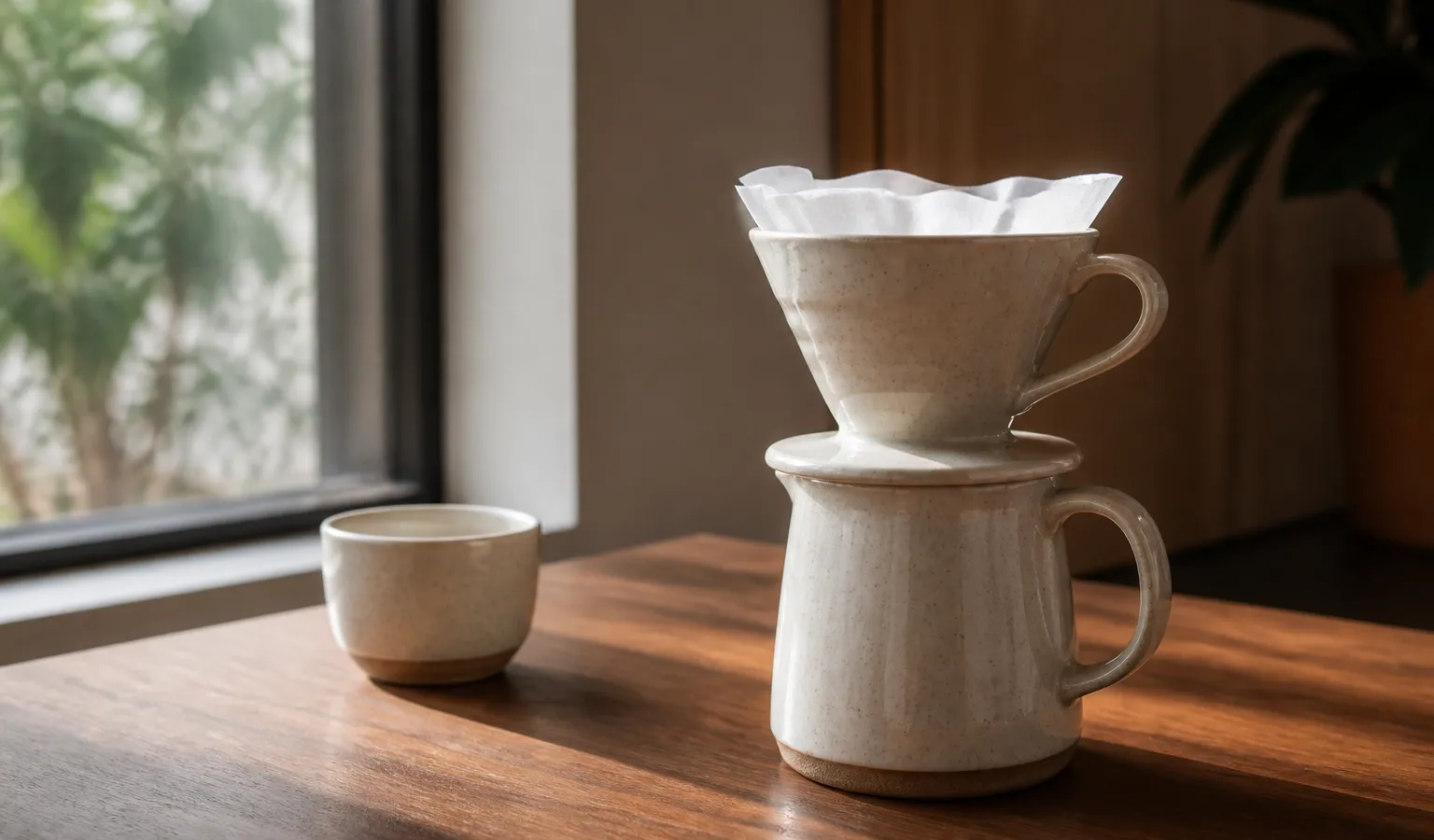
A ceramic pour-over coffee set on a walnut table, tall-window side light, soft shadows, shallow depth of field, photoreal product photographyExample (portrait mood)
A short-haired woman on a rain-slick city street, 85mm portrait, neon reflections on wet asphalt, cinematic contrast, natural expressionLead with subject and light, then style. Gemini 2.5 Flash Image usually prefers that over “beautiful, 8k, masterpiece” stacks.
Step 2: Ship a First Frame—Direction Over Perfection
The first text-to-image result rarely needs to be final. Score it with three checks:
- Is the subject correct?
- Is the composition usable?
- Is the lighting mood close?
If direction is right, switch to conversational editing. If the whole frame is wrong, regenerate—don’t burn ten turns polishing a bad scout.
Step 3: Multi-Turn Refine—One Focus Per Reply
This is where Nano Banana pulls ahead of “one-shot AI art” tools. Try short, single-variable instructions:
- “Keep the subject; change only the background to a dusk beach.”
- “Soften the key light and lower contrast slightly.”
- “Remove the passerby on the left; leave everything else.”
One change per turn keeps AI image generation controllable and matches how conversational editing is meant to work.
Step 4: Polish and Export
Common finish passes before publish:
- Spot cleanup / local recolor
- Soften a busy background
- Match color temperature and framing across a series
Export for design, ecommerce, or social—or feed the finished still back as a reference for the next variant.
Common Pitfalls (Nano Banana Text-to-Image)
| Problem | Better move |
|---|---|
| Long, empty prompts | Use subject → scene → style → light → camera in a short chain |
| Five edits in one message | Split into turns; one focus each |
| Clashing styles | Pick one primary style; demote the rest |
| No “done” criteria | Define “good enough to post / send to client” first |
A 10-Minute Drill
- Pick a real use case (e.g. a beverage product hero).
- Write one structured prompt; generate 1–2 frames.
- Keep the closest direction.
- Two edit turns: background first, then lighting.
- Export and note which instruction landed hardest.
That single loop teaches more about how to use Nano Banana text-to-image than reading concepts alone.
Conclusion
Nano Banana text-to-image is not spellcraft. It is a repeatable rhythm:
- Structure the scene clearly
- Confirm direction on the first frame
- Chat the image to publishable quality
If you want a reusable method for AI image generation—not just lucky rolls—lock those three steps. Then pair this piece with the site’s prompt tips and conversational editing guides, and open the workbench on nanobanana-ai.us when you’re ready to practice.